
Wix AI Review, Pricing & Alternatives (2026)
Build and manage a business website through prompts and visual editing
Last updated: October 26, 2026
What is Wix AI?
Wix AI is a conversational website builder and collection of AI tools for entrepreneurs, small businesses, and Wix Studio users. It generates an editable site, then supports copy, images, business tasks, and marketing. Website creation starts free; paid website plans shown on annual billing start at $17.77 per month, while Wixel has separate pricing.
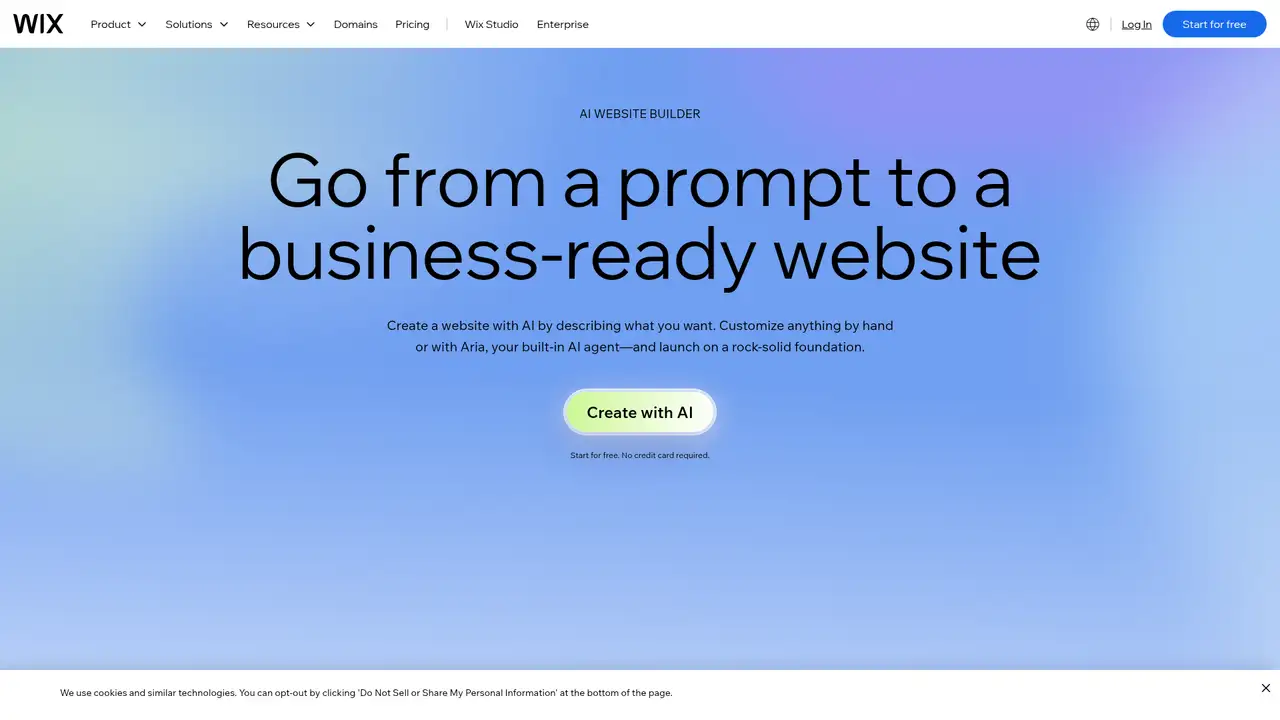
Wix AI combines a conversational website builder with AI tools in the Wix Editor, Wix Studio, and dashboard. Users describe their business, desired style, and needed features, then receive a site with generated layouts, text, images, and business apps. They can regenerate the design or edit individual elements manually or with Aria. Other tools create sections, logos, CMS collections, marketing content, and visitor responses. Wix AI is not sold as a separate subscription. The free website plan includes hosting, a drag and drop editor, no-code features, and templates, while paid plans add a custom domain, storage, payments, commerce, scheduling, marketing tools, collaborators, and developer functions. AI credits apply to selected agents and tools, expire at renewal, and vary by request complexity. Wix Studio and MCP access extend the platform to agencies, developers, and teams.
Wix AI begins with a conversational description of a business, its purpose, preferred style, and needed features, then produces an editable site with layout, images, text, and business apps. Users can regenerate the whole design or revise individual elements in the Wix Editor, including pages, sections, visuals, and custom components. Additional tools create website copy, product descriptions, logos, images, and CMS collections, while Aria can edit text and build sections. This means the first draft can cover both presentation and basic business needs, but published content still requires review for accuracy and fit. Dashboard assistants extend AI support to reports, SEO, products, and permissions. On eligible plans, automated agents handle chat, marketing, phone support, and other tasks, while Wix MCP connects compatible assistants to inventory, scheduling, checkout, ticketing, CMS, and lead-management functions.
Wix does not rely on one model across its products. Its AI Website Builder uses OpenAI technology for some functions, while Wix operates additional services and connects different models to particular tasks. That matters because results, controls, and usage limits can vary between site creation, image generation, business assistance, and design work. Astro, released on April 9, 2025, is a dashboard assistant for managing sites and businesses, whereas Wixel, launched on May 15, 2025, is a separate visual design platform. Wix also announced its MCP Server on May 7, 2025, extending access to compatible external assistants. Its Generative AI Policy, effective January 1, 2026, lists user content, feedback, Wix assets, public data, open source datasets, and licensed commercial data among materials used to improve software and AI models.
Wix website plans and Wixel plans serve different purposes, so their prices and credit rules should not be treated as one subscription. The website lineup runs from Free to Light, Core, Business, and Business Elite. Annual reference prices shown are $17.77, $29.77, $39.77, and $159.77 per month for the four paid tiers, but location, taxes, currency, and billing period can change the final checkout amount. Wix website plans include AI credits for selected tools, while free sites receive up to 30 credits daily and 120 monthly. Wixel is a separate creative platform with Free, Basic at $90 yearly, Pro at $290, and Max at $590. Its credits cover both creation and editing, and complex requests consume more credits, making usage limits important for frequent visual work.
Wix AI’s main drawback is pricing complexity. Website plans, AI credits, and Wixel subscriptions use separate rules, while credit costs vary by request and unused allowances expire. This makes budgeting harder, especially for businesses using automated chat, marketing, or phone features. Wix also warns that generated text and images may be inaccurate, biased, or resemble copyrighted material, so every output needs review before publication. Compared with Webflow AI, Wix provides a more guided route for nontechnical owners, with commerce, scheduling, marketing, payments, and other business tools connected to site creation. Webflow offers greater control over structure, CMS, code components, and publishing. Squarespace Blueprint AI is a simpler site builder, while Framer AI better suits design-led landing pages. Choose Wix AI if you want guided creation tied to business management rather than a developer-focused canvas.
Who is Wix AI best for?
- Entrepreneurs creating a first business website.
- Small businesses needing commerce and scheduling tools.
- Owners who prefer guided prompts over blank-canvas design.
- Teams connecting AI assistants to Wix business functions.
Wix AI Pricing (2026)
Pricing model: Freemium. All prices in USD.
| Plan | Price | What you get |
|---|---|---|
| Wix Free | Free | Hosting, drag and drop editing, no-code design features, and templates. Designated AI tools allow up to 30 credits daily and 120 monthly. |
| Wix Light | $17.77/month shown on annual billing | 2 GB storage, multi-cloud hosting, Light marketing suite, and two collaborators. Prices and currency vary by location. |
| Wix Core | $29.77/month shown on annual billing | 50 GB storage, payments, basic ecommerce, scheduling, and five collaborators. Prices and currency vary by location. |
| Wix Business | $39.77/month shown on annual billing | 100 GB storage, payments, standard ecommerce, scheduling, and 10 collaborators. Prices and currency vary by location. |
| Wix Business Elite | $159.77/month shown on annual billing | Unlimited storage, advanced ecommerce and marketing, developer platform, and 100 collaborators. Prices and currency vary by location. |
| Wixel Free | $0 | 120 AI credits monthly, with a maximum of 30 daily. Credits cover generation and editing. |
| Wixel Basic | $90/year | 350 AI credits monthly. Estimated capacity includes up to 40 images, 50 logos, 10 videos, 40 documents, or three presentations. |
| Wixel Pro | $290/year | 850 AI credits monthly. Estimated capacity includes up to 140 images, 180 logos, 35 videos, 130 documents, or seven presentations. |
| Wixel Max | $590/year | 2,000 AI credits monthly. Estimated capacity includes up to 330 images, 440 logos, 80 videos, 280 documents, or 15 presentations. |
Pros and Cons
Pros
- The prompt builder creates an editable business website.
- AI tools cover copy, images, logos, marketing, and operations.
- The free plan supports website creation without a credit card.
- The MCP Server connects compatible assistants to Wix functions.
Cons
- Website, AI credit, and Wixel pricing are separate.
- Credit usage depends on request complexity and tool.
- Wix may use user-generated content in model development.
Who should look elsewhere?
- Developers requiring self-hosted website infrastructure.
- Teams wanting one credit system across every AI feature.
- Designers seeking a dedicated interface design application.
Technical Details
Frequently Asked Questions
Is Wix AI free?
Yes. Wix allows free website creation without a credit card, and its AI Website Builder can generate a site through prompts. The free plan includes Wix hosting, a Wix subdomain, drag and drop editing, and no-code design features. Designated AI tools receive up to 30 credits daily and 120 monthly. Wixel separately offers a free plan with 120 monthly credits.
How much does Wix AI cost?
The AI website builder has a free entry point. Wix's displayed annual-billing website prices start at $17.77 monthly for Light, followed by $29.77 for Core, $39.77 for Business, and $159.77 for Business Elite. Wix says prices and currency vary by location, taxes, and billing period. Wixel separately costs $90, $290, or $590 yearly on paid plans.
Wix AI or Webflow AI: which should I choose?
Wix AI suits a business owner who wants prompt-based creation with commerce, scheduling, marketing, and other business functions. Webflow AI suits teams seeking more control over site structure, CMS workflows, code components, and publishing. Wix's documented MCP Server also connects compatible assistants to Wix business functions. Choose based on whether guided business setup or technical site control matters more.
Does Wix use customer content to train AI?
Wix's Generative AI Policy says Wix may use user-generated content, customer-support feedback, automatically generated data, Wix-owned assets, public data, open-source datasets, and licensed commercial data to develop, improve, and train software and AI models. The policy took effect January 1, 2026. Wix says personal information is handled under its Privacy Policy, and it may process or remove personally identifiable information.
Can I use Wix AI output commercially?
Wix provides AI tools for creating website text, images, logos, and other business materials, but users remain responsible for reviewing outputs and complying with applicable law. Wix warns that generated material can be inaccurate, biased, or similar to copyrighted content, trademarks, or personal information. Commercial publication is therefore possible, but Wix does not guarantee originality, accuracy, or clearance from third-party rights.
Best Wix AI Alternatives in 2026
These tools do the same job as Wix AI, with different pricing, limits and trade-offs.

Prompt-driven site building, content, SEO, and app work inside Webflow

Design, publish, and host responsive websites from one visual workspace

Launch a small-business website with built-in business tools

Build, host, and manage WordPress sites from prompts, links, or files