
Framer Review, Pricing & Alternatives (2026)
Design, publish, and host responsive websites from one visual workspace
Last updated: October 22, 2026
What is Framer?
Framer is a visual website design, CMS, hosting, and publishing platform for designers, freelancers, agencies, startups, and marketing teams. It combines responsive layouts, custom domains, analytics, localization, collaboration, AI features, and branching. The service has a free plan, while its first paid plan, Basic, costs $10/month on yearly billing.
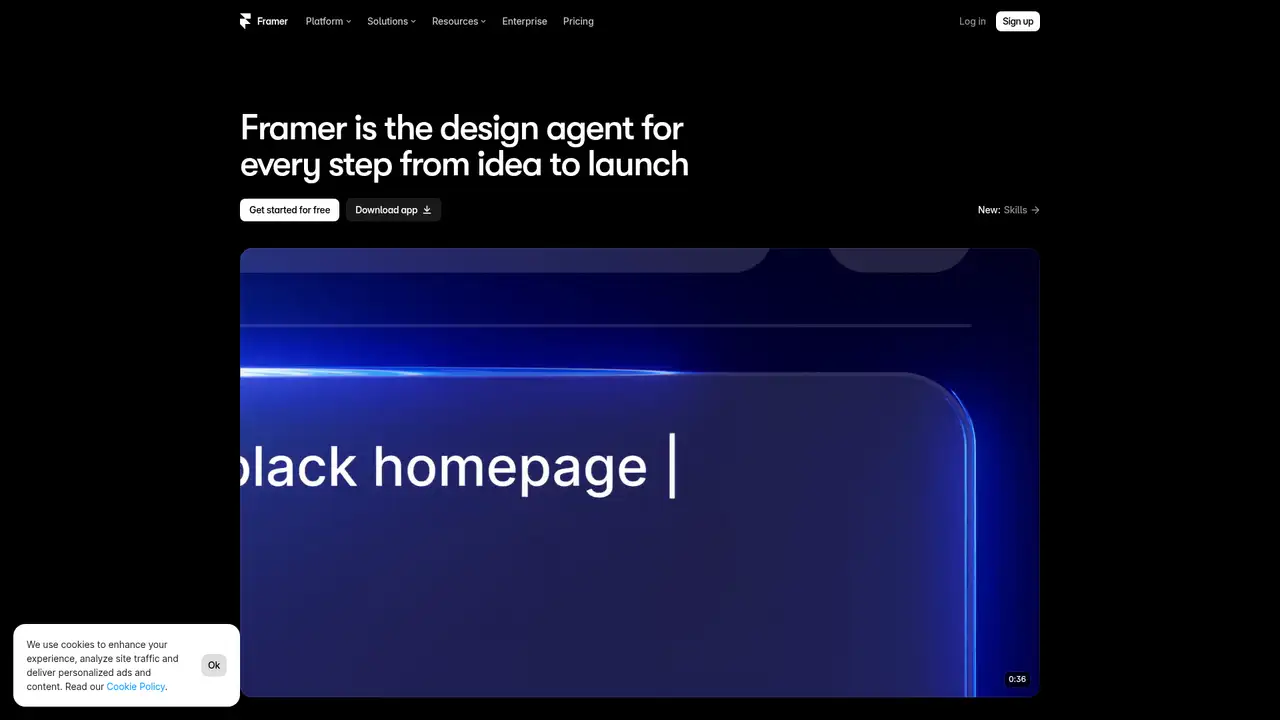
Framer is a visual website design, CMS, hosting, and publishing platform operated by Framer B.V., a Dutch company based in Amsterdam. Koen Bok and Jorn van Dijk formed the business in 2014 after their earlier design company, Sofa, was sold to Facebook. Framer began with prototyping tools before adding web publishing and no code development. Its visual canvas supports responsive layouts, components, breakpoints, interactions, and styles. Designers can connect pages to CMS collections, forms, localization, analytics, custom domains, and Framer hosting, then publish from the same service. The platform serves designers, freelancers, agencies, startups, and marketing teams. In August 2025, Framer announced a $100 million Series D at a $2 billion valuation, while TechCrunch reported more than 500,000 monthly active users and $50 million in annual recurring revenue.
A typical Framer project begins on the visual canvas, where teams create pages, components, breakpoints, interactions, and styles. Publishing can include CMS collections, forms, localization, analytics, custom domains, and hosting. Paid site plans remove Framer branding and include hosting, while workspaces provide owner, editor, content editor, and viewer roles. Permissions can separate design, content, and publishing responsibilities. Pro adds staging, redirects, and branching with previews, allowing teams to review changes before publication. Framer 3.0, released on June 16, 2026, added Agents, Branching, Community, and a redesigned interface. Framer says Agents can design pages, iterate layouts, create breakpoints and components, write code, connect CMS content, organize styles, and share analytics. The service is proprietary, and its terms prohibit reverse engineering and access to non public APIs.
Framer offers a Free plan, Basic at $10 per month on yearly billing, Pro at $30 per month on yearly billing, and Enterprise with custom pricing. Free includes a Framer domain, design pages, 1 GB bandwidth, 500 trial AI credits, up to 10 CMS collections, 1,000 pages, 5 MB uploads, and one free locale. Basic adds a custom domain, 2 CMS collections, 50 GB bandwidth, built in SEO, and 1,000 monthly credits. Pro adds 10 CMS collections, 100 GB bandwidth, redirects, staging, branching, and 3,000 monthly credits. Annual plans are charged upfront, and monthly billing is also available. Additional editors cost $20 per month, content editors cost $10 per month, and viewers are free. Enterprise includes custom limits, unlimited editors, enterprise security, uptime guarantees, SCIM, SSO, and negotiated support.
Framer suits visually demanding marketing sites where designers need control over layouts, CMS content, hosting, and publication. Its canvas combines responsive design, components, and publishing, while paid plans include custom domains and publication without Framer branding. Agents can create pages, components, styles, code, and CMS connections, and branching supports review before changes go live. Limits include hosting dependence, fixed page and bandwidth allowances, seat charges, and extra costs for locales and add ons. Free sites use a Framer domain, are intended for noncommercial use, and cannot connect a custom domain. The service is less suitable for self hosted CMS deployments, portable infrastructure, or websites requiring substantial backend logic. Customers retain ownership of content under Framer’s terms, subject to licenses needed to host, display, and operate the service.
Compared with Webflow, Framer places more emphasis on a design led canvas, visual publishing, integrated hosting, AI Agents, and branching. Webflow offers a different balance of visual development, CMS controls, administration, development controls, and an established production workflow. Wix Studio offers a wider business site toolkit, while Readymag emphasizes editorial layouts. Framer’s Free plan supports early work, and Basic or Pro support commercial publication with custom domains and no Framer branding. Teams should note that additional editors, locales, and add ons increase the monthly bill, while self hosted or backend heavy projects may need another platform. Framer should be picked by designers, freelancers, studios, startups, and marketing teams that want to ship polished responsive websites quickly from one visual workspace, while application teams needing portable infrastructure or extensive backend behavior should choose another platform.
Who is Framer best for?
- Designers publishing polished marketing websites with visual control.
- Freelancers and studios building client sites with integrated hosting.
- Startups managing CMS content without separate infrastructure.
- Teams wanting AI assisted design, review, and publishing workflows.
Framer Pricing (2026)
Pricing model: Freemium. All prices in USD.
| Plan | Price | What you get |
|---|---|---|
| Free | $0 | Includes a Framer domain, design pages, 1 GB bandwidth, 500 trial AI credits, up to 10 CMS collections, 1,000 pages, 5 MB uploads, and one locale. Custom domains require a paid plan. |
| Basic | $10/month | Yearly billing includes a custom domain, 2 CMS collections, 50 GB bandwidth, built in SEO, and 1,000 monthly credits. Monthly billing is also available. |
| Pro | $30/month | Yearly billing includes 10 CMS collections, 100 GB bandwidth, redirects, staging, branching, and 3,000 monthly credits. Monthly billing is also available. |
| Enterprise | Custom | Custom limits, unlimited editors, enterprise security, uptime guarantees, SCIM, SSO, and negotiated support are available. Billing terms are negotiated. |
Pros and Cons
Pros
- The canvas combines responsive design, components, and publishing.
- Paid plans include hosting, custom domains, and no Framer branding.
- Agents can create pages, components, styles, code, and CMS connections.
- Branching and previews support review before changes go live.
Cons
- Free sites use a Framer domain and are intended for noncommercial use.
- Additional editors, locales, and add ons increase the monthly bill.
- The service is less suitable for self hosted, backend heavy websites.
Who should look elsewhere?
- Teams requiring a self hosted CMS and portable deployment.
- Applications needing substantial backend logic inside the platform.
- Organizations seeking unrestricted usage at one fixed subscription price.
Technical Details
Frequently Asked Questions
How much does Framer cost?
Framer has a Free plan, Basic at $10/month on yearly billing, and Pro at $30/month on yearly billing. Monthly billing is also available. Basic includes a custom domain, 2 CMS collections, and 50 GB bandwidth. Pro includes 10 CMS collections, 100 GB bandwidth, staging, branching, and redirects. Enterprise pricing is Custom.
Can I use Framer for free?
Yes. Free includes a Framer domain, design pages, 1 GB bandwidth, 500 trial AI credits, up to 10 CMS collections, 1,000 pages, 5 MB uploads, and one free locale. The plan is intended for noncommercial use and cannot connect a custom domain. Workspaces without an active subscription support up to three editors.
Is Framer better than Webflow?
Framer emphasizes a design led canvas, visual publishing, integrated hosting, AI Agents, and branching. Webflow offers a different balance of visual development, CMS controls, and administration. Framer suits teams that prioritize design iteration and fast publication. Webflow may suit teams that prefer its CMS model, development controls, and established production workflow.
Does Framer train AI models on customer content?
Framer’s terms say customers retain ownership of their content and grant Framer rights needed to host, store, display, modify, and operate the service. The terms allow Framer to use aggregated, deidentified usage data to improve the service. The cited terms do not state that customer content is used to train general AI models, so teams should review Framer’s current AI notice and contract.
Can I use Framer commercially?
Yes. Basic, Pro, and Enterprise support professional, agency, startup, and business websites. Free is described as ideal for noncommercial use, while paid plans support custom domains and publication without Framer branding. Customers retain ownership of their content under Framer’s terms, subject to the licenses required to host, display, and operate the service.