
Webflow AI Review, Pricing & Alternatives (2026)
Prompt-driven site building, content, SEO, and app work inside Webflow
Last updated: October 26, 2026
What is Webflow AI?
Webflow AI is the AI layer in Webflow's visual website platform for marketing teams, agencies, designers, and developers. It generates sites, copy, CMS items, code components, SEO suggestions, and apps within Webflow. Access starts with a free Workspace and Site plan, while paid plans add publishing and collaboration features. AI credit packs start at $25/month.
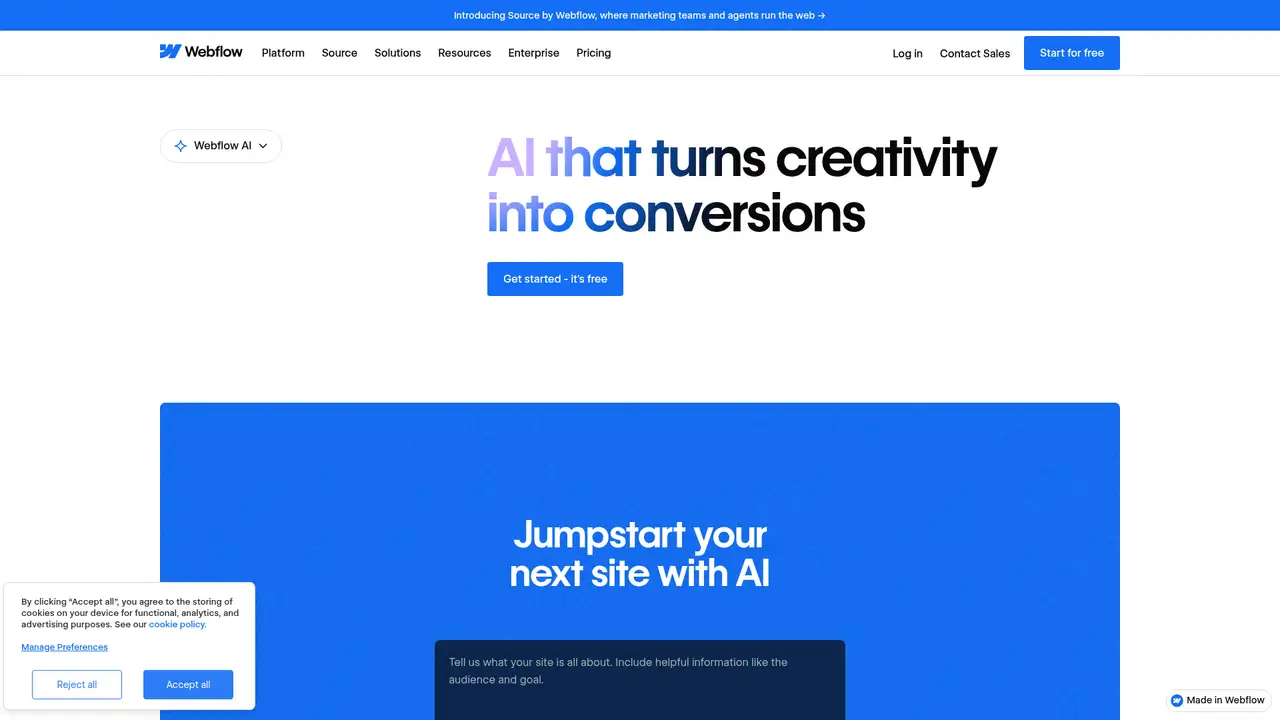
Webflow AI is built into Webflow’s visual website platform, serving marketers, designers, developers, agencies, and enterprise teams that manage structured marketing sites. It can generate sites from prompts, draft copy, create CMS Collection items, produce React code components, and suggest SEO and AEO improvements. Its MCP server also connects tools such as Cursor and Claude with Webflow site structure and CMS data, while newer app generation features can create full-stack applications for Webflow Cloud. AI access comes through Site and Workspace plans rather than a separate subscription. The free Starter Workspace includes 200 monthly credits, while Core and Growth include 300 and 400. Extra packs cost $25 monthly for 2,000 credits, or $20 with annual billing. Credit use varies by task, unused credits expire, and generated code, content, metadata, and business logic require review before publication.
A typical workflow begins in a Webflow site or Workspace, where prompts can generate a site, draft copy, create CMS Collection items, produce React code components, or suggest SEO and AEO improvements. The AI Assistant is designed to understand a site's structure and design system, then help users plan, preview, and apply edits without leaving Webflow. Its MCP server also connects compatible tools such as Cursor and Claude to Webflow site structure and CMS data, with access extending to Data APIs and Designer APIs. These connections can reduce repetitive work and support developer-led changes, but they also increase the need for permissions and review. Generated copy, metadata, code, and business logic may contain errors or fit poorly with brand requirements, so publication should remain subject to human approval. AI-generated page sections are available as a beta feature.
Webflow AI uses several model providers, including OpenAI and Anthropic, and assigns models according to the feature rather than naming one underlying system. Its scope now covers site creation, copy, CMS items, SEO and AEO audits, React code components, app generation, and design changes through the Assistant. The MCP server extends access to site structure, CMS content, and Webflow APIs from tools such as Cursor and Claude. This makes Webflow AI useful across marketing, design, development, and content operations, but it also creates review duties for generated copy, metadata, code, and application logic. Costs are split between Workspace and Site plans. Credits are pooled by Workspace, expire each period, and vary by task, while site hosting and domain needs can add separate charges.
Webflow pricing separates site hosting from Workspace collaboration, so the free entry point does not represent every production cost. The free Starter Site allows two static pages, 1 GB of monthly bandwidth, 50 form submissions, and a Webflow.io domain, while the Starter Workspace includes 200 AI credits monthly. Basic hosting costs $15 per month when billed yearly, and Premium costs $25. Workspace plans include 200 credits on Starter, 300 on Core, and 400 on Growth. Each add-on supplies 2,000 monthly credits for $25, or $20 with annual billing, with up to 15 packs. Credits are shared across the Workspace and its sites, reset monthly, and expire unused. Because consumption varies by task and Webflow publishes no fixed rate, budgeting for frequent AI copy, SEO, CMS, or code work requires monitoring usage rather than counting requests alone.
Webflow AI is a poor choice for anyone seeking a dedicated image, logo, or standalone mockup generator. Its credits vary by task, expire rather than roll over, and are shared across the Workspace, while separate Site and Workspace plans can make production costs harder to forecast. Wix AI is the easier starting point for a small business that wants to create a site through chat, but Webflow provides more documented control over visual systems, CMS content, code components, APIs, and publishing. Framer AI is a closer visual-site alternative with a design-first workflow, while Durable is better suited to a basic small-business site than structured CMS or app work. Choose Webflow AI if your team needs visual control, structured content, publishing, and developer connections in one workflow, and can review generated copy and code before release.
Who is Webflow AI best for?
- Marketing teams maintaining structured Webflow sites.
- Agencies producing branded sites for multiple clients.
- Designers using AI within Webflow's visual design system.
- Developers extending sites with code components, APIs, or apps.
Webflow AI Pricing (2026)
Pricing model: Freemium. All prices in USD.
| Plan | Price | What you get |
|---|---|---|
| Workspace Starter | Free | 200 AI credits per month; one full seat, two staging sites, and 50 CMS items per staged site. |
| Workspace Core | $19/month billed yearly | 300 AI credits per month; 10 staging sites, custom code, code export, and shared libraries. |
| Workspace Growth | $49/month billed yearly | 400 AI credits per month; unlimited staging sites, access controls, redirects, and publishing permissions. |
| Site Starter | Free | Webflow.io domain, two static pages, 1 GB monthly bandwidth, 50 form submissions, and limited CMS. |
| Site Basic | $15/month billed yearly | Custom domain, 300 static pages, 10 GB monthly bandwidth, unlimited form submissions, and password protection. |
| Site Premium | $25/month billed yearly | CMS, 20,000 CMS items, 40 CMS Collections, code components, site search, and 50 GB monthly bandwidth. |
| Platform Team | $2,500/month, annual contract | Site and Workspace controls, publishing workflows, activity logging, API, governance, security, and priority support. |
| Platform Enterprise | Custom | Custom roles, granular permissions, advanced governance, secure integrations, enhanced SLAs, and dedicated account management. |
| AI credit add-on | $25/month, or $20/month billed yearly | 2,000 additional monthly credits per pack; up to 15 packs on eligible self-serve Workspaces. |
Pros and Cons
Pros
- AI works directly with Webflow sites, CMS data, and design systems.
- MCP access connects compatible coding assistants to Webflow context.
- Webflow says customer data is not used to train generative AI models.
- Free Workspaces include monthly AI credits before paid upgrades.
Cons
- Workspace and Site billing make total costs difficult to estimate.
- AI credit use is dynamic and has no published fixed action rate.
- Some Assistant and code-generation features have beta or rollout status.
Who should look elsewhere?
- People seeking a dedicated image or logo generator.
- Teams needing a fixed per-prompt AI price.
- Beginners wanting the fewest publishing and plan decisions.
Technical Details
Frequently Asked Questions
Is Webflow AI free?
Webflow AI has a free starting point because every account includes a free Starter Workspace and Webflow offers a free Starter Site plan. Starter Workspaces include 200 AI credits per month. Custom domains, larger site limits, and some paid Workspace features require upgrades. Extra AI credits are optional add-ons, not an automatic upgrade, and unused credits expire when the applicable period resets.
How much do Webflow AI credits cost?
Eligible self-serve Workspaces can buy packs of 2,000 additional AI credits for $25 per month, or $20 per month when billed annually. Starter, Core, Growth, Freelancer, and Agency Workspaces can buy up to 15 packs. Webflow says credit use varies by task complexity and publishes no fixed cost per prompt or action.
Webflow AI or Wix AI: which is better?
Wix AI is the simpler starting point for a small business that wants to describe a site in chat and receive an initial design. Webflow AI is the stronger fit when the site needs structured CMS work, visual-system control, code components, app generation, or developer access through APIs and MCP. The better choice depends on required control and extensibility.
Does Webflow train AI models on my data?
Webflow says it does not use customer data to train generative AI models. Its AI terms say Webflow uses inputs and outputs solely to provide the AI offerings and will not permit subcontractors to train underlying models without customer consent. Webflow may share inputs and outputs with applicable subcontractors when necessary to provide the AI offerings.
Can I use Webflow AI output commercially?
Webflow's AI terms classify inputs and outputs as Customer Data and state that, to the maximum extent permitted by law, the customer owns the associated intellectual-property rights. The customer remains responsible for reviewing output, securing rights for inputs, and following applicable law. Webflow does not guarantee that output is unique, accurate, or free from third-party claims.
Best Webflow AI Alternatives in 2026
These tools do the same job as Webflow AI, with different pricing, limits and trade-offs.

Build and manage a business website through prompts and visual editing

Design, publish, and host responsive websites from one visual workspace

Launch a small-business website with built-in business tools

Build, host, and manage WordPress sites from prompts, links, or files