
Power BI Copilot Review, Pricing & Alternatives (2026)
Natural language assistance for governed Power BI analysis
Last updated: October 22, 2026
What is Power BI Copilot?
Power BI Copilot is Microsoft's generative AI assistant for report authors, analysts, and business users working with Power BI semantic models. It drafts report pages, summaries, visuals, DAX queries, and data answers within existing permissions. Power BI has a free account, while Copilot requires paid Fabric F2 or higher or Power BI Premium P1 or higher capacity, with capacity usage billed separately.
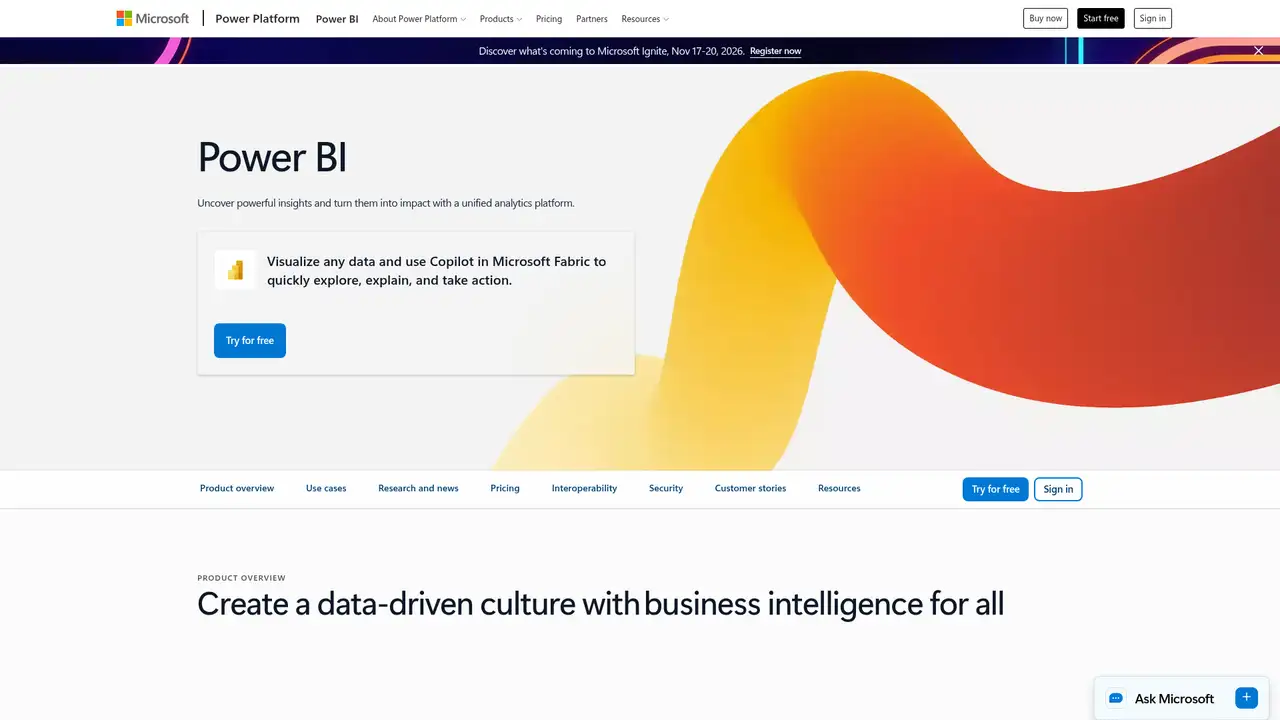
Power BI Copilot is Microsoft's generative AI layer for Power BI Desktop, the Power BI service, and selected Fabric experiences. Power BI first became available as a product in 2015, while Copilot entered the Fabric-era product family in 2023. It serves report authors, semantic-model owners, analysts, and business users working with governed data. Microsoft requires paid Fabric capacity at F2 or higher or Power BI Premium capacity at P1 or higher, a supported region, and administrator enablement. Copilot is therefore an attached capability rather than a standalone assistant with its own low-cost subscription. The report Copilot pane is generally available, while standalone and app-scoped experiences remain preview features as of October 22, 2026. Sovereign cloud environments are unsupported.
The most useful workflow starts with a prepared semantic model. A report author can ask Copilot to create or edit a report page, summarize the model, generate a narrative visual, write DAX queries, or describe measures. Business users can summarize reports, ask questions about accessible data, find reports, and create or analyze visuals. The report pane focuses on the open report, while standalone Copilot searches across accessible reports and semantic models. App-scoped Copilot works within curated app content and can return verified answers prepared by app authors. Model owners improve results by adding descriptions, synonyms, sample values, hierarchies, display folders, and AI instructions. Permissions continue to constrain app responses and accessible model content.
Copilot uses large language models with Power BI semantic-model metadata, prompts, and model data rather than operating as an ungrounded chat window. Microsoft says the system can use semantic models to answer data questions, while unrelated requests can receive general large language model answers. In March 2025, Microsoft added better language understanding, ad hoc calculations, hierarchy-aware DAX generation, and Direct Lake support in related workflows. A May 2025 update used Azure Foundry models for DAX generation, improving row context, filter context, inactive relationships, and consistency. September 2025 brought standalone Copilot default-on behavior for eligible tenants, automatic workspace selection, improved search, and better prioritization of AI-prepared content.
Power BI's free account supports report creation in Power BI Desktop, but it does not provide Copilot. Power BI Pro costs $14 per user monthly when paid yearly, includes 1 GB model memory, and allows 8 dataset refreshes daily. Premium Per User costs $24 per user monthly when paid yearly, includes 100 GB model memory and 48 refreshes daily, but a Pro or PPU license alone does not satisfy general Copilot requirements. Microsoft lists Power BI Embedded as variable and Fabric capacity through Microsoft purchasing channels. Copilot has no separate public USD seat price. Token consumption uses Fabric capacity, and downstream DAX queries, refreshes, or subscriptions can create additional standard capacity usage.
The main limitation is cost and preparation: a team needs qualifying capacity, administrator approval, supported geography, suitable workspace access, and a semantic model that describes its business language. Microsoft says prompts and responses are not stored after the session, data remains within the organization's tenant boundary, and customer data is not used to train foundation models. Compared with Tableau AI, Copilot fits DAX and Fabric deployments more closely. ThoughtSpot offers a more dedicated search-first experience, while Databricks AI/BI Genie is better aligned with lakehouse teams. Choose Power BI Copilot if your organization already governs data through Power BI and Fabric, and can fund shared capacity.
Who is Power BI Copilot best for?
- Microsoft tenants with prepared semantic models and Fabric capacity.
- Power BI authors drafting DAX, report pages, and summaries.
- Analysts asking permission-aware questions about published models.
- Administrators controlling Copilot through tenant and capacity settings.
Power BI Copilot Pricing (2026)
Pricing model: Paid. All prices in USD.
| Plan | Price | What you get |
|---|---|---|
| Free | $0 | Create reports with Power BI Desktop, but Copilot is unavailable without supported paid capacity. |
| Power BI Pro | $14/user/month | Paid yearly. Includes 1 GB model memory, 8 refreshes daily, and report publishing and sharing, but does not alone enable Copilot. |
| Power BI Premium Per User | $24/user/month | Paid yearly. Includes 100 GB model memory and 48 refreshes daily, but PPU alone does not satisfy general Copilot capacity requirements. |
| Fabric capacity | Variable | Copilot requires paid Fabric capacity at F2 or higher. Capacity consumption varies by region, tokens, and other Fabric workloads. |
| Power BI Premium capacity | Custom | Copilot requires P1 or higher capacity. Publishing Power BI content requires a Power BI Pro license. |
| Power BI Embedded | Variable | Supports customer-facing reports, dashboards, and analytics in applications. Microsoft lists pricing as variable through sales. |
Pros and Cons
Pros
- It grounds data answers in accessible Power BI semantic models.
- It drafts report pages, summaries, visuals, and DAX queries.
- 2025 releases improved hierarchy, synonym, and context handling.
- Tenant and capacity controls support centralized administration.
Cons
- Copilot requires paid capacity beyond ordinary per-user licensing.
- Generated DAX, visuals, and answers require human validation.
- Regional, workspace, and administrator prerequisites complicate setup.
Who should look elsewhere?
- Individuals seeking a free AI data analyst.
- Teams without prepared semantic models or review processes.
- Organizations operating in unsupported regions or sovereign clouds.
Technical Details
Frequently Asked Questions
How much does Power BI Copilot cost?
Copilot has no separate public per-user USD price. Power BI offers a free account, Pro at $14 per user monthly paid yearly, and Premium Per User at $24 per user monthly paid yearly. General Copilot use requires paid Fabric F2 or higher or Power BI Premium P1 or higher capacity, administrator enablement, and a supported region. Fabric consumption adds variable cost.
Is Power BI Copilot free?
No. The free Power BI account supports report creation, but Copilot requires paid Fabric F2 or higher or Power BI Premium P1 or higher capacity. A Pro or Premium Per User license alone is insufficient under Microsoft's general requirements. Trial capacities and free SKUs are unsupported, and tenant administrators must enable the relevant Copilot settings.
Power BI Copilot or Tableau AI, which is better?
Power BI Copilot fits organizations already using Microsoft semantic models, DAX, Fabric capacity, and Microsoft administration. Tableau AI suits teams standardized on Tableau workbooks and Tableau governance. Power BI has closer alignment with DAX and Fabric, while Tableau avoids Microsoft capacity decisions for existing Tableau customers. Both require review of generated analysis before publication.
Does Power BI Copilot train on customer data?
Microsoft says Copilot does not store prompts or responses after the session ends, customer data stays within the organization's tenant boundary, and data is not used to train foundation models. Tenant administrators can enable or disable Copilot. Copilot uses semantic-model data and prompts, while permissions limit the information available to each user.
Can companies use Power BI Copilot commercially?
Companies can use Copilot within commercial Power BI and Fabric workflows to draft reports, DAX, summaries, visuals, and answers. Microsoft warns that generated content may be inaccurate, so organizations should validate calculations, permissions, and narrative claims before publication or business decisions. Commercial use remains subject to Microsoft's applicable subscription terms and internal governance.
Best Power BI Copilot Alternatives in 2026
These tools do the same job as Power BI Copilot, with different pricing, limits and trade-offs.

AI assistance for governed dashboards, metrics, and data preparation

Conversational analytics for governed business decisions

Governed natural language analytics for Databricks data

Conversational analysis for files, databases, reports, and presentations