
Gamma Review, Pricing & Alternatives (2026)
AI-powered decks, documents, webpages, and visual stories
Last updated: October 26, 2026
What is Gamma?
Gamma is a browser based productivity tool for generating presentations, documents, webpages, and social graphics from prompts or imported material. It suits individuals, teams, consultants, and businesses that need visual content without starting from a blank slide canvas. A free plan is available, while paid access starts at $12 per user per month.
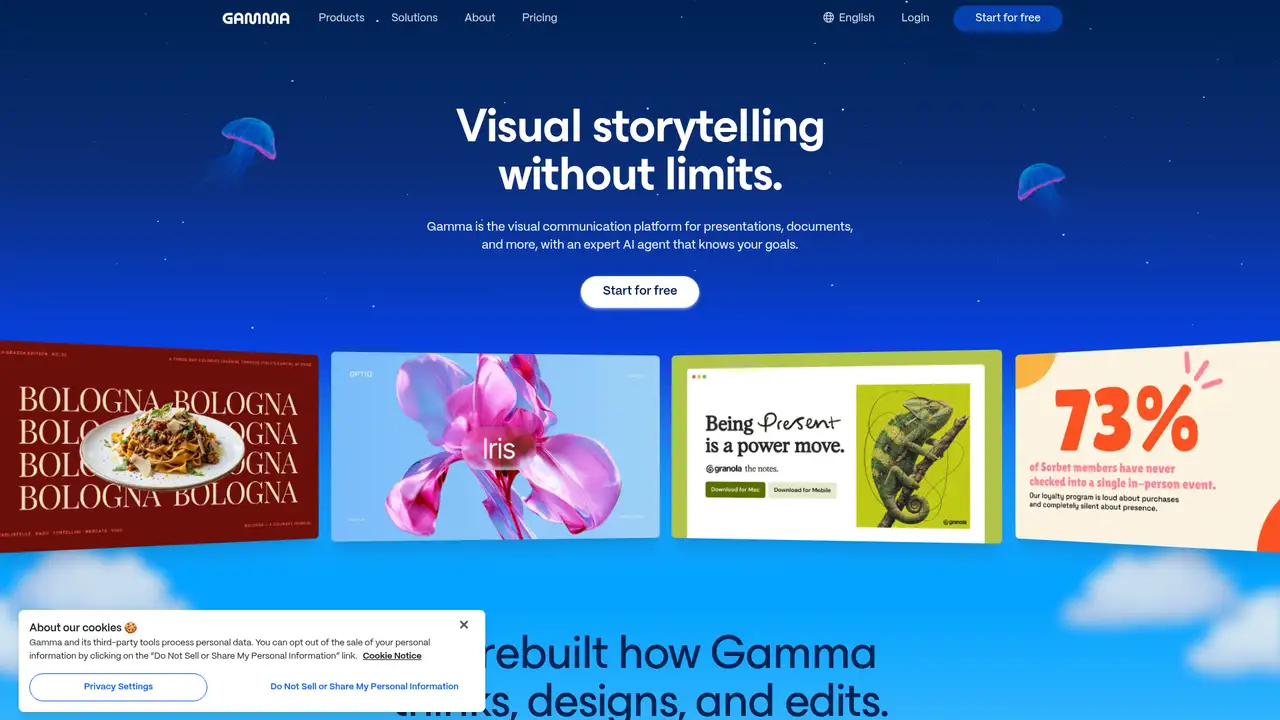
Gamma is an AI workspace for generating presentations, documents, webpages, and other visual content from prompts or imported material. Founded in 2020 by former Optimizely employees, the company launched its first product in 2022. Its web app has grown beyond 100 million users, according to the company, which reported $100 million in annual recurring revenue, profitability, and a $68 million Series B at a $2.1 billion valuation in 2025. Gamma’s defining choice is to treat content as flexible cards rather than fixed slides, allowing one project to become a deck, memo, webpage, or social graphic. That breadth makes it more useful than a presentation generator alone, though its credit system ties nearly every substantial AI action to metered usage. The product remains active and positioned against PowerPoint, Google Slides, Canva, Beautiful.ai, and Pitch.
Gamma turns a prompt or imported source into a draft deck, document, webpage, or social graphic, then lets users revise it through an agent or its freeform canvas. A practical workflow starts with a PDF, PowerPoint, webpage, document, or transcript, after which Gamma proposes the structure, text, and visual treatment. Gamma Agent can research topics, add citations, and iterate on the draft, while smart diagrams and image generation handle visual elements. Users can then edit individual cards, publish a webpage, or export to PDF, PPTX, PNG, or Google Slides. The Generate API, generally available since November 2025, supports generations, template-based decks, edits, exports, and management. It is also accessible through Zapier, Make, n8n, MCP, ChatGPT, Claude, and Slack connectors. Credits meter cards, images, and AI actions, so heavy visual workflows can become expensive.
Gamma’s technology is a routing layer across third-party models rather than a disclosed proprietary LLM. Its published providers include Anthropic’s Claude, OpenAI’s ChatGPT and DALL-E, Google’s Gemini, Flux, Recraft, Playground, Ideogram, Luma and Leonardo. The company’s 2025 Gamma 3.0 release added Gamma Agent, research with citations, smart diagrams, team features and a generally available Generate API. Gamma 5 launched on October 6, 2026, bringing broader style options, conversational context, agent and freeform editing, Slack and Granola connectors, plus editable elements when importing PowerPoint and PDF files. The API is available on every plan, including Free, but uses the workspace’s shared credit balance, with generation typically costing 1 to 3 credits per card. Gamma says more than 100 million people use the service.
Gamma’s free tier costs nothing and includes 400 starter credits, but those credits never refresh, making the plan best for occasional drafts rather than regular production. It supports up to 10 cards per prompt, 50,000 input tokens, basic image models, and PDF, PPTX, PNG, Google Slides, and import or export options. Plus costs $12 per user monthly, or $9 monthly when billed annually, and raises the allowance to 1,000 monthly credits and 100 cards per prompt. Pro costs $25 monthly, or $18 annually, with 4,000 credits, premium models, branding controls, analytics, and API access. Ultra reaches $100 monthly, or $90 annually, for 20,000 credits. Costs rise with image generation and AI actions, since credits are metered per card, image, and operation.
Gamma’s main limitation is that generation is metered: the free plan gives 400 credits that never refresh, while paid credits are consumed by cards, images, and AI actions. Its privacy position also demands attention. Free, Plus, Pro, and Ultra workspaces default to allowing training, although users can opt out, while Business and Enterprise data is excluded automatically. Beautiful.ai is the better choice for teams prioritizing Smart Slides, fixed brand controls, and no permanent free tier, starting at $14.50 per month on its main pricing page. PowerPoint remains stronger for established desktop workflows and broad file compatibility, while Canva offers a wider general-purpose design suite. Gamma is more flexible for prompt-based decks, documents, websites, and research, but it gives users less control than conventional slide editors. Gamma suits individuals and small teams that value fast, multi-format visual drafts over manual layout precision.
Who is Gamma best for?
- Marketing teams creating decks, webpages, and social graphics from shared source material.
- Consultants producing client presentations with citations and custom branding.
- Founders preparing investor, sales, or strategy materials without a dedicated designer.
- Developers automating deck generation through Gamma's documented API.
Gamma Pricing (2026)
Pricing model: Freemium. All prices in USD.
| Plan | Price | What you get |
|---|---|---|
| Free | $0 | 400 starter credits, up to 10 cards per prompt, 50,000 input tokens, and basic image models. Credits do not refresh. |
| Plus | $12/user/month or $9/user/month annually | 1,000 monthly credits, up to 100 cards per prompt, 100,000 input tokens, advanced image models, and no Gamma branding. |
| Pro | $25/user/month or $18/user/month annually | 4,000 monthly credits, premium image models, custom branding, analytics, up to 10 custom domains, and API access. |
| Ultra | $100/user/month or $90/user/month annually | 20,000 monthly credits, up to 100 cards per prompt, advanced text, image, and video models, early features, and up to 100 custom domains. |
| Business | $40/member/month annually | 10,000 monthly credits per seat plus a shared pool, SSO, advanced data controls, and business workspace features. |
| Enterprise | Custom | Custom credits, admin controls, SCIM, connector and API governance, invoicing, priority support, and dedicated success. |
Pros and Cons
Pros
- Gamma generates presentations, documents, webpages, and social graphics in one workspace.
- Gamma Agent can research topics, cite sources, and revise generated content.
- Paid plans export to PPTX, PDF, PNG, and Google Slides.
- The Generate API is available on every plan, including Free.
Cons
- Free credits never refresh and image generation can consume substantial credit balances.
- Gamma's card based editing gives less granular control than PowerPoint.
- Individual workspaces default to model training being allowed unless users opt out.
Who should look elsewhere?
- Teams requiring a self hosted presentation system.
- Designers needing pixel level control over every slide element.
- Organizations needing predictable flat rate costs for heavy image generation.
Technical Details
Frequently Asked Questions
How much does Gamma cost?
Gamma has a free plan with 400 starter credits. Plus costs $12 per user per month, or $9 per user per month with annual billing. Pro costs $25 monthly, or $18 monthly equivalent annually. Ultra costs $100 monthly, or $90 monthly equivalent annually. Business costs $40 per member per month with annual billing, and Enterprise pricing is custom.
Does Gamma have a free plan?
Yes. Gamma's Free plan costs $0 and includes 400 starter credits, up to 10 cards per prompt, a 50,000 token initial input limit, basic image models, and PDF, PPTX, PNG, and Google Slides export. The starter credits do not refresh. Free users can also earn additional credits through referrals, according to Gamma's help documentation.
How does Gamma compare with Beautiful.ai?
Gamma supports presentations, documents, webpages, and social graphics, with research, citations, and agent assisted editing. Beautiful.ai centers on Smart Slides, brand controls, and structured presentation design. Gamma offers a permanent free plan and credit based usage. Beautiful.ai offers a 14 day trial and focuses on paid presentation plans with unlimited slides and AI content generation on Pro.
Does Gamma train AI models on user content?
Gamma's privacy policy says it may use personal information to improve services and train artificial intelligence models. Individual Free, Plus, Pro, and Ultra workspaces default to training being allowed, but users can opt out through Data Controls. Business and Enterprise data is excluded automatically, and their training setting is locked off.
Can Gamma output be used commercially?
Gamma's terms license generated content for use subject to account settings and applicable terms, while users remain responsible for their content and legal compliance. Gamma does not make a blanket public promise covering every commercial ownership question. Businesses should review current plan terms, privacy settings, third party assets, and output rights before commercial publication.
Best Gamma Alternatives in 2026
These tools do the same job as Gamma, with different pricing, limits and trade-offs.
A visual suite for design, documents, video, and brand work

AI assisted presentations with layout rules that handle formatting

Collaborative presentations with AI drafting and engagement analytics
The standard slide app, with Copilot drafting, editing and restyling decks for you
Free browser presentation app, with Gemini generating editable, on-brand decks