
Clipchamp Review, Pricing & Alternatives (2026)
Browser-based editing with Microsoft 365 storage and sharing
Last updated: October 26, 2026
What is Clipchamp?
Clipchamp is Microsoft’s browser and Windows video editor for personal, family, school, and business accounts. Its free personal plan costs $0 and supports watermark-free exports up to 1080p. Microsoft 365 Personal costs $9.99 monthly or $99.99 yearly, while Family costs $12.99 monthly or $129.99 yearly, and both include premium Clipchamp features.
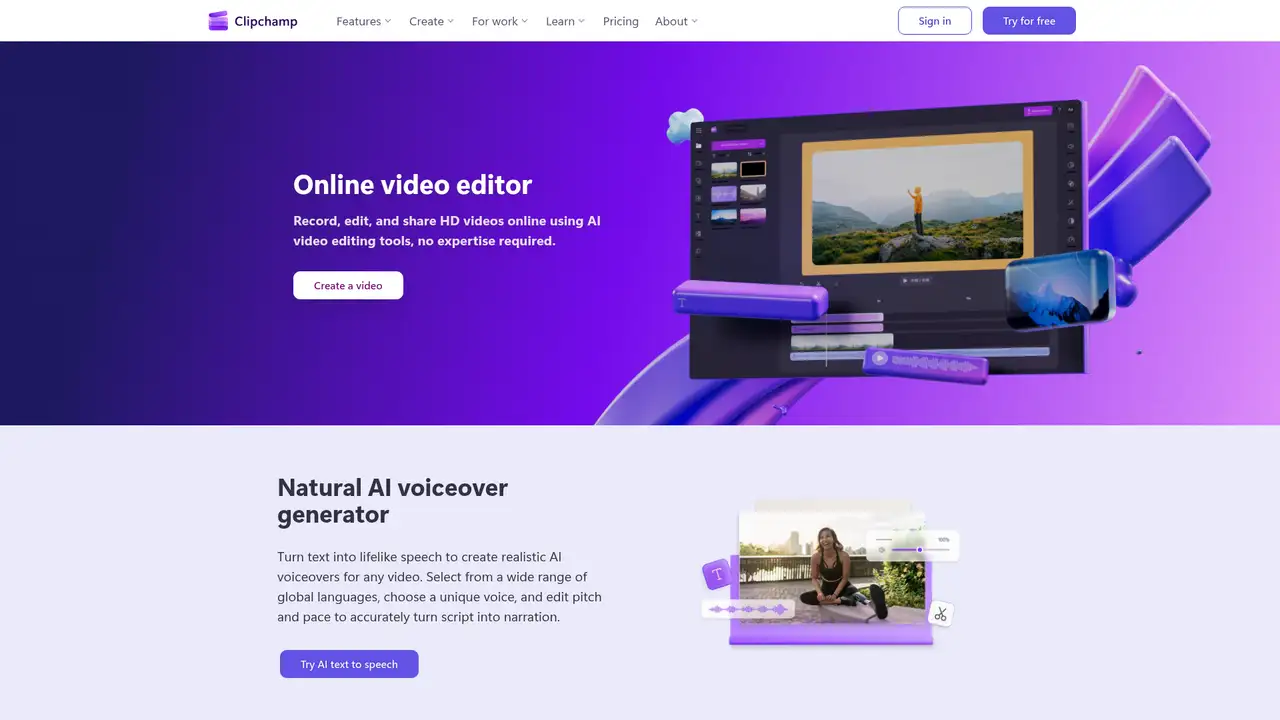
Clipchamp is an in-browser video creation and editing service founded in 2013 and acquired by Microsoft in 2021. Microsoft presents it as a web application that can also use a personal computer’s processing capacity and GPU acceleration. People can access the editor through a browser or Windows desktop application with personal accounts, while work and school use depends on an eligible Microsoft 365 license or a standalone work plan. TechCrunch reported more than 17 million registered users and over 390,000 companies served before the acquisition, although those historical figures do not establish present usage. Microsoft positions Clipchamp for individuals, families, schools, and businesses, making its ownership history relevant to people seeking a consumer editor connected to Microsoft services.
Clipchamp begins at its homepage or editor, allowing users to upload media, record a screen, capture a webcam, or record both sources. Editing includes trimming, cropping, combining, fading, speed changes, resizing, rotation, transitions, filters, effects, text, motion titles, captions, voiceovers, auto-compose, background removal, auto-cut, and noise suppression. Personal accounts can import files from a local machine, OneDrive, Xbox, Google Drive, or Dropbox, then export to OneDrive, Google Drive, YouTube, TikTok, Dropbox, LinkedIn, GIF, or audio-only formats. The Free plan costs $0 and supports unlimited work, watermark-free exports up to 1080p, free stock, basic editing, and selected AI tools. Paid personal plans add 4K exports, premium stock, and one brand kit, while work plans add organizational storage and sharing options.
Clipchamp processes video on the local computer with GPU acceleration rather than relying entirely on remote rendering. Related Microsoft 365 video capabilities support creating, recording, uploading, discovering, sharing, and managing video, with transcripts, captions, search, chapters, comments, analytics, security controls, and Microsoft Graph Files API operations for basic tasks. Connections with SharePoint, Teams, Viva Connections, OneDrive, and Microsoft 365 video experiences let organizations use existing collaboration and storage services. The Free plan provides unlimited work and watermark-free exports up to 1080p, while Personal and Family plans add premium features, 4K export, premium stock, and one brand kit. Work Standard adds organizational brand kits and SharePoint and OneDrive support. AI video creation requires a Copilot license, and Microsoft does not identify its foundation model.
The free personal plan costs $0, requires a personal Microsoft account, and allows unlimited video projects and exports. It includes free stock media, basic editing, AI subtitles, voiceovers, silence removal, watermark-free exports, and output up to 1080p. Microsoft 365 Personal costs $9.99 per month or $99.99 per year, while Family costs $12.99 per month or $129.99 per year. Both subscriptions include premium Clipchamp features, 4K UHD exports, premium stock, and the brand kit tool. Work Standard is included with selected Microsoft 365 business and education licenses. Work Premium is offered as a standalone plan, but its numeric price is not provided, so organizations must request a quote and assess licensing needs.
Clipchamp’s free 1080p exports make it a practical starting point, although its editing tools target different work from professional finishing software. CapCut competes for short social videos, Canva pairs video editing with broader design templates, and Adobe Premiere Pro offers deeper timeline and finishing controls. The account distinction matters: personal users receive consumer import and publishing destinations, while work users operate within Microsoft 365 storage and administration. Premium assets and 4K export also depend on the applicable subscription, so a free project can become a paid workflow when those features are needed. Stock media remains subject to asset terms. Pick Clipchamp for everyday recording and editing connected to a Microsoft account, especially when Microsoft 365 already covers its premium features.
Who is Clipchamp best for?
- Microsoft 365 users creating internal training and announcement videos.
- Teachers and students recording narrated lessons and demonstrations.
- Creators needing quick screen, camera, and voice recording.
- Small teams producing videos without a complex timeline.
Clipchamp Pricing (2026)
Pricing model: Freemium. All prices in USD.
| Plan | Price | What you get |
|---|---|---|
| Free | $0 | Unlimited video work and exports, watermark-free output up to 1080p, free stock, basic editing, and selected AI tools. |
| Microsoft 365 Personal | $9.99/month or $99.99/year | Includes premium Clipchamp features, 4K UHD exports, premium stock assets, and one brand kit. |
| Microsoft 365 Family | $12.99/month or $129.99/year | Includes premium Clipchamp features, 4K UHD exports, premium stock assets, and one brand kit. |
| Work Standard | Included with selected Microsoft 365 business and education licenses | Includes work-account access, organizational brand kits, SharePoint import and export, OneDrive storage, sharing, and up to 4K export. |
| Work Premium | Custom | Premium work features depend on the organization’s Microsoft 365 or Copilot licensing. Contact Microsoft for a quote. |
Pros and Cons
Pros
- The free plan exports watermark-free video up to 1080p.
- Screen, camera, voice recording, captions, and AI tools share one workflow.
- Microsoft 365 plans add premium stock, 4K output, and brand kits.
- Personal and work versions support different Microsoft storage destinations.
Cons
- Premium stock, premium effects, brand kits, and 4K require qualifying access.
- Personal and work versions have different imports, exports, and features.
- Microsoft does not document advanced finishing controls.
Who should look elsewhere?
- Editors needing detailed professional finishing controls.
- Teams requiring simultaneous editing and project versioning.
- Buyers seeking a standalone professional post-production suite.
Technical Details
Frequently Asked Questions
How much does Clipchamp cost?
Clipchamp has a free personal plan costing $0. Microsoft 365 Personal costs $9.99 monthly or $99.99 yearly, and Family costs $12.99 monthly or $129.99 yearly. Work Standard is included with selected Microsoft 365 business and education licenses. The company do not give a numeric Work Premium price.
Is Clipchamp free without a watermark?
Yes. The free personal plan supports unlimited video work and exports without a watermark, up to 1080p. It includes basic editing, free stock, AI subtitles, voiceovers, and silence removal. Premium stock, premium effects, brand kit access, and 4K export are included with Microsoft 365 Personal and Family or other qualifying access.
Clipchamp or Canva, which is better?
Clipchamp is the better documented fit for recording a screen or webcam and editing that footage within Microsoft 365. Canva is listed as an alternative, but the published Clipchamp sources do not describe Canva’s features. Choose based on your required recording workflow, Microsoft account setup, export destinations, and access to premium assets.
Does Clipchamp train AI on my videos?
The company describe Clipchamp AI features, Microsoft account storage, transcripts, and Microsoft 365 administration. They do not state that customer videos train a general model, and they do not identify a Clipchamp foundation model. Work and school customers should consult Microsoft’s applicable privacy, security, and data-processing terms for their account.
Can I use Clipchamp videos commercially?
The company confirm Clipchamp availability for Microsoft 365 commercial customers and businesses. They do not provide a general commercial-use guarantee for every asset. Imported media and stock video, images, audio, graphics, music, and effects remain subject to their applicable rights and terms, so users should check those terms before publishing client or paid work.
Best Clipchamp Alternatives in 2026
These tools do the same job as Clipchamp, with different pricing, limits and trade-offs.
A visual suite for design, documents, video, and brand work

Fast social video editing across mobile, desktop, and web
Professional timeline editor with Generative Extend, AI search and object masking
Free pro editor and color grader, with on-device AI tools in the $295 Studio version