
CapCut Review, Pricing & Alternatives (2026)
Fast social video editing across mobile, desktop, and web
Last updated: October 26, 2026
What is CapCut?
CapCut is a mobile, desktop, and web video editor for social creators, marketers, and teams. It combines timeline editing, templates, captions, effects, music, cloud projects, and AI tools. The Free plan costs $0, while the public US pricing page lists Pro at $19.99 and Ultra at $79, with final checkout prices varying by account and region.
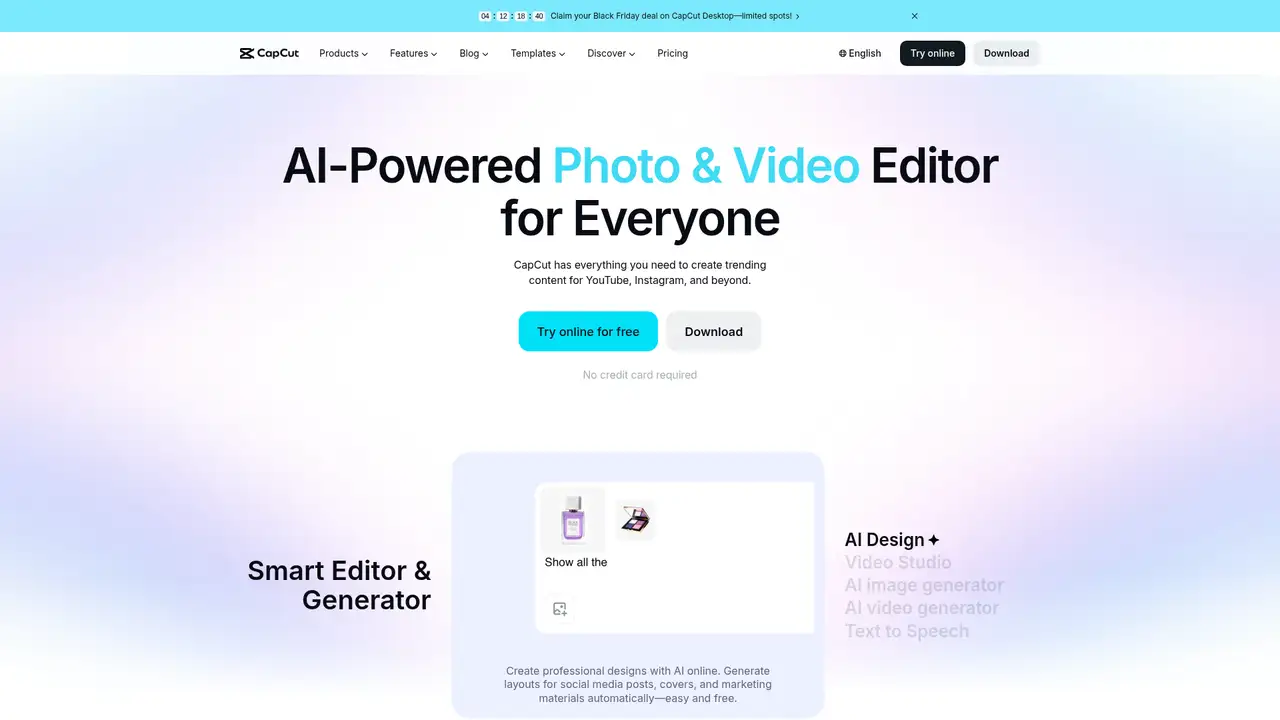
CapCut is a cross-platform video editor operated through ByteDance-related entities, including TikTok USDS Joint Venture LLC for US services. It runs through mobile apps, desktop software, and a web version, with account-based access across supported surfaces. Its audience includes casual creators, social media teams, marketers, and businesses producing promotional content. The product combines timeline editing with templates, effects, filters, music, captions, avatars, and AI-assisted creation. CapCut does not publish a conventional founding narrative or user funding history in the cited materials, so a launch year and scale figure should not be treated as established. Its relationship to TikTok supports social publishing workflows, although users can export and share content elsewhere.
A typical CapCut project starts with camera footage, imported media, a template, or an automated creation flow. Users trim clips, change speed, apply transitions and effects, add text, captions, music, voiceover, filters, and stickers, then export the result. Automatic captions, camera tracking, background removal, avatars, and generative tools cover common creator tasks. Account synchronization connects mobile, desktop, and web editing, while features can differ by plan and region. Templates are central to quick social production. Users should inspect labels for music and other materials before commercial publication, because CapCut distinguishes personal materials from items marked for limited commercial use. This makes asset review part of a practical publishing workflow. Template and asset selection should follow the destination platform and intended audience.
CapCut's recent dated materials focus on subscription features, terms, licensing, and privacy rather than a named model release. A June 2025 terms statement said updates clarified third-party services, company content, and regional supplements, without changing the user-generated-content section. A January 22, 2026 materials license covers platform materials, music, commercial marks, territories, and license terms. An April 2, 2026 help page describes Pro features including 4K at 60 frames per second, no watermarks, premium templates, advanced AI tools, monthly AI credits, and expanded cloud storage, with benefits depending on plan. The privacy policy says CapCut may analyze user content and use information to train, test, and improve machine-learning technology. Credit based generation remains separate from ordinary timeline work and should be budgeted before producing multiple versions.
CapCut's Free plan costs $0 and includes basic editing tools and free templates. The public US pricing page lists Pro at $19.99 and Ultra at $79, while also displaying $12.49 without explaining the figure in the page text. CapCut separately documents monthly and yearly Pro payment options, but does not publish one globally fixed annual Pro price in the cited help page. Pro benefits include premium assets, no watermark, 4K at 60 frames per second, AI credits, and cloud storage. Another help page describes Standard as a subscription option with around 100GB of storage, but it is not listed on the public pricing page, so checkout should determine availability. This structure favors checking the account-specific offer before budgeting.
CapCut works well for fast social editing, but licensing, regional pricing, and feature differences make it less predictable for rights-sensitive production. Its privacy policy describes scanning, analyzing, and reviewing user content, including use to improve services and machine-learning models. Compared with Kapwing, CapCut is more mobile and effects oriented; compared with Adobe Premiere Pro, it is easier to start but less suited to complex finishing; compared with Canva, it is more video focused. Users making confidential material should review the privacy terms before uploading. Choose CapCut for rapid social edits across phone and desktop when its labeled assets fit the intended use.
Who is CapCut best for?
- Short-form creators editing on phones.
- TikTok and social teams using templates and effects.
- Marketers making quick vertical promotional videos.
- Users wanting one account across mobile and desktop.
CapCut Pricing (2026)
Pricing model: Freemium. All prices in USD.
| Plan | Price | What you get |
|---|---|---|
| Free | $0/month | Basic editing tools and free templates; exact limits vary by region and supported surface. |
| Pro | $19.99/month listed; annual price varies by account and region | Premium tools and assets, no watermark, 4K at 60 frames per second, AI credits, and cloud storage; final checkout pricing varies. |
| Ultra | $79 listed | A higher tier shown on the public pricing page; included features and billing cadence are not explained in the page text. |
Pros and Cons
Pros
- Mobile, desktop, and web versions support flexible editing.
- Templates and effects shorten social production time.
- Automatic captions and AI tools cover common creator tasks.
- Free editing is accessible before subscribing.
Cons
- Pricing and features vary by region and device.
- Privacy terms describe content analysis and model improvement.
- Commercial rights depend on labels and individual materials.
Who should look elsewhere?
- Organizations needing predictable global pricing.
- Projects requiring unrestricted stock and music licensing.
- Editors seeking deep professional color and audio finishing.
Technical Details
Frequently Asked Questions
How much does CapCut Pro cost?
CapCut's public US pricing page lists Pro at $19.99, but the page says displayed pricing is for reference and final prices, taxes, and offers depend on the account. CapCut supports monthly and yearly payment options. Sign in on the web, desktop app, or mobile app to see the applicable checkout price before subscribing.
Is CapCut free?
Yes. CapCut offers a $0 Free plan with basic editing tools and free templates. Premium effects, assets, advanced AI features, higher export capabilities, and expanded storage may require a paid subscription. Exact limits can vary across platforms and regions, so the Free plan should not be treated as a fixed feature set everywhere.
Is CapCut better than Kapwing?
CapCut is a stronger fit for mobile-first social editing, templates, effects, and rapid vertical exports. Kapwing is more oriented toward browser collaboration, shared workspaces, captions, and marketing production. CapCut suits individual creators and fast edits, while Kapwing may fit distributed teams that need browser-based collaboration and repeatable brand workflows.
Does CapCut use uploaded content to train AI?
CapCut's US privacy policy says it can collect user content and use information to review, improve, and develop its services, including training, testing, and improving machine-learning models and algorithms. It also describes scanning, analyzing, and reviewing user content. Teams should examine applicable privacy controls before uploading confidential material.
Can CapCut content be used commercially?
Commercial permission depends on the specific material. CapCut says materials marked Commercial Use can support limited commercial purposes, while other materials may be personal or noncommercial only. Music has separate restrictions, and commercial sounds can have platform limits. Check each asset's label, territory, term, and permitted use before client work or advertising.
Best CapCut Alternatives in 2026
These tools do the same job as CapCut, with different pricing, limits and trade-offs.
A visual suite for design, documents, video, and brand work

Browser video creation with collaboration, captions, and generative tools
Professional timeline editor with Generative Extend, AI search and object masking
Free pro editor and color grader, with on-device AI tools in the $295 Studio version