
Tripo Review, Pricing & Alternatives (2026)
Hosted 3D generation with mesh editing and production-focused tools.
Last updated: October 26, 2026
What is Tripo?
Tripo Studio is a hosted AI 3D-generation service for artists, developers, and teams creating game assets, visualisation models, and printable objects. It supports text, image, and multi-view inputs, with a free tier offering 200 monthly credits. Paid plans start at $20 per month and add private models, commercial use, and broader production tools.
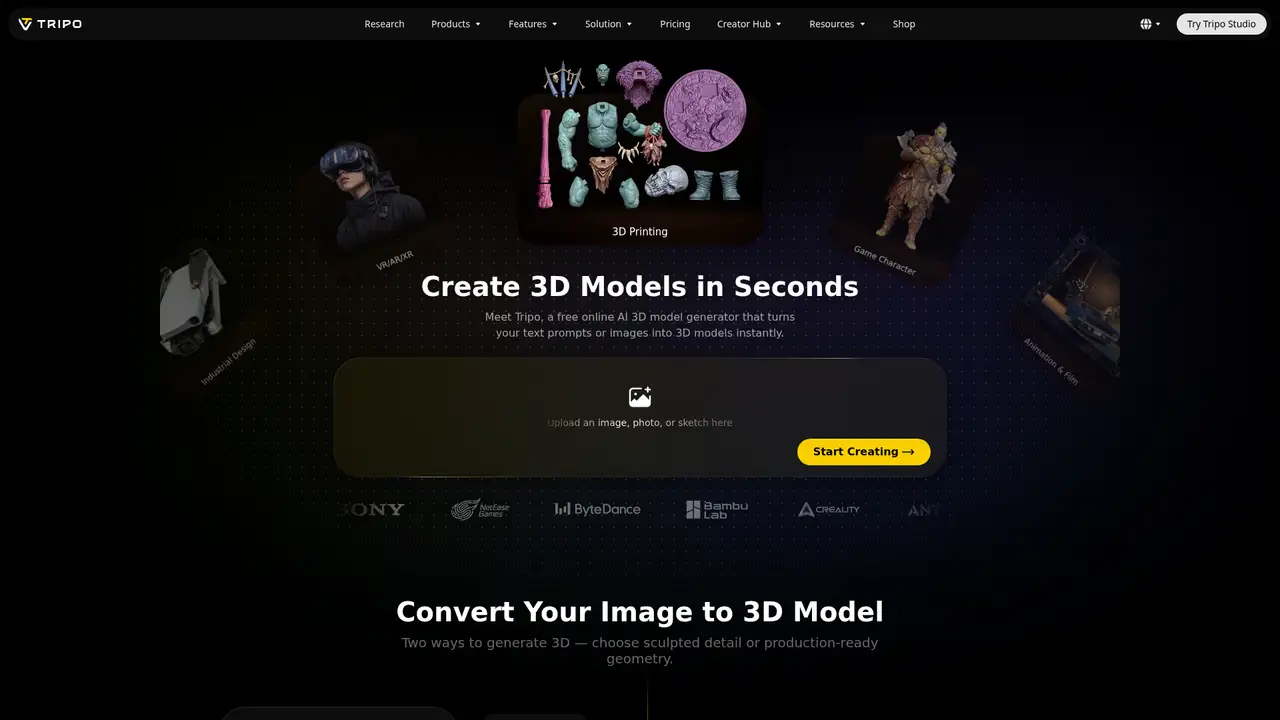
Tripo Studio is a hosted 3D-generation workspace operated by Holymolly Limited, with browser tools for creating assets from text prompts, one reference image, or supported sets of up to four views. Its Smart Mesh P2.0 workflow lets users choose quad or triangle topology, set face counts, separate bodies, clothing, and accessories, generate up to four variants, and regenerate selected regions. The service also includes HD model generation, PBR-ready materials, texture generation up to 8K on Max, UV editing, segmentation, retopology, rigging, animation, and exports connected to tools such as Blender, Unity, Unreal, Maya, and ZBrush. Tripo offers a developer API with credit billing, but the product is not open source or self-hosted, and Tripo does not publish founding details or funding. Free use is limited and non-commercial, while paid plans add privacy, commercial rights, higher quotas, and collaboration features.
A typical Tripo Studio workflow starts with a text prompt, a single reference image, or supported multi-view inputs, then proceeds to model generation and optional cleanup. Smart Mesh P2.0 accepts one image or up to four views, with controls for quad or triangle topology, face count, and up to four generated variants. It can automatically separate the body, clothing, and accessories, while Regional Mesh Edit regenerates only a selected section rather than the complete asset. Triangle output ranges from 500 to 50,000 faces, and quad output from 500 to 25,000 faces. Other production tools include Smart UV, texture generation, segmentation, retopology, rigging, animation, batch generation, and 4K texture work. Exports can connect with Blender, 3ds Max, Unity, Unreal, Maya, Cocos, Godot, and ZBrush. H3.1 adds high-detail geometry and PBR-ready materials for close-up renders, games, marketing visuals, and printing.
Tripo’s recent documented releases cover two distinct needs. Smart Mesh P2.0 accepts one reference image or up to four multi-view images, then lets users choose native quad or triangle topology, adjust face count, separate bodies, clothing, and accessories, and generate up to four variants. Triangle meshes range from 500 to 50,000 faces, while quad meshes range from 500 to 25,000. Its regional Mesh Edit can regenerate a selected area instead of rebuilding the entire asset. The H3.1 High Detail Model is aimed at hero assets, close-up renders, marketing visuals, games, rendering, and printing, with high-density geometry and PBR-ready materials. Pricing lists connections for Blender, 3ds Max, Unity, Unreal, Maya, Cocos, Godot, and ZBrush. No open-source model or local deployment option is identified. The API is separate from the browser studio, using bearer keys, task, balance, usage, and credit-billing endpoints.
The current pricing page lists Free at $0 per month, Pro at $20 per month, Max at $90 per month, and Team at $55 per seat per month. Free includes 200 monthly credits, one concurrent task, public models, non-commercial use, and limited history, storage, exports, and image generation. Pro supplies 3,000 credits and 10 concurrent tasks, while Max supplies 25,000 credits and 100 concurrent tasks. Team lists 200 concurrent tasks, shared workspace controls, and commercial use, although the pricing page presents conflicting credit and billing figures. Typical operations consume credits: HD Model generations cost 15 credits and Smart Mesh P2.0 costs 100. API credits are prepaid separately at $1 per 100 credits.
The main limitation is control over rights and hosted data. Free outputs are public, require attribution, and are restricted to non-commercial use. Paid users receive commercial rights subject to Tripo's terms, but input-image rights remain the user's responsibility, and using outputs to build a competing 3D-generation service is prohibited. Tripo says personal information is not used to train models, while its privacy policy permits aggregated or anonymised prompts and outputs for product and model improvement. Compared with Meshy, Rodin, and Hunyuan3D, Tripo stands out for topology controls and integrated cleanup tools, but it is less suitable for local deployment or exact CAD. Pick Tripo for browser-based production asset generation with an API option.
Who is Tripo best for?
- Game artists building editable character assets.
- Teams needing topology and mesh cleanup controls.
- Creators producing reference-based 3D models.
- Developers integrating generation through the API.
Tripo Pricing (2026)
Pricing model: Freemium. All prices in USD.
| Plan | Price | What you get |
|---|---|---|
| Free | $0/month | 200 monthly credits, one concurrent task, public models, non-commercial use, and limited history, storage, exports, and image-generation access. |
| Pro | $20/month | 3,000 monthly credits, 10 concurrent tasks, private models, commercial use, batch generation, unlimited storage, and DCC Bridge. |
| Max | $90/month | 25,000 monthly credits, 100 concurrent tasks, private models, commercial use, permanent history, 8K textures, and beta access. |
| Team | $55/seat/month | The page lists 200 concurrent tasks, shared workspace, centralized administration, commercial use, and team billing. Credit totals and annual billing figures conflict on the page. |
| API | $0.01/credit | Prepaid credits are billed separately from Studio plans. Volume pricing and custom contracts require contacting sales. |
Pros and Cons
Pros
- Smart Mesh P2.0 supports native quad topology.
- Regional Mesh Edit limits regeneration to selected areas.
- H3.1 targets detailed hero assets and close-up work.
- The API exposes documented prepaid credit billing.
Cons
- Free outputs are public and non-commercial.
- Studio credits cannot be used through the API.
- Team pricing and credit figures are inconsistent.
Who should look elsewhere?
- Users needing local or self-hosted generation.
- Free users planning commercial releases.
- Designers requiring exact CAD-grade geometry.
Technical Details
Frequently Asked Questions
How much does Tripo cost?
Tripo has a Free plan with 200 monthly credits. The current pricing page lists Pro at $20 per month, Max at $90 per month, and Team at $55 per seat per month. API usage is separate and prepaid at $1 per 100 credits. The Team page contains conflicting billing and credit figures, so buyers should verify checkout details before purchase.
Does Tripo have a free plan?
Yes. The Free plan includes 200 monthly credits, one concurrent task, public models, non-commercial use, and limited history, storage, exports, and image-generation access. Free outputs require attribution under Tripo's commercial-use guidance. Paid plans add private models, commercial use, larger credit allowances, higher concurrency, and broader production features.
How does Tripo compare with Meshy?
Tripo and Meshy both target prompt- and image-based 3D asset generation. Tripo's documented distinction is Smart Mesh P2.0, which supports native quads, face-count control, semantic separation, multiple variants, and regional editing. Meshy may suit users comparing another established browser generator, while Tripo fits teams that prioritise topology controls and integrated asset preparation.
Does Tripo train on user prompts or uploaded files?
Tripo's privacy policy says personal information is not used to train models. It also permits aggregated or anonymised information, including prompts and outputs, to improve performance, develop features, and improve models. Authorised personnel may review inputs and outputs for operation, security, troubleshooting, quality, safety, and workflow improvement.
Can Tripo models be used commercially?
Paid users can use, modify, distribute, and commercially exploit generated models, subject to Tripo's terms and private-model requirements. Listed commercial uses include games, client work, physical products, marketing, film, animation, and print-on-demand. Free outputs are non-commercial and require attribution. Users remain responsible for rights to uploaded reference images and source material.
Best Tripo Alternatives in 2026
These tools do the same job as Tripo, with different pricing, limits and trade-offs.