
Photoroom Review, Pricing & Alternatives (2026)
Product visuals, background removal, and generative editing for commerce
Last updated: October 26, 2026
What is Photoroom?
Photoroom is a web and mobile image editor for online sellers, marketers, and teams producing product visuals. The Free plan costs $0 but is personal and noncommercial. Pro starts at $7.50 per month when billed yearly and includes 8,000 AI credits plus 1,000 exports each month, while higher plans add more capacity and advanced generation features.
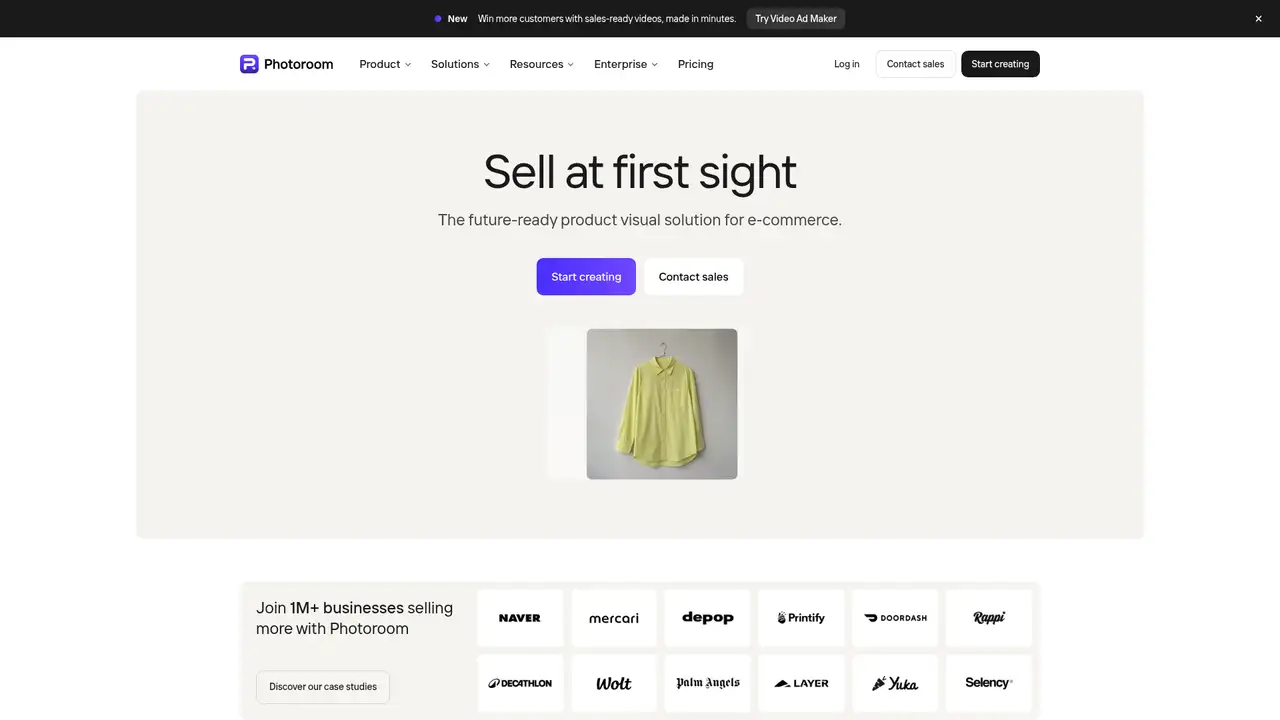
Photoroom is an image editor for product photography and commerce content, made by the Paris based Photoroom, which was founded in 2019 by Matthieu Rouif and Eliot Andres. The company says its service runs on web, iOS, and Android, and it also offers an API for catalog workflows. TechCrunch reported in 2024 that Photoroom processed about five billion images annually, passed 150 million downloads, raised $64 million in total funding, and reached a $500 million valuation after a $43 million Series B. The product serves online sellers, marketers, marketplaces, and larger teams that need repeatable listing, advertising, and social imagery without arranging a conventional photo shoot for every product.
A normal workflow starts with a product photo upload, followed by automatic background removal or an editor session. Users can apply templates, preset shadows, retouching, resizing, AI Expand, image enhancement, and generated backgrounds, then download or share the result. AI Fashion Models place garments on generated models, while Video Generator creates short product clips on eligible plans. Batch editing and Shopify synchronization support repeated catalog exports. The API extends background, fashion, and other workflows to catalogs, and the company says API results can include uncertainty scores for quality review. Core tools such as Background Remover, preset Shadows, Product Fixer, Retouch, AI Fill, AI Expand, Resize, and Image Enhancer do not consume AI credits, while generative tools use a shared monthly pool.
Photoroom says it is building its own Instant Diffusion foundation model for product photography rather than relying only on a general image generator. The company says the model work prioritizes safety, speed, and control. In June 2025, it introduced Studio HD, an AI Backgrounds model designed for sharper details, accurate proportions, realistic lighting, and more natural blending. Studio HD launched on the web for Max users and was scheduled for mobile rollout. The 2025 product line also included AI Fashion Models, which combine an uploaded garment with a selected model, pose, and format. Photoroom’s 2026 security page says its API holds a SOC 2 Type 2 attestation, with the latest report dated April 2026.
The Free plan costs $0 and includes 100 exports per month, or 25 weekly, lower AI credits, limited features, and no API access. It is restricted to personal, noncommercial use. Pro costs $7.50 per month when billed yearly and includes 8,000 AI credits plus 1,000 exports monthly. Max has 3,000 exports monthly on its monthly plan, while Ultra starts at 10,000 exports monthly and offers 75,000 AI credits monthly. Max and Ultra prices are not exposed in current published pricing content, so checkout is the correct place to confirm them. Enterprise uses custom pricing and one shared annual balance across apps and API. Export limits pause downloads after the quota is reached, while AI credits renew each billing cycle.
Photoroom’s free commercial restriction is a practical barrier for sellers, and generative production requires attention to both credits and export quotas. App designs are used to improve Photoroom’s AI by default, although individual users can opt out in account settings; API images are excluded from that training use, and Enterprise contracts default to no model training. remove.bg is narrower and centers on cutouts, Canva combines image editing with a broader design suite, and Adobe Photoshop offers deeper manual control. Photoroom is the stronger choice for commerce teams producing backgrounds, layouts, generated scenes, and catalog assets in one workflow. Sellers who need only transparent cutouts should pick remove.bg.
Who is Photoroom best for?
- Online sellers creating consistent product listings.
- Marketing teams producing advertising and social variations.
- Fashion businesses using generated on-model imagery.
- Platforms automating catalog visuals through an API.
Photoroom Pricing (2026)
Pricing model: Freemium. All prices in USD.
| Plan | Price | What you get |
|---|---|---|
| Free | $0/month | 100 exports monthly, or 25 weekly, limited features, lower AI credits, no API access, and personal noncommercial use only. |
| Pro | $7.50/month billed yearly | 8,000 AI credits and 1,000 exports monthly, plus unlimited core tools; Pro and Max yearly plans include a seven-day free trial. |
| Max | Price shown at checkout | 3,000 exports monthly on the monthly plan, with unlimited core tools, AI Backgrounds, AI Fashion Models, and Video Generator. |
| Ultra | Price shown at checkout | Starts at 10,000 exports monthly and includes 75,000 AI credits monthly, 4K image and video resolution, and higher export multipliers. |
| Enterprise | Custom | A shared annual balance covers apps and API usage, with negotiated Visual Agents, SLA, SSO, onboarding, and support. |
Pros and Cons
Pros
- Background removal and commerce editing share one workflow.
- API automation supports catalog scale and quality review.
- Core tools do not consume AI credits.
- Studio HD targets realistic product scenes.
Cons
- Free accounts cannot be used commercially.
- Generative tools draw from a shared credit pool.
- Max and Ultra prices require checkout confirmation.
Who should look elsewhere?
- Users needing free commercial exports.
- Editors requiring detailed layer-based retouching.
- Teams unwilling to review generated image accuracy.
Technical Details
Frequently Asked Questions
How much does Photoroom cost?
Photoroom has a Free plan at $0 and a Pro plan at $7.50 per month when billed yearly. Pro includes 8,000 AI credits and 1,000 exports monthly. Max and Ultra prices are shown at checkout rather than as confirmed dollar amounts in current published pricing content. Enterprise uses custom pricing and a shared annual balance.
Can I use Photoroom free images commercially?
No. Photoroom’s Free plan is for personal, noncommercial use. Sellers and businesses need a paid plan or an Enterprise arrangement for commercial workflows. The Free plan also has 100 exports monthly, lower AI credits, limited features, and no API access, so it is intended for individual experimentation rather than business production.
Is Photoroom better than remove.bg?
Photoroom combines background removal with templates, generated backgrounds, retouching, fashion models, video, batch editing, Shopify synchronization, and catalog workflows. remove.bg focuses more narrowly on automated cutouts and related API processing. Choose Photoroom for broader product-content production, and choose remove.bg when transparent background extraction is the main requirement.
Does Photoroom train on uploaded images?
Photoroom says designs made in its app are used by default to improve and train its AI, but individual users can disable the Improve model for everyone setting. Images processed through the API are not used for that training. Enterprise contracts default to no model training, while self-serve API plans provide a customer-controlled opt-out.
Can I use Photoroom outputs commercially?
Paid subscriptions support commercial use under Photoroom’s terms, while Free accounts are personal and noncommercial. Customers remain responsible for having the rights, permissions, and consents needed for uploaded products, people, and third-party material. Photoroom says customers retain ownership of their content, subject to the licenses required to provide the service.
Best Photoroom Alternatives in 2026
These tools do the same job as Photoroom, with different pricing, limits and trade-offs.
A visual suite for design, documents, video, and brand work

Automatic background removal for people, products, and objects

Browser-based editing and generative media tools for fast visual work
Fast AI image creation and editing for visual production
Pixel-level photo editor with Firefly and partner models built into Generative Fill