
Pixlr Review, Pricing & Alternatives (2026)
Browser-based editing and generative media tools for fast visual work
Last updated: October 26, 2026
What is Pixlr?
Pixlr is a Singapore-headquartered browser, desktop, and mobile creative suite for photo editing, design, image generation, video, and audio. It suits students, marketers, and creators seeking a low-cost Photoshop or Canva alternative. The free version works without an account, while Plus starts at $2.49 per month monthly, or $1.99 per month billed annually.
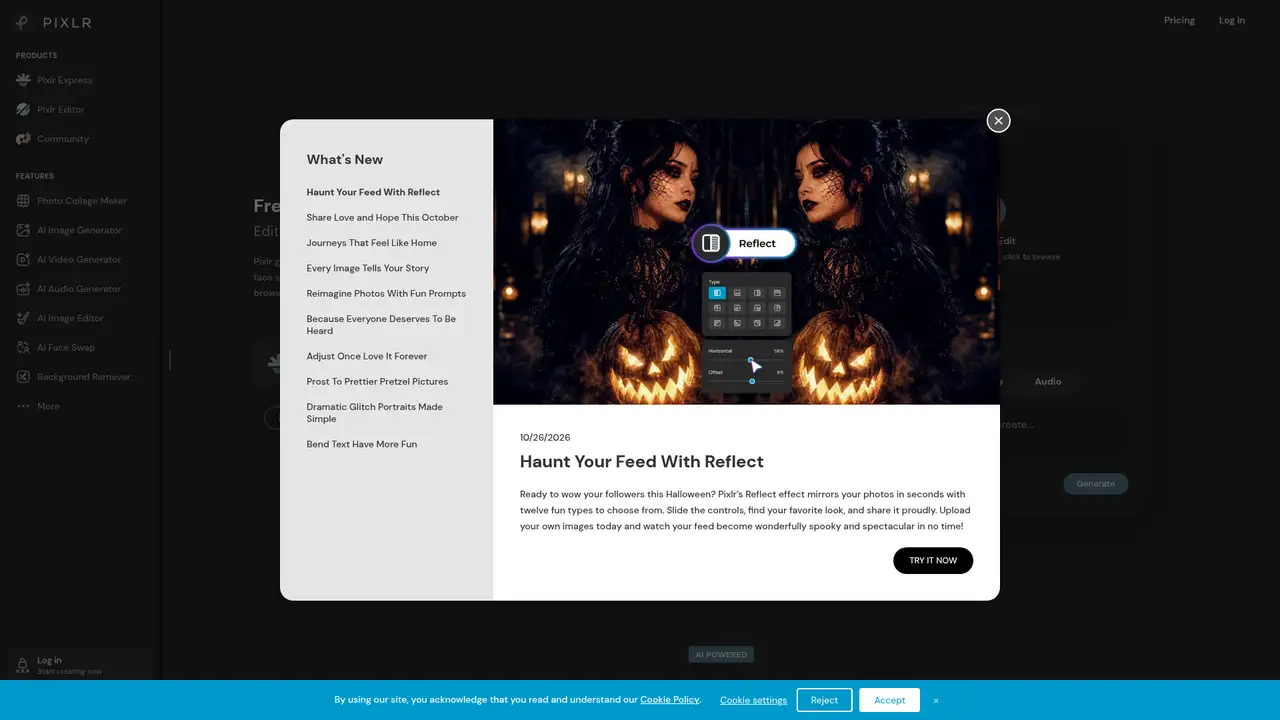
Pixlr began in late summer 2008 as an online editor created by Ola Sevandersson and is now headquartered in Singapore. The company says billions of images are edited each year, while its education program reaches more than one million students and educators. Pixlr belongs to the wider Inmagine creative-tools group, alongside Designs.ai and Vectr, and Crunchbase identifies it as acquired by 123RF. A 2025 Malaysian business report described millions of monthly active users. A developer-event listing reported 10 million monthly active users and 130 million app downloads. Pixlr does not publish a funding total. The company has described itself as bootstrapped and profitable, giving the service a different ownership story from venture-funded creative software competitors.
Pixlr supports three main editing paths: Editor for layered Photoshop-style work, Express for quick adjustments, and Designer for layouts. A typical session begins in the browser, where users open local files or image URLs, then crop, retouch, remove backgrounds or objects, add text and templates, and export results. Current AI tools include generative fill, generative expand, generative transform, face swap, denoise, super scale, background removal, image generation, video generation, text-to-speech, speech-to-text, and text-to-music. Super Scale can output up to 25 megapixels. The service also runs on desktop, Android, and iOS. Account subscriptions carry access between platforms, which helps users move from browser work to mobile edits without changing products.
Pixlr combines conventional browser editing with hosted models from several providers instead of presenting one named proprietary model. Its current site lists Flux, Kling, Recraft, Google Veo, Qwen, Stable Diffusion, SDXL, Seedance, Seedream, Grok Imagine, PixVerse, LTX Video, Vidu, ElevenLabs, ACE-Step, and other models. During 2025 and 2026, the product expanded from image editing into generative video, audio, and speech. Pixlr's public API is mainly an embed and image-opening integration. Its SDK places the editor in an iframe and can receive save updates. The company does not publish a general-purpose metered image-generation API for consumer plans, limiting its appeal for developers seeking automated production workflows.
Pixlr keeps a usable free editor, though advertising, model access, AI credits, and private-generation controls separate it from paid plans. Plus costs $2.49 monthly or $1.99 monthly on annual billing. It includes 80 monthly AI credits, one concurrent generation, ad-free use, and unlimited saves. Premium is $9.99 monthly or $7.99 annually billed monthly, with 1,000 monthly credits, four concurrent generations, all listed image, video, and audio models, private mode, and a larger asset library. Ultra costs $24.99 monthly or $19.99 annually billed monthly. Ultra MAX costs $49.99 monthly or $39.99 annually billed monthly, with larger credit allocations and higher usage estimates. Subscription credits reset at renewal, while purchased credit packs do not expire.
Pixlr's breadth helps individual creators, but the credit system makes intensive generation harder to price than ordinary editing. Adobe Photoshop offers deeper desktop retouching and file interoperability. Canva provides stronger team publishing and template workflows. Photopea is a closer free browser-editor comparison, though it lacks Pixlr's model catalog. Pixlr's license permits personal and commercial AI-content use, while granting Pixlr broad perpetual rights over AI inputs and outputs, disclaiming uniqueness, and assigning rights clearance to the user. Its privacy policy says account data is deleted within 30 days after closure, subject to legal retention. Pick Pixlr for inexpensive browser editing with many generative tools, rather than confidential source material or predictable high-volume API automation.
Who is Pixlr best for?
- Beginners who want a capable editor without installing desktop software.
- Creators combining photo editing with AI image, video, and audio generation.
- Educators needing a low-cost browser tool with a large student reach.
- Small teams needing access across web, desktop, and mobile.
Pixlr Pricing (2026)
Pricing model: Freemium. All prices in USD.
| Plan | Price | What you get |
|---|---|---|
| Free | $0 | Browser editing and many basic tools are available without payment; ads, asset access, and AI allowances vary. |
| Plus | $2.49/month or $1.99/month billed annually | 80 monthly AI credits, one concurrent generation, ad-free use, unlimited saves; annual allocation is 960 credits. |
| Premium | $9.99/month or $7.99/month billed annually | 1,000 monthly AI credits, four concurrent generations, all listed media models, private mode, and expanded assets. |
| Ultra | $24.99/month or $19.99/month billed annually | Includes Premium features with substantially larger AI allowances and higher generation capacity. |
| Ultra MAX | $49.99/month or $39.99/month billed annually | Highest public consumer tier, with the largest AI allowance and usage estimates. |
| Enterprise | Custom | Domain-wide business offering; public pricing and detailed limits are not listed. |
Pros and Cons
Pros
- The free browser editor covers substantial everyday photo work.
- One subscription works across web, desktop, and mobile.
- The model catalog spans images, video, audio, and speech.
- Annual Plus pricing starts below most full creative suites.
Cons
- AI credits and resets make recurring generation costs difficult to forecast.
- The license grants Pixlr broad perpetual rights over AI content.
- The public API focuses on editor embedding rather than model automation.
Who should look elsewhere?
- Studios requiring a documented, high-volume generation API.
- Teams needing Photoshop-level color management and file interoperability.
- Users unwilling to grant broad rights over AI inputs and outputs.
Technical Details
Frequently Asked Questions
How much does Pixlr cost?
Pixlr has a free version. Paid Plus costs $2.49 per month when billed monthly or $1.99 per month on annual billing. Premium costs $9.99 monthly or $7.99 annually billed monthly. Ultra is $24.99 monthly or $19.99 annually billed monthly, while Ultra MAX is $49.99 monthly or $39.99 annually billed monthly. Enterprise pricing is custom.
Is Pixlr free?
Yes. Pixlr provides browser editing without a subscription or account for many tools, although free use includes advertising and more limited access to premium assets and AI features. Plus removes ads and adds 80 monthly AI credits. AI-heavy work can therefore require a paid tier or separate credit pack.
Is Pixlr better than Canva?
Pixlr is the closer choice for hands-on photo manipulation, layered editing, and experimenting with multiple image and media models. Canva is stronger for collaborative brand kits, presentations, publishing workflows, and template-led team design. Pixlr's lower Plus price suits individual editors, while Canva generally offers the more developed collaboration environment.
Does Pixlr train on uploaded images, and is it private?
Pixlr's privacy policy describes collection and retention of service data and says account personal data is deleted within 30 days after closure, subject to legal obligations. Its AI agreement gives Pixlr a perpetual, worldwide, sublicensable right to use AI inputs and outputs. Premium and higher plans advertise private mode for generations, but users should not treat the consumer service as confidential or self-hosted.
Can Pixlr outputs be used commercially?
Pixlr's AI terms say users may use AI content for personal and commercial purposes, subject to the agreement and applicable law. The user remains responsible for copyright, publicity, privacy, and other rights, and must not represent AI output as human-made. Outputs may not be unique, and Pixlr prohibits using its AI services to train competing models.
Best Pixlr Alternatives in 2026
These tools do the same job as Pixlr, with different pricing, limits and trade-offs.
A visual suite for design, documents, video, and brand work

Photo editing, graphic design, and AI production in one service

AI image, video, design, and campaign production for creators and teams
Pixel-level photo editor with Firefly and partner models built into Generative Fill
Free browser photo editor with full PSD support, background removal and AI replace