
Jitter Review, Pricing & Alternatives (2026)
Browser-based motion design for product, marketing, and communication teams.
Last updated: October 26, 2026
What is Jitter?
Jitter is a browser-based motion-design editor for designers, marketers, product teams, and freelancers creating animated communication. It supports Figma import, templates, collaboration, video, GIF, and Lottie exports. An indefinite free plan is available, while paid plans bill per editor. The current pricing page does not publish numeric paid-plan prices.
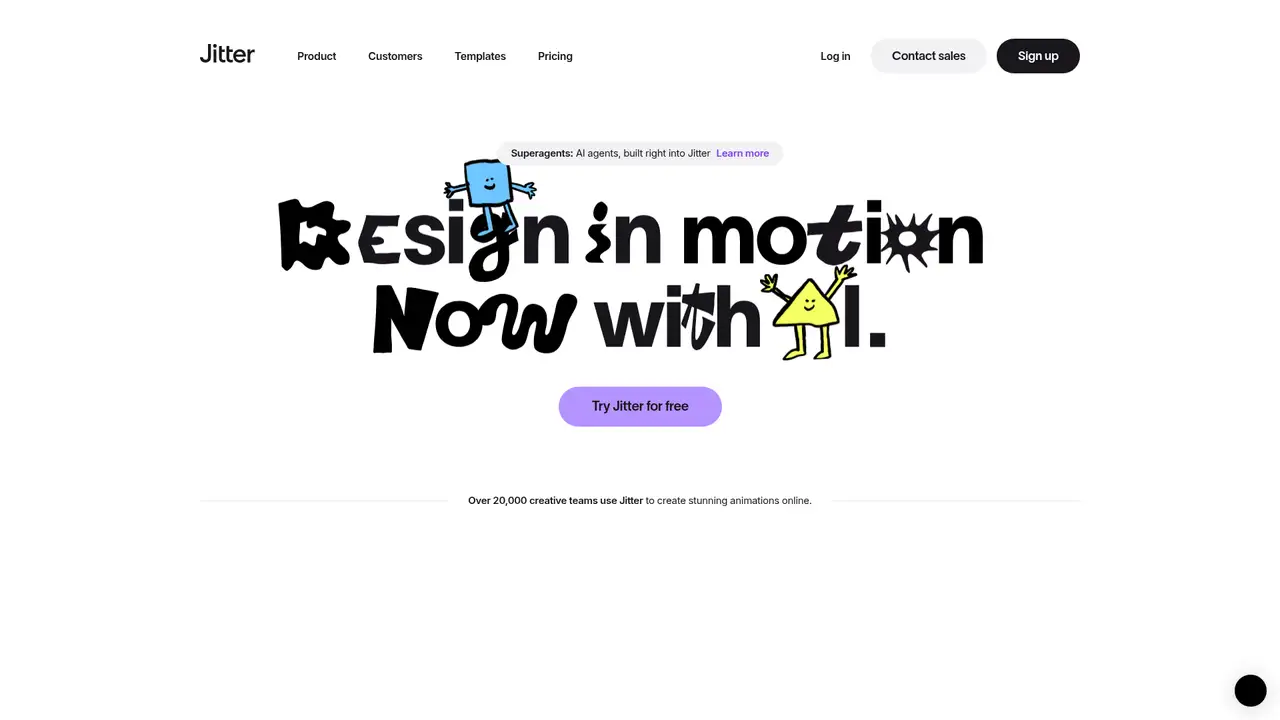
Jitter is a browser-based motion-design editor from Paris company Jitter, founded in 2020 by Etienne Albert and Sébastien Robaszkiewicz. It serves designers, marketers, product teams, and freelancers creating animated communication assets, videos, websites, apps, and social posts. Users can export video, GIF, or Lottie files, while Pro and higher plans add ProRes and WebM; Max, Ultra, and Enterprise add transparent, frame-by-frame, 4K, 120fps, and batch export. Shared workspaces, real-time collaboration, and comments support team projects, with Brand Kits and administration tools on higher plans. The free plan includes three workspace files, 720p exports, limited AI credits, a 20MB upload limit, and watermarks. Jitter fits users who want accessible animation editing without desktop installation, but online dependence, plan restrictions, and unknown numeric pricing should be considered before subscribing.
Jitter’s browser editor combines Figma import, custom animations, presets, more than 300 templates, and animated components in one workspace. Teams can share files, review changes in real time, and leave comments for product or marketing feedback. Export begins by selecting an artboard and choosing a base format and resolution, followed by controls for file type, frame rate, quality, transparency, looping, and GIF quality. Available outputs include video, GIF, and Lottie, while Pro and higher add ProRes and WebM. Max, Ultra, and Enterprise support transparent and frame-by-frame exports, 4K resolution, 120fps, and batch export across multiple scenes. Upload limits range from 20MB on Free to 500MB on Max and Ultra, with a custom limit for Enterprise. Paid plans also add Brand Kits, administration, and billing controls, while Enterprise includes SSO, SCIM, custom integrations, dedicated account management, and workflow support.
Jitter is a web-based SaaS motion-design editor for creating animations for communication content, videos, websites, and apps. Its browser workflow supports custom animations, presets, more than 300 templates, animated components, Figma imports, shared workspaces, real-time collaboration, and comments. Users select an artboard, choose a base format and resolution, then set file type, frame rate, quality, transparency, looping, and GIF quality before downloading video, GIF, or Lottie output. Max users can export multiple scenes in one batch. The renderer accepts files from 16 by 16 pixels, or a thin strip with one side at least 80 pixels, to maximum bounds of 2160 by 4320, 4320 by 2160, 2800 by 2800, or 5760 by 1080. Documentation does not identify its rendering engine, framework, cloud architecture, or AI model. AI Brainstorm, AI credits, and Image-to-Video add features without changing this core workflow.
Jitter’s plans range from Free to Enterprise, with monthly or annual billing in USD before taxes and a stated 15% annual saving. Free remains available indefinitely and provides unlimited drafts, three workspace files, video, GIF, and Lottie export, 720p at 30fps, limited AI credits, a 20MB upload limit, and watermarked output. Pro supports unlimited files and folders, 1080p at 60fps, ProRes and WebM, Image-to-Video, standard AI credits, 100MB uploads, and watermark-free exports. Max adds Brand Kits, transparent and frame-by-frame export, 4K at 120fps, batch export, 2x Pro AI credits, and 500MB uploads. Ultra includes Max features with increased AI output and 3x Max AI credits. Enterprise offers custom pricing, upload limits, SSO, SCIM, advanced security, a dedicated account manager, integrations, and workflow support. Numeric prices are not shown, so buyers should confirm costs before selecting a plan.
Jitter is a browser-based SaaS tool with no identified public API, open-source release, or self-hosted deployment, and its subscription workspaces may limit teams that need local control. The Free plan includes unlimited drafts but only three workspace files, 20MB uploads, 720p at 30fps, limited AI credits, and watermarked exports. Pro raises uploads to 100MB and adds 1080p at 60fps, while Max and Ultra support 500MB uploads, 4K at 120fps, transparent export, frame-by-frame output, and batch export. Jitter brings video, GIF, and Lottie export, Figma import, templates, shared workspaces, comments, and real-time collaboration into one browser workflow. Rive is better suited to interactive runtime animation, while Lottielab focuses more narrowly on Lottie authoring and After Effects offers deeper compositing and timeline control. Pick Jitter for fast collaborative motion work from design assets across several delivery formats.
Who is Jitter best for?
- Designers turning Figma files into animated scenes.
- Marketing teams producing branded motion content.
- Product teams shipping Lottie and interface animation.
- Freelancers needing browser-based multi-format exports.
Jitter Pricing (2026)
Pricing model: Freemium. All prices in USD.
| Plan | Price | What you get |
|---|---|---|
| Free | $0 | Available indefinitely. Includes unlimited drafts, 3 workspace files, 720p at 30fps, video, GIF, and Lottie export, limited AI credits, 20MB uploads, and watermarked exports. |
| Pro | Custom | Per-editor monthly or annual billing. Includes unlimited files, 1080p at 60fps, ProRes, WebM, Image-to-Video, standard AI credits, 100MB uploads, and no watermark. |
| Max | Custom | Per-editor monthly or annual billing. Adds Brand Kits, transparent and frame-by-frame export, 4K at 120fps, batch export, 2x Pro AI credits, and 500MB uploads. |
| Ultra | Custom | Per-editor monthly or annual billing. Includes Max features, increased AI output, 3x Max AI credits, 4K at 120fps, batch export, and 500MB uploads. |
| Enterprise | Custom | Custom quote with advanced security, SSO, SCIM, dedicated account management, pre-release features, integrations, workflow support, custom upload limits, 4K at 120fps, and batch export. |
Pros and Cons
Pros
- Figma import connects existing design work to animation.
- Free users can export video, GIF, and Lottie files.
- Higher plans support 4K, 120fps, transparency, and batch export.
- Shared workspaces include real-time collaboration and comments.
Cons
- Free exports retain a watermark and stop at 720p and 30fps.
- AI credit quantities are not published numerically.
- The product offers no identified public API or self-hosted deployment.
Who should look elsewhere?
- Teams requiring offline or self-hosted production.
- Artists needing deep compositing and timeline control.
- Developers seeking a generally available public animation API.
Technical Details
Frequently Asked Questions
How much does Jitter cost?
Jitter has an indefinite Free plan plus Pro, Max, Ultra, and Enterprise plans. Paid subscriptions bill per editor and offer monthly or annual billing. The pricing page advertises a 15% annual saving, but it does not display numeric Pro, Max, or Ultra prices. Enterprise uses a custom quote. Prices are shown in USD before VAT and other applicable taxes.
Does Jitter have a free plan?
Yes. The Free plan is available indefinitely and includes unlimited drafts, three workspace files, video, GIF, and Lottie export, 720p resolution, 30fps output, and limited AI credits. Uploads are capped at 20MB, and exports retain a Jitter watermark. Pro is required for unlimited files, watermark-free output, and higher export settings.
How does Jitter compare with Rive?
Jitter is a browser motion-design editor for scenes, templates, Figma import, video, GIF, and Lottie exports. Rive focuses more on interactive, state-driven animation for applications and products. Jitter suits marketing and communication deliverables across several formats. Rive is the better match when runtime interaction, responsive behavior, and embedded animation control are central requirements.
Does Jitter train AI models on user content?
Jitter's licensing guidance says users retain their rights and ownership of User Content. Its published policy material does not specify whether customer content is used to train AI models, how long content is retained, or the exact processing terms for AI features. Organizations with strict data requirements should review Jitter's current privacy policy and Enterprise agreement before adoption.
Can Jitter exports be used commercially?
Jitter says its own templates may generally be remixed, transformed, and used commercially without attribution or additional permission. Third-party templates can have different license terms, so each asset needs review. Users retain ownership of their User Content. Commercial use of Free exports remains subject to applicable rights, although the Free plan's watermark stays on the exported file.
Best Jitter Alternatives in 2026
These tools do the same job as Jitter, with different pricing, limits and trade-offs.
A visual suite for design, documents, video, and brand work

A browser workspace for designing and shipping Lottie animations.
Interactive animation editor and runtimes for apps, games and cars, with an AI agent
Lottie animation platform with a browser editor, Motion Copilot AI and an asset library
Industry-standard motion graphics and VFX app with AI Roto Brush and an AI Assistant