
Coda Review, Pricing & Alternatives (2026)
Collaborative docs that combine writing, tables, formulas, and automation
rebranded: Coda became Superhuman Docs on July 8, 2026. Existing customers remain on their current plans and pricing unless they opt into the Superhuman bundle.
Last updated: October 26, 2026
What is Coda?
Coda is a collaborative document platform that combines writing, tables, databases, formulas, automations, integrations, and AI. It suits teams building custom workflows inside shared documents, with editors and viewers free and Pro starting at $12 per Doc Maker per month when billed annually. The product became Superhuman Docs in July 2026, while existing Coda pricing remained unchanged.
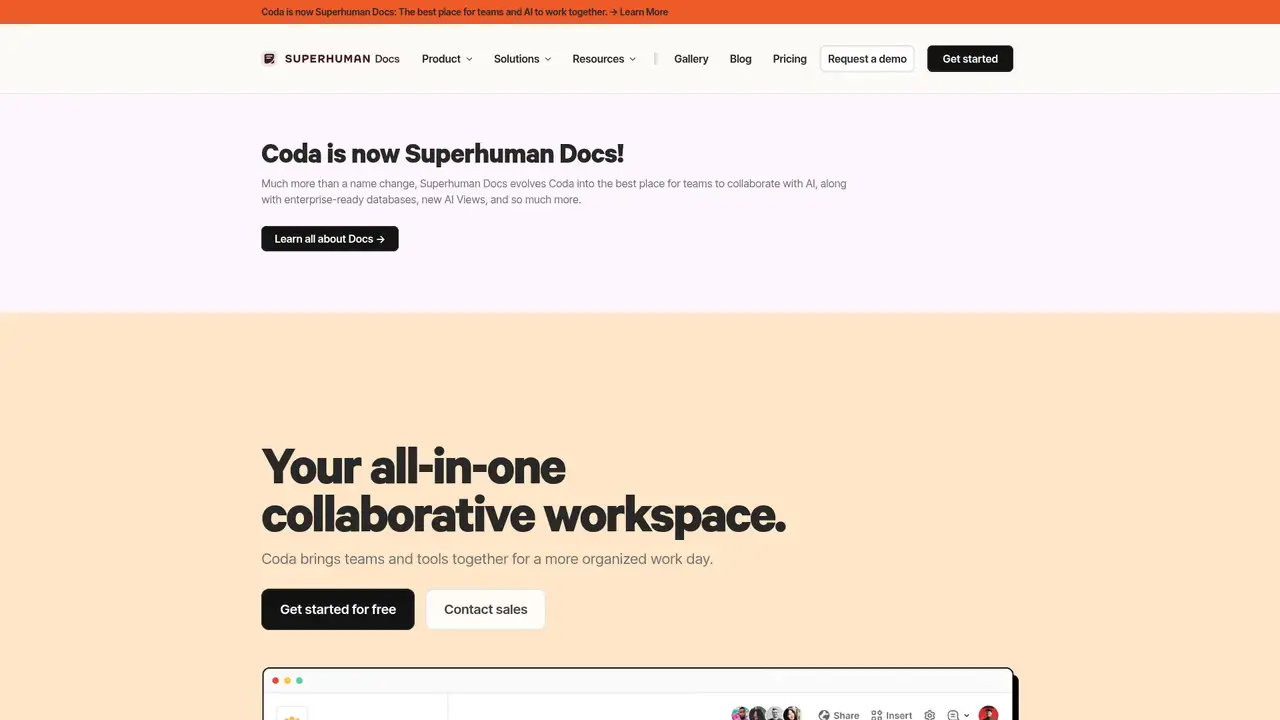
Coda is a collaborative document platform that combines writing, tables, formulas, automations, integrations, and AI in one workspace. Founded in 2014 by Shishir Mehrotra and Alex DeNeui, it reached its official Coda 1.0 launch in 2019, then introduced its first AI features in 2023. Grammarly acquired Coda in 2024 for undisclosed terms, and the product became Superhuman Docs on July 8, 2026. Existing customers remain on their current plans unless they choose the broader Superhuman bundle. The current service retains Coda’s document-first approach, with connected tables, forms, Packs, and workflow tools aimed at teams building custom processes rather than maintaining a conventional wiki. Superhuman says the wider company serves more than 40 million people and 50,000 organizations, although that figure covers the suite, not Coda alone.
Coda combines collaborative documents with tables, databases, formulas, automations, forms, Packs, and cross-document references, making a typical workflow more structured than a conventional word processor. A team might begin with a doc, add a table for projects or requests, define formulas and views, then connect an external service through a Pack. Automations can trigger reminders or updates, while forms collect information directly into tables. Docs AI works inside the document, where it can draft content, build or update tables, organize data, resolve comments, and answer questions across the workspace. Developers can extend these workflows through the API, although documents over 125 MB lose developer API support, and rate limits apply to reads, writes, and content changes. Coda also supports MCP connections to tools such as Claude, ChatGPT, and Cursor, with access governed by workspace permissions.
Coda does not disclose a named underlying language model, and its June 2026 AI-column upgrade identifies only newer, more capable models. That restraint is preferable to invented model branding, though it leaves buyers with less information for technical comparison. Its current Docs AI, in beta, works inside pages to draft text, build or update tables, organize data and resolve comments. The July 2026 rebrand also introduced Superhuman Docs MCP, connecting Claude, ChatGPT, Cursor and other compatible tools to documents. AI Views entered closed beta, while Superhuman Databases entered closed beta with a stated capacity of 1,000,000 rows. The product’s developer API remains separate from AI access: documents over 125 MB can lose API support, and per-user limits include 100 reads per six seconds and 10 writes per six seconds.
Coda’s free tier is usable, but the paid value depends on who creates documents. Superhuman Docs lists Free at $0, Pro at $12 per Doc Maker monthly when billed annually, Business at $33, and Enterprise as custom. Editors and viewers remain free, while billing applies to Doc Makers, including administrators, so a large audience does not automatically create a large bill. Free includes collaborative docs, tables, forms, formulas, automations and limited trials of Docs AI and MCP, but shared documents have limits, attachments are capped at 1GB per document, version history lasts seven days, and automations have a low quota. Pro raises attachment storage to 5GB, version history to 30 days and automation capacity to a medium quota. Business adds unlimited automations, version history and databases beta. Existing Coda customers keep their current pricing unless they opt into the broader bundle.
Coda’s flexibility carries a cost: its document-first design can demand more setup than Notion, while Airtable remains clearer for structured databases and Confluence better suits established knowledge bases. Large workspaces also face practical ceilings, including a 125 MB document limit for developer API support and per-user API limits of 100 reads or 10 writes per six seconds. The product is now Superhuman Docs, following Superhuman’s July 2026 rebrand, although existing Coda customers keep their plans unless they switch bundles. Its Free plan includes collaborative docs, tables, formulas, automations and limited AI trials, while Pro starts at $12 per Doc Maker monthly when billed annually. Editors and viewers remain free, but AI limits are still in beta and subject to fair use. Coda is best for teams willing to design custom, document-centered workflows rather than adopt a ready-made database or wiki.
Who is Coda best for?
- Teams building custom workflows inside collaborative documents.
- Operations groups combining narrative briefs with structured tables.
- Companies needing formulas, forms, automations, and integrations together.
- Teams that want editors and viewers to remain free.
Coda Pricing (2026)
Pricing model: Freemium. All prices in USD.
| Plan | Price | What you get |
|---|---|---|
| Free | $0 | Includes collaborative docs, tables, views, forms, formulas, automations, limited Docs AI trials, and limited MCP trials. Editors and viewers are free. |
| Pro | $12/user/month annually; $15/user/month monthly | Billed per Doc Maker. Includes 5GB per doc, 30 days of version history, daily connector refreshes, and medium automation quotas. |
| Business | $33/user/month annually; $40/user/month monthly | Billed per Doc Maker. Adds unlimited attachments, automations, version history, private folders, governance, and Databases beta. |
| Enterprise | Custom | Adds SAML SSO, SCIM, AI controls, governance, advanced access controls, audit events, SOC 2 Type 2, and HIPAA compliance. |
Pros and Cons
Pros
- Coda combines documents, tables, formulas, forms, and automations in one workspace.
- Editors and viewers are free on paid workspaces.
- Docs AI can build and update tables from within a document.
- The API and Packs support integrations with common business tools.
Cons
- The product identity changed to Superhuman Docs in July 2026.
- API support ends for documents over 125MB.
- Flexible documents can require careful workspace governance.
Who should look elsewhere?
- Teams wanting a conventional wiki with minimal configuration.
- Organizations requiring a self-hosted document platform.
- Developers needing unrestricted API access to very large documents.
Technical Details
Frequently Asked Questions
How much does Coda cost?
Coda's Free plan costs $0. Pro costs $12 per Doc Maker per month when billed annually, or $15 per member per month when billed monthly. Business costs $33 annually or $40 monthly per member. Enterprise pricing is custom. Editors and viewers are free, and paid workspaces are billed for Doc Makers rather than every collaborator.
Does Coda have a free plan?
Yes. The Free plan includes collaborative documents, connected tables, views, forms, formulas, automations, limited Docs AI trials, and limited MCP trials. It is intended for starting documents and small workflows. Editors and viewers are free, while paid plans charge for Doc Makers who can create documents, manage pages, and use Docs AI.
Is Coda better than Notion?
Coda is a stronger fit when a document needs structured tables, formulas, buttons, forms, automations, and integrations. Notion is more focused on wiki-style knowledge management and flexible pages. Coda also supports an API with documented request limits. The better option depends on whether the workspace is primarily a custom workflow or a shared knowledge base.
Does Coda train AI models on user data?
Coda says it sends prompts and content to third-party AI providers to provide AI features, but it does not permit those providers or contractors to train on the data. Coda also says it does not use enterprise customers' AI inputs or results to improve its own AI. Workspace administrators should review privacy and security controls.
Can I use Coda commercially?
Yes. Coda offers paid workspace plans for business use, including Pro, Business, and Enterprise. Commercial access covers use of the platform and its features, while Enterprise adds controls such as SSO, SCIM, audit events, governance, SOC 2 Type 2, and HIPAA compliance. Platform terms and third-party Pack terms govern integrations and licensed materials.
Best Coda Alternatives in 2026
These tools do the same job as Coda, with different pricing, limits and trade-offs.
Connected docs, projects, databases, and AI for teams
AI assistance for pages, search, meetings, and recurring work

A database-first workspace for building structured apps and workflows
Team wiki and documentation space with Rovo AI, databases and whiteboards
Spreadsheet-style work management with AI columns, dashboards and MCP connectors
Free online word processor with real-time collaboration and Gemini writing help built in