
TypingMind Review, Pricing & Alternatives (2026)
Use multiple AI providers from one browser workspace
Last updated: October 26, 2026
What is TypingMind?
TypingMind is a browser-based AI workspace for people who want one interface for models from OpenAI, Anthropic, Google, Mistral and other providers. It suits individuals, teams and technical users comfortable managing API keys and separate provider bills. Basic use is free, while lifetime licenses start at $39 one time, excluding model usage.
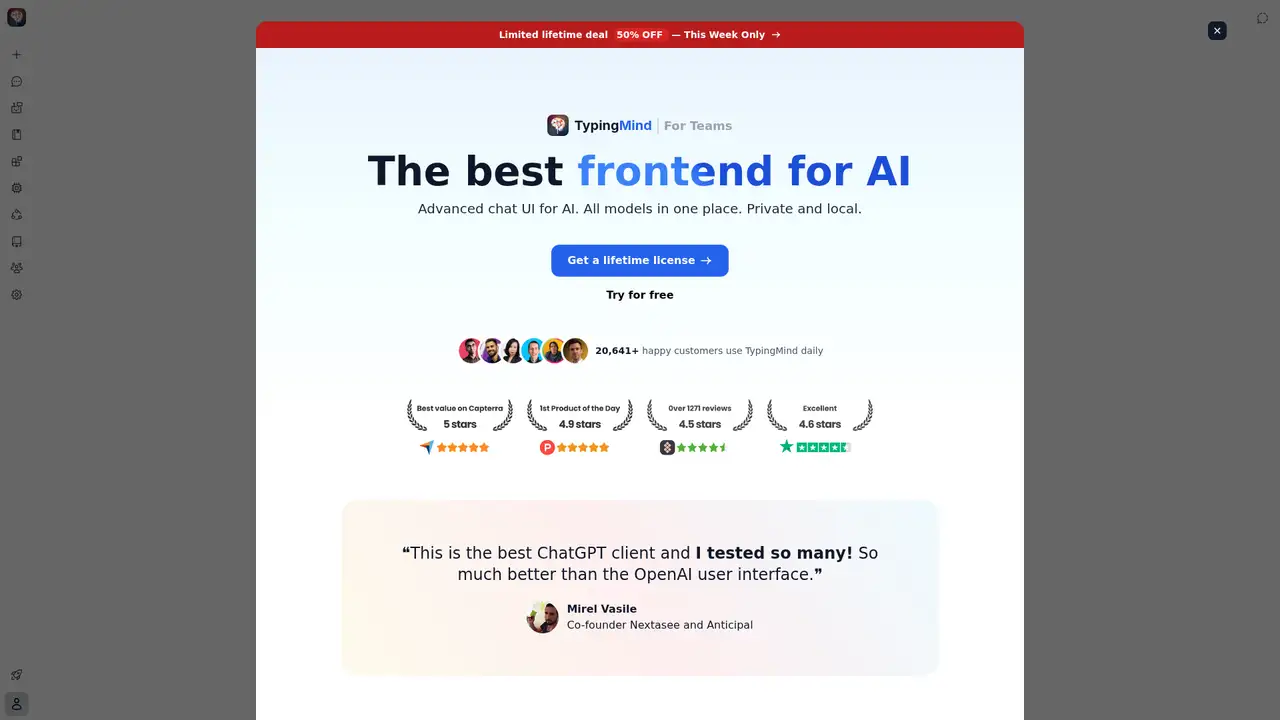
TypingMind is a browser-based, multi-provider AI workspace created by Tony Dinh, with an MVP released on March 6, 2023 and a Product Hunt launch five days later. It began as a redesigned interface for ChatGPT and now supports model choice across OpenAI, Anthropic, Google, Mistral, DeepSeek and Grok. Dinh reported $1 million in trailing-12-month revenue in November 2024, 20 months after launch, describing revenue rather than venture funding. The product uses a bring-your-own-key model: customers connect provider accounts and pay token charges directly, so ChatGPT Plus is unnecessary. Basic use costs $0, while lifetime licenses start at $39 and rise to $198 for Premium on the current license page. Optional cloud sync, Teams plans and provider usage add separate costs. TypingMind remains active for users who want a multi-provider browser workspace rather than one vendor's subscription.
A typical setup starts with adding provider API keys, enabling models, and then selecting a workspace function. The browser normally sends requests directly to the chosen provider, while TypingMind stores personal app data in Local Storage and IndexedDB by default. Users can switch among OpenAI, Anthropic, Google, Mistral, DeepSeek and Grok models, then combine chat with agents, plugins, web search, image generation, deep research, MCP, projects, folders, canvas, artifacts or a knowledge base. A provider key can use that provider’s available models, including examples such as GPT-4o, Claude 3.5 Sonnet and Gemini 1.5 Pro. Cloud Sync is optional and separate from the lifetime license, with 50MB of default cloud storage and paid 1GB or 5GB upgrades. Users obtain keys and pay token charges directly to providers, making TypingMind a frontend and workspace rather than an inference service or included model subscription.
TypingMind routes prompts to external provider APIs rather than running a proprietary model. Its setup documentation lists GPT-4o, o1, GPT-4 Mini, GPT-3.5, Claude 3.5 Sonnet, Claude 3 models, Gemini 1.5 Flash and Gemini 1.5 Pro; supported providers also include OpenAI, Anthropic, Google, Mistral, DeepSeek and Grok. The 2025 changelog adds Gemini 2.5 Pro, Claude Sonnet 4 with a 1M-token context window, Gemini 2.5 Flash Image, Claude Sonnet 4.5, Claude Opus 4.5, GPT-5.2 and Gemini 3 Flash. Users enable models after entering provider keys, and requests normally travel directly from the browser to the selected vendor. TypingMind therefore expands model choice without training or hosting inference itself. Limits, retention, training treatment and output quality depend on the provider, with unpaid Google Gemini services subject to different training terms than paid Google services.
Basic use is free, but users pay their selected providers for API consumption. The Standard lifetime license costs $39 once and includes basic chat, ad or pop-up removal, and AI agents. Extended is displayed at $79, while Premium pricing should be checked at checkout because the current pricing presentation is ambiguous; it includes multi-model and parallel chats, projects, folders, artifacts, canvas, unlimited plugins and MCP, plus free updates. Licenses are permanent, but cloud storage is separate: 50MB is free, with 1GB and 5GB upgrades whose captured prices are not published. Teams includes five seats per plan. Annual-billing equivalents are $83, $166 and $249 monthly for Starter, Growth and Professional, while the monthly figures are $99, $199 and $299. Extra seats cost $8 per user monthly. Business starts at $18,700 annually, and model charges remain separate. Teams therefore suits organizations, while the $39 license suits individual BYOK users.
The main limitation is operational: users must obtain API keys, monitor token charges, and check each provider’s retention and training terms. TypingMind stores personal app data in browser Local Storage and IndexedDB by default, so chats and settings remain per browser and device unless optional Cloud Sync is enabled. Cloud storage is separate from the lifetime license, with 50 MB free and paid 1 GB or 5 GB upgrades; a 2025 changelog lists additional storage from $10 monthly. Self-hosted deployments run on customer infrastructure and require maintenance. ChatGPT and Claude provide simpler included access, but each centers on one vendor. Chatbox offers a comparable BYOK workflow, while LibreChat and Open WebUI suit users prepared to deploy and maintain free self-hosted software. Choose TypingMind for multi-provider browser workflows, agents, projects and plugins; choose ChatGPT or Claude for included credits and minimal setup, or LibreChat for self-hosting.
Who is TypingMind best for?
- People who want several AI providers in one browser workspace.
- BYOK users comfortable managing API keys and usage bills.
- Teams needing shared agents, prompts, projects and model access.
- Technical users who value local storage or self-hosted deployment options.
TypingMind Pricing (2026)
Pricing model: Freemium. All prices in USD.
| Plan | Price | What you get |
|---|---|---|
| Basic | $0 | Basic features are included. Provider API usage is billed directly by the user. |
| Standard lifetime | $39 one-time | Buy once and use forever. Advanced functions require a license. |
| Extended lifetime | $79 one-time | The current pricing selector displays $79, alongside a separate comparison display. |
| Premium lifetime | $198 one-time | Includes multi-model chats, projects, artifacts, canvas, unlimited plugins and MCP, plus free updates. |
| Teams Starter | $83/month | Five seats are included in the annual-billing display. Extra seats cost $8 per user monthly. |
| Teams Growth | $166/month | Five seats are included in the annual-billing display. Adds projects, folders, artifacts, canvas and knowledge base. |
| Teams Professional | $249/month | Five seats are included in the annual-billing display. Includes reports, audit logs, SSO, Directory Sync and OAuth 2. |
| Teams Business | Custom | Starts at $18,700 per year. Volume discounts can reach $4 per seat monthly. |
| Cloud Sync | Not publicly listed | Optional and separate from lifetime licenses. Cloud storage upgrades are available, but current upgrade prices are not displayed. |
Pros and Cons
Pros
- One interface supports models from multiple major providers.
- Basic access is free, with lifetime licenses starting at $39.
- Local browser storage keeps ordinary app data on the user's device.
- Premium adds agents, projects, artifacts, canvas, plugins and MCP.
Cons
- Provider API fees are separate and can be difficult to forecast.
- Model privacy and training terms vary across connected providers.
- Local conversations do not automatically follow users across devices.
Who should look elsewhere?
- People seeking included model credits under one monthly subscription.
- Users unwilling to configure provider accounts and monitor API spending.
- Teams wanting a fully managed workspace without deployment decisions.
Technical Details
Frequently Asked Questions
How much does TypingMind cost?
Basic use costs $0, excluding provider API charges. The Standard lifetime license costs $39 one time. The current page displays Extended at $79; Premium pricing should be checked at checkout because the current presentation is ambiguous. Teams displays annual-billing equivalents of $83, $166 and $249 monthly for Starter, Growth and Professional, while Business starts at $18,700 yearly.
Does TypingMind have a free plan?
Yes. TypingMind offers free basic use, but users must supply provider API keys and pay the selected providers directly. Advanced functions require a license. Free access does not include bundled model credits, so total cost depends on the models used and each provider's API pricing.
How does TypingMind compare with ChatGPT?
TypingMind combines models from multiple providers and uses a BYOK billing model. ChatGPT provides a more direct single-vendor subscription experience with included access under its own plans. TypingMind suits users who want provider choice, local storage or self-hosting options. ChatGPT suits users who prefer simpler setup and one account.
Does TypingMind train on user conversations?
TypingMind says local and self-hosted conversations, prompts, outputs and API keys are not collected or accessible by the company. Provider rules still apply. OpenAI and Anthropic API data is not used for training under their stated policies, while unpaid Google Gemini services may use data to improve products.
Can I use TypingMind commercially?
TypingMind provides commercial-facing licenses and Teams plans, but model usage remains governed by each connected provider's terms. Users pay provider API charges separately and must check commercial-use, data-retention and output rules for every model they connect. TypingMind itself is a frontend, so it does not grant broader rights to provider-generated content.
Best TypingMind Alternatives in 2026
These tools do the same job as TypingMind, with different pricing, limits and trade-offs.
General-purpose AI assistance for writing, research, coding, and work
Long-context AI assistant for writing, research, and code

Self-hosted chat for multiple AI providers
A self-hosted interface for local and hosted AI models

One client for local models, provider APIs, web research, and document chat