
Reclaim AI Review, Pricing & Alternatives (2026)
AI scheduling for protecting priorities, routines, meetings, and focus time
Last updated: October 22, 2026
What is Reclaim AI?
Reclaim AI is a calendar assistant for Google Calendar and Microsoft Outlook that schedules tasks, habits, focus time, buffers, and meetings around existing commitments. Entry pricing is free for one user, while paid plans start at $12 per seat monthly, or $10 per seat monthly with annual billing.
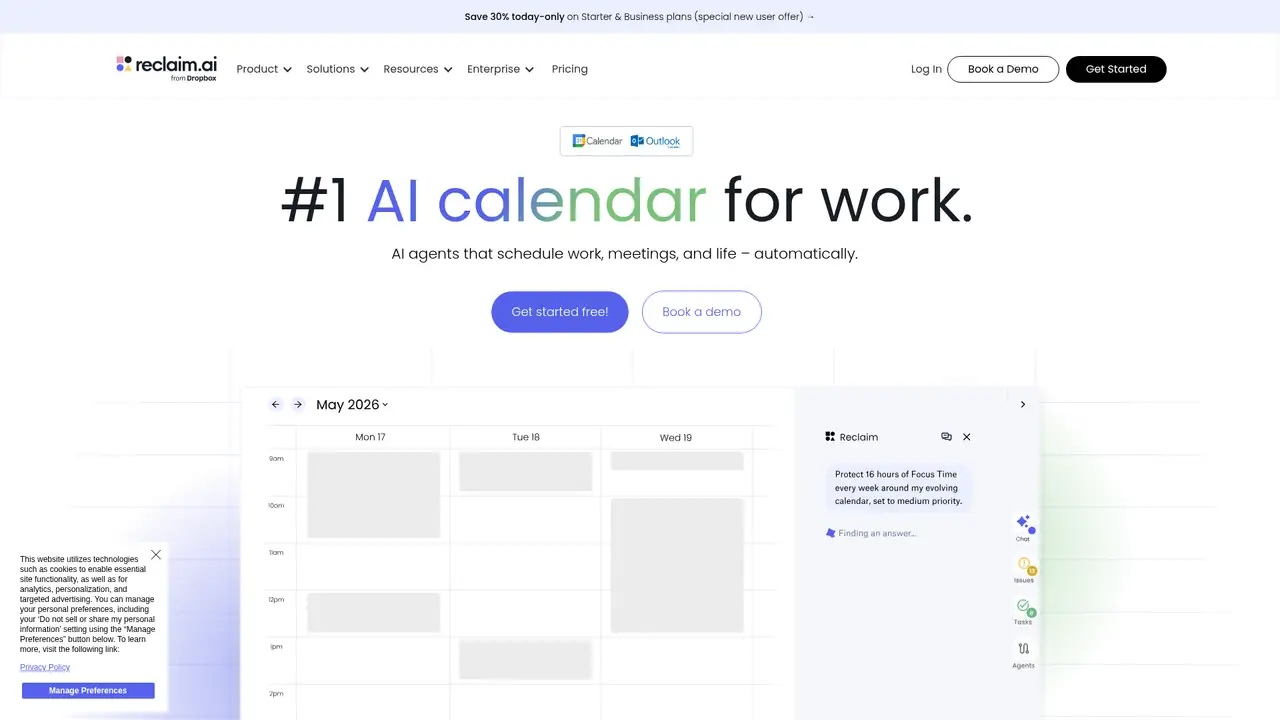
Reclaim AI launched in June 2019 in Portland, founded by Patrick Lightbody, Henry Shapiro, and Ian White, former product leaders and engineers at New Relic. The founders first tested the calendar product privately before releasing LifeWork Calendar, a free utility that combined work and personal calendars without exposing personal appointment details. GeekWire reported $1.5 million in angel and venture funding by 2020. Dropbox announced Reclaim’s acquisition on August 20, 2024, and said its team would continue developing the product. Reclaim remains a named calendar scheduling product with Lite, Starter, Business, and Enterprise plans. Lite is free for one user, while paid pricing starts at $10 per seat monthly, with annual billing displayed separately. A post-acquisition funding total is not published. Individuals and teams needing automatic calendar time blocking should choose it.
Reclaim centers work planning on the calendar rather than a task list alone. Users can create Habits for recurring routines, Tasks for deadline-based work, Focus Time goals, Buffer Time, Smart Meetings, and Scheduling Links. Habits move when conflicts arise, while Tasks receive flexible calendar blocks before due dates and can be divided into smaller work periods. Smart Meetings consider attendee availability, time zones, priorities, and existing commitments. Scheduling Links show availability shaped by scheduling preferences and priorities. Calendar Sync copies events between connected calendars to protect availability. Integrations include Google Calendar, Outlook Calendar, Google Tasks, Todoist, Asana, ClickUp, Jira, Linear, Slack, Zoom, Raycast, webhooks, and selected assistant connections. Choose it for automatic calendar time blocking across priorities, routines, meetings, and multiple calendars.
Reclaim is a hosted calendar service that uses Google Calendar and Microsoft Graph permissions to read and write calendar data. It applies scheduling rules to create, move, and remove Tasks, Habits, buffer periods, synced events, and meetings. Security materials state that data is encrypted in transit and at rest, with infrastructure hosted on Amazon Web Services and Google Cloud Platform. In May 2025, Reclaim announced Outlook Calendar support in beta, including Focus Time, Calendar Sync, analytics, and scheduling. Reclaim 2.0 materials list an AI Assistant, Planner, background Agents, Insights, and Model Context Protocol connections for ChatGPT, Claude, Copilot, and Gemini. Published materials do not name the underlying model. Choose it if automatic calendar changes and connected calendars matter.
Reclaim offers four plans for automatic calendar scheduling. Lite is free for one user and includes a one-week scheduling range, one Calendar Sync, one Scheduling Link, five AI Agents, and limited integrations. Starter costs $10 per seat monthly or $12 per seat monthly on the annual-billing display, supports up to 10 seats, and adds an eight-week range, three Calendar Syncs, and 10 AI Agents per seat. Business costs $15 monthly or $18 on the annual display, supports up to 100 seats, and provides a 12-week range with 100 AI Agents per seat. Enterprise costs $22 per seat monthly on annual billing, requires more than 100 seats, and adds unlimited AI Agents, SSO, SCIM, delegated access, and organization scheduling features. Choose Reclaim for flexible automatic time blocking.
Reclaim requires access to connected calendar data and is neither open source nor self-hosted. Lite supports one user, a one-week scheduling range, one calendar sync, one Scheduling Link, five AI Agents, and limited integrations. Paid teams must use one plan type, while Enterprise is for organizations with more than 100 seats and annual billing. Motion adds project and task management to calendar planning. Clockwise emphasizes team meeting coordination and focus-time protection, whereas Sunsama favors manual daily planning. Choose Reclaim for automatic time blocking, recurring routines, focus time, and multiple Google Calendar or Outlook sources. Choose Motion for deeper project planning, Clockwise for team meeting coordination, or Sunsama for deliberate daily planning. Reclaim suits individuals and small teams comfortable granting calendar access to a hosted service, while it is not suitable for self-hosted requirements or manual planning preferences. Choose Reclaim if calendar adaptation is your priority.
Who is Reclaim AI best for?
- Individuals who want automatic calendar time blocking around priorities.
- Small teams coordinating meetings, tasks, routines, and focus time.
- Google Calendar or Outlook users managing multiple calendars.
- Organizations requiring SSO, SCIM, and administrative scheduling controls.
Reclaim AI Pricing (2026)
Pricing model: Freemium. All prices in USD.
| Plan | Price | What you get |
|---|---|---|
| Lite | $0 | One user, one-week scheduling range, one Calendar Sync and one Scheduling Link. |
| Starter | $12/seat/month, or $10/seat/month billed annually | Up to 10 seats, eight-week scheduling range, three Calendar Syncs and 10 AI Agents per seat. |
| Business | $18/seat/month, or $15/seat/month billed annually | Up to 100 seats, 12-week scheduling range and 100 AI Agents per seat. |
| Enterprise | $22/seat/month billed annually | Annual billing only, for organizations with more than 100 seats. |
Pros and Cons
Pros
- Flexible scheduling adapts tasks and routines when calendar conflicts appear.
- Supports Google Calendar and Outlook with task and collaboration integrations.
- Free Lite access provides core scheduling features for one user.
- Enterprise plans include SSO, SCIM, delegated access, and organization controls.
Cons
- Automatic calendar changes require careful priorities, preferences, and permissions setup.
- Enterprise requires more than 100 seats and annual billing.
- The service stores primary-calendar data to perform scheduling and analytics.
Who should look elsewhere?
- Teams requiring self-hosted deployment or open-source code.
- Users who prefer manual daily planning over automatic calendar changes.
- Organizations unwilling to grant calendar access to a hosted service.
Technical Details
Frequently Asked Questions
Does Reclaim AI have a free plan?
Yes. Lite is free for one user and includes five AI Agents, a one-week scheduling range, one calendar sync, one Scheduling Link, Focus Time, Habits, Buffer Time, Smart Meetings, and limited integrations. The plan is designed for an individual rather than a multi-seat team deployment.
What is the lowest paid Reclaim AI price?
The lowest paid public price is Starter at $10 per seat per month on monthly billing. Reclaim displays Starter at $12 per seat per month on annual billing and Business at $18. Enterprise is annual only at $22 per seat per month. Buyers should confirm the checkout total because billing displays can vary.
Which competitor is closest to Reclaim AI?
Motion is the closest broad competitor because both combine calendar scheduling, tasks, and automatic time allocation. Clockwise is closer for organizations focused on meeting coordination and protected focus time across teams. Sunsama serves a different preference, emphasizing deliberate daily planning. Reclaim fits calendar adaptation, routines, and multiple calendar synchronization.
How does Reclaim handle privacy?
Reclaim says it does not sell or share customer data for profit or comarketing, supports self-service deletion, and encrypts data in transit and at rest. It stores primary-calendar data for scheduling and analytics, while connected Calendar Sync data is held in memory for synchronization. Calendar permissions remain necessary for operation.
Can businesses use Reclaim AI commercially?
Yes. Reclaim publishes Starter and Business plans for teams, plus Enterprise for organizations with more than 100 seats. Business includes broader calendar synchronization, webhooks, delegated access, and expanded automation limits. Enterprise adds SSO and SCIM provisioning. Team members must use the same paid plan type.
Best Reclaim AI Alternatives in 2026
These tools do the same job as Reclaim AI, with different pricing, limits and trade-offs.