
Microsoft Copilot Studio Review, Pricing & Alternatives (2026)
Low-code agents for Microsoft data, workflows, and channels
Last updated: October 26, 2026
What is Microsoft Copilot Studio?
Microsoft Copilot Studio is a proprietary low-code agent builder for Microsoft 365, Power Platform, enterprise data, workflows, and external channels. Entry usage costs $0.01 per Copilot Credit through Azure pay-as-you-go, while tenant capacity starts at $200 per month billed annually. It suits organizations already using Microsoft services.
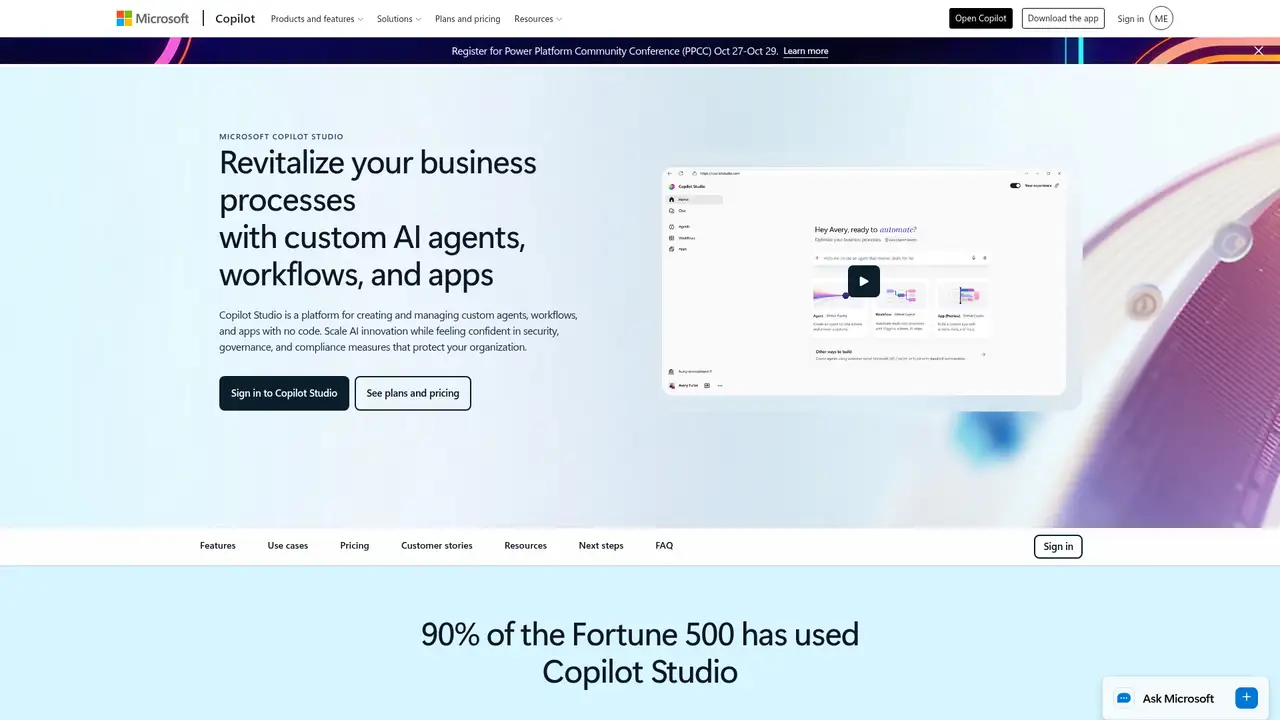
Microsoft Copilot Studio is a proprietary Power Platform SaaS for building, deploying, analyzing, and managing AI agents. Microsoft announced it at Ignite on November 15, 2023, as a low-code tool for customizing Microsoft Copilot for Microsoft 365 and creating standalone copilots. Power Virtual Agents, generally available since December 2019, became part of Copilot Studio, while existing bots continued without interruption. The service combines agent design, publishing, administration, and analytics in one web experience. It is a Microsoft product rather than an acquired independent vendor, and it uses Microsoft tenant and environment controls for organizational administration. This history matters because current Copilot Studio includes capabilities inherited from the earlier Power Virtual Agents product, alongside newer generative and autonomous agent features.
Teams can create generative or authored agents, connect enterprise information through prebuilt and custom connectors, and add actions or workflows. Power Automate supports process execution, while Azure Bot Service skills and channel APIs extend delivery options. Agents can publish to Teams, websites, applications, and external channels. Microsoft describes building, deploying, analyzing, and managing from one web experience, with environments, access policies, analytics, and monitoring for administration. Connectors and actions can call business systems without a downloaded runtime or self-managed server. Documented examples include CRM, enterprise resource planning systems, databases, Microsoft 365 services, and external APIs. This operating model suits Microsoft-centered teams that want visual configuration for business automation, while retaining access to custom connectors and channel integration where standard options are insufficient.
Copilot Studio uses Microsoft hosted technology and Power Platform services rather than an open-source core. Extension points include Power Platform connectors, custom connectors, Power Automate, Azure Bot Service skills, Direct Line and Bot Framework patterns, and channel APIs. Microsoft changed the common billing currency from messages to Copilot Credits on September 1, 2025. Current billing examples count a classic answer as one credit, a generative answer as two, and an agent action as five. Documentation also covers autonomous agents, computer use, AI tools, voice tiers, evaluation, and throughput guidance. Feature availability can change across releases, so deployment plans should check current documentation. The service remains a closed SaaS product, with no downloadable Studio runtime or self-hosted server. Agents can call external APIs through connectors and actions, but the platform itself stays under Microsoft hosting and administration.
The public tenant capacity tier costs $200 per pack per month when billed annually and includes 25,000 Copilot Credits. Azure pay-as-you-go costs $0.01 per Copilot Credit and bills usage in arrears. Prepaid Copilot Credit commitments offer tiered discounts, including advertised savings of up to 20 percent, while unused capacity credits do not roll over. The Copilot Studio User License for makers is listed at $0, though an Azure subscription is required for agents. Microsoft 365 Copilot costs $30 per user per month and includes Copilot Studio building plus no-extra-charge agents in Teams, SharePoint, and Microsoft 365 Copilot. External-channel and standalone consumption still require capacity or pay-as-you-go billing. Paid Dataverse environments support 8,000 requests per minute, while generative quotas vary by capacity.
Copilot Studio fits organizations centered on Microsoft 365, Teams, Power Platform actions, and governed enterprise connectors. Google Gemini Enterprise is a close alternative for Google Cloud workplace agents with per-seat editions and connectors across Google Workspace, Microsoft 365, Salesforce, Slack, and other systems. Amazon Q Business suits AWS-centered deployments, while Salesforce Agentforce fits organizations built around Salesforce data and workflows. Copilot Studio requires Microsoft administration, Azure billing, and credit planning, and its closed SaaS design excludes self-hosting. It is less suitable for teams avoiding Microsoft cloud services or requiring downloadable infrastructure. Choose it when Microsoft identities, data, Teams distribution, and Power Platform automation are central to the deployment.
Who is Microsoft Copilot Studio best for?
- Microsoft 365 and Power Platform organizations
- Teams-based internal agents
- Governed enterprise workflow automation
- Low-code connector and API integration
Microsoft Copilot Studio Pricing (2026)
Pricing model: Usage-based. All prices in USD.
| Plan | Price | What you get |
|---|---|---|
| Azure pay-as-you-go | $0.01 per Copilot Credit | Usage is billed in arrears through Azure; consumption varies by response, action, workflow, and feature. |
| Copilot Studio capacity pack | $200 per month billed annually | 25,000 Copilot Credits per tenant pack monthly; unused credits do not roll over. |
| Copilot Credit Pre-Purchase Plan | Custom | One-year prepaid credit commitments with tiered discounts; unused commitments do not roll over. |
| Copilot Studio User License | $0 per month | For users building and managing agents; tenant capacity or usage billing still applies. |
| Microsoft 365 Copilot | $30 per user per month | Includes Copilot Studio building and no-extra-charge agents in Teams, SharePoint, and Microsoft 365 Copilot; external consumption requires capacity or pay-as-you-go. |
Pros and Cons
Pros
- It connects Microsoft data, Power Platform actions, and enterprise systems.
- It publishes agents across Teams, websites, applications, and external channels.
- It provides tenant governance, environments, analytics, and administration.
- It supports authored and generative agent designs.
Cons
- Credit consumption can make costs difficult to forecast.
- Azure and Power Platform administration is required.
- The service is proprietary and cannot be self-hosted.
Who should look elsewhere?
- Teams requiring self-hosted agent infrastructure
- Projects avoiding Microsoft cloud administration
- Small workloads with unpredictable credit usage
Technical Details
Frequently Asked Questions
How much does Microsoft Copilot Studio cost?
Microsoft Copilot Studio offers Azure pay-as-you-go at $0.01 per Copilot Credit. A tenant capacity pack costs $200 per month per pack when billed annually and provides 25,000 Copilot Credits. Microsoft also lists a $0 maker license, prepaid credit commitments with tiered discounts, and Microsoft 365 Copilot at $30 per user per month.
Is Microsoft Copilot Studio free?
The Copilot Studio User License for makers is listed at $0, but Copilot Studio is not generally a free hosted service. Agents consume Copilot Credits through tenant capacity or Azure pay-as-you-go billing. Microsoft 365 Copilot includes certain Copilot Studio capabilities and no-extra-charge agents in Teams, SharePoint, and Microsoft 365 Copilot, while external-channel and standalone usage requires capacity or usage billing.
What is the closest competitor to Microsoft Copilot Studio?
Google Gemini Enterprise is a close broad competitor because both target enterprise agents, business data, connectors, governance, and workplace deployment. Copilot Studio centers on tenant capacity and Copilot Credits, while Gemini Enterprise uses per-seat editions. Amazon Q Business and Salesforce Agentforce are also relevant when AWS or Salesforce systems anchor the organization.
Does Microsoft Copilot Studio train models on customer data?
The product and licensing pages do not establish complete retention, residency, subprocessor, or model-training terms for every Copilot Studio configuration. Organizations should review Microsoft’s official privacy, trust, and contractual Data Protection Addendum terms for those details. Tenant environments, access policies, analytics, and monitoring provide operational controls, but contractual documentation governs data handling.
Can Microsoft Copilot Studio be used commercially?
Yes. Microsoft Copilot Studio is a commercial proprietary SaaS offering with tenant licensing, Azure pay-as-you-go billing, and prepaid Copilot Credit options. It is not open source, and Microsoft does not offer a downloadable or self-hosted Copilot Studio runtime. Commercial deployments remain subject to Microsoft licensing terms, Power Platform requirements, Azure billing, and applicable contractual conditions.
Sources
- Microsoft Copilot Studio product page
- Microsoft Copilot Studio launch announcement
- Microsoft Copilot Studio pricing
- Microsoft Copilot Studio licensing guidance
- Microsoft Copilot Studio billing and licensing
- Microsoft Copilot Studio message management
- Microsoft Copilot Studio quotas
- Power Virtual Agents transition
- TechCrunch product coverage
- Google Gemini Enterprise
Best Microsoft Copilot Studio Alternatives in 2026
These tools do the same job as Microsoft Copilot Studio, with different pricing, limits and trade-offs.