
Lemonade Review, Pricing & Alternatives (2026)
An open local server for private AI on AMD hardware and ordinary PCs
Last updated: October 26, 2026
What is Lemonade?
Lemonade is an open-source local AI server for developers and desktop users running language, speech, image, audio, and other models on personal hardware. Its free software is especially relevant to AMD Ryzen AI and Radeon systems, while compatible models, storage, drivers, and hardware remain separate costs. Lemonade Server and Embeddable Lemonade support local applications.
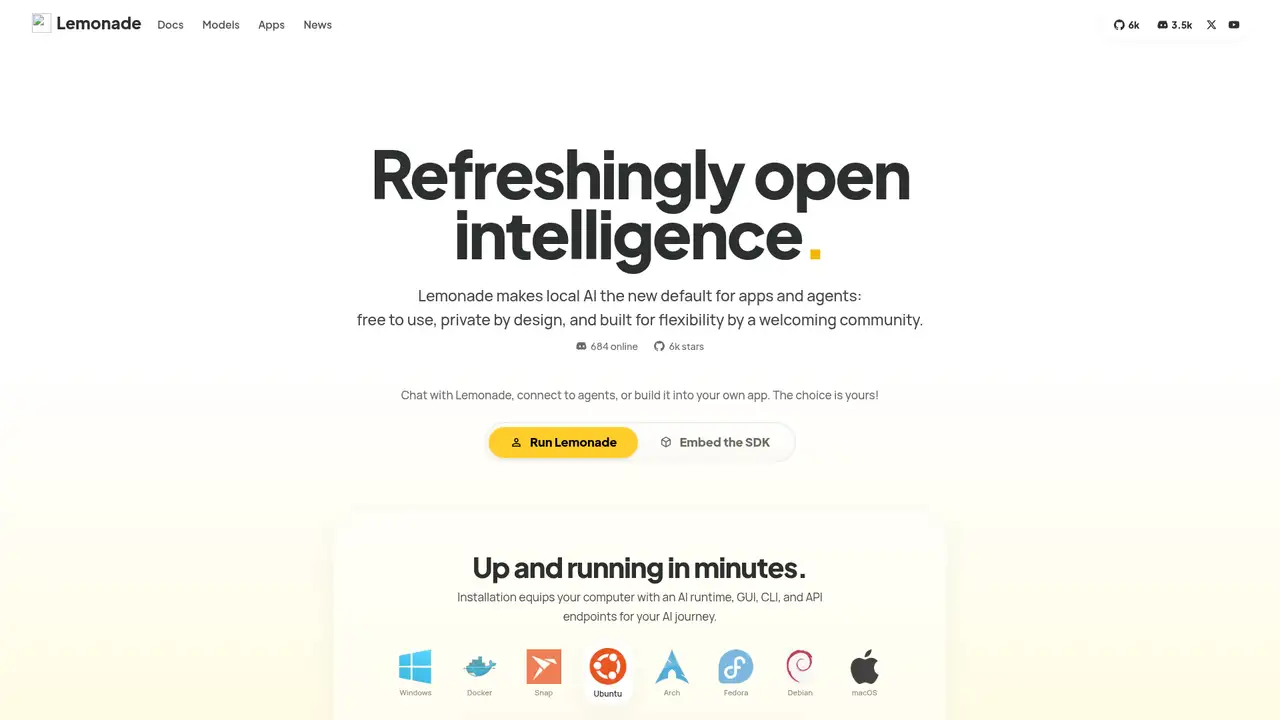
Lemonade is an open-source local AI server developed by the lemonade-sdk community, with optimization work from AMD engineers. The GitHub repository was created in 2025, while AMD described the project in February 2026 as a community effort for local AI development. It provides a common interface for running language, image, speech, and audio models on a user’s computer rather than through a required hosted service. The project’s stated scale includes 5,989 GitHub stars, 539 forks, and 606 open issues in the repository snapshot, indicating an active public project without implying commercial adoption. Its Apache 2.0 license permits use and modification of the server code, although models and bundled components can carry separate terms. The available documentation and releases show ongoing development across desktop, server, and embeddable forms.
Lemonade combines model management with controls that matter when an application shares limited local resources. The Model Manager can browse, install, organize, and switch models, while model options can be saved or reset without loading the model. Through the API, a client can register a local model definition, inspect available repositories, select a GGUF variant, monitor download jobs, and check for updates. It can load a model before a request arrives, unload it afterward to release memory, and query health, device information, system usage, and request statistics. Applications can also create aliases, allowing code to use a stable name while the underlying model changes. The desktop interface provides chat plus image, speech, embeddings, and reranking workflows for testing configurations before integration.
Lemonade’s architecture separates the server interface from interchangeable inference engines, allowing applications to use one API while hardware-specific backends handle execution. The documented engines include llama.cpp, whisper.cpp, Stable Diffusion CPP, Kokoro, FastFlowLM, Ryzen AI, and ONNX Runtime, covering text, speech, audio, and image workloads. Backend selection therefore affects supported devices, model formats, and configuration rather than changing the client contract. The API exposes loading and unloading, model installation, system information, host statistics, and request statistics, giving applications control over memory and runtime state. Release 2026.43.3 added live request and token-rate fields to `/v1/stats`, Windows AMD GPU utilization and VRAM reporting, and multi-reference image editing. Its breaking telemetry change requires dashboards to interpret primary-GPU totals consistently on multi-GPU systems.
Lemonade’s free software does not eliminate deployment costs. Users supply compatible hardware, with memory determining which downloaded models can be loaded, and storage needs rising with each model; the getting-started material lists roughly 4 to 30 GB of free disk space depending on selection. Driver and runtime installation can also be part of setup, particularly for AMD GPU and NPU paths. The server repository is Apache License 2.0, but that permission applies to Lemonade code, not automatically to model files, backend packages, or third-party components. Model sources such as Hugging Face and ModelScope retain their own terms, and some backends may require separate installation. Embeddable binaries support bundling the runtime, but an application still carries distribution, hardware, model storage, and compliance responsibilities.
Lemonade’s main limitation is operational choice: model formats, backends, drivers, memory, and separate model licenses all affect what can run, so installation is less predictable than a single-purpose client. Its local design also leaves users responsible for hardware, storage, downloads, and maintenance rather than offering hosted scaling. Ollama is a more focused alternative for text models and API-based local workflows, while LM Studio emphasizes a desktop model manager and interactive use. Foundry Local is narrower, centering on Microsoft’s curated runtime approach rather than Lemonade’s collection of engines and modalities. Lemonade’s extra speech, image, and backend options therefore matter most when an application needs them, but they also create more configuration decisions. Pick Lemonade if you need an open local server, multimodal endpoints, and AMD accelerator integration, and can manage the underlying machine.
Who is Lemonade best for?
- Developers needing an OpenAI-compatible workstation server.
- AMD Ryzen AI and Radeon owners seeking local acceleration.
- Private chat, coding, speech, and image workflows.
- Teams embedding local inference in desktop applications.
Lemonade Pricing (2026)
Pricing model: Free. All prices in USD.
| Plan | Price | What you get |
|---|---|---|
| Lemonade Server | Free | No subscription or usage allowance. Inference is limited by hardware, storage, model licenses, and supported backends. |
| Embeddable Lemonade | Free | Portable runtime under the project license; redistribution must satisfy included component and model licenses. |
Pros and Cons
Pros
- The server is free and Apache 2.0 licensed.
- OpenAI-compatible clients can use localhost.
- It supports text, speech, image, and NPU workloads.
- AMD backends expose Ryzen AI and Radeon acceleration.
Cons
- Performance varies with hardware and drivers.
- Model terms remain separate from the server license.
- Backend choice adds setup and maintenance decisions.
Who should look elsewhere?
- Teams needing hosted autoscaling and managed GPUs.
- Users without enough RAM, VRAM, storage, or drivers.
- Projects requiring identical behavior across machines.
Technical Details
Frequently Asked Questions
How much does Lemonade cost?
Lemonade Server, its desktop application, and Embeddable Lemonade are available at $0. The project publishes no subscription or per-token charge. You provide the computer, memory, storage, drivers, and model downloads. Models and dependencies can carry separate license terms, and suitable hardware may be necessary for particular backends.
Does Lemonade have a free plan?
Yes. Lemonade's software is free, with no published usage allowance because inference runs on the user's machine. The free software does not remove practical requirements for RAM, disk space, compatible drivers, or model downloads. Users can also register cloud providers for experimental hybrid offload, but those providers may charge separately.
How does Lemonade compare with Ollama?
Both provide local model serving and developer API access. Ollama is a strong fit for a compact, text-first command-line workflow. Lemonade adds a desktop model manager, multimodal interfaces, model lifecycle endpoints, AMD GPU and NPU paths, and an embeddable binary. Choose Lemonade when those hardware or modality options outweigh Ollama's simpler setup.
Does Lemonade train on user prompts or send them to the cloud?
Local inference runs through the Lemonade service on the user's computer. Model searches and downloads can contact Hugging Face or ModelScope when requested, and cloud providers can be configured separately for experimental offload. Lemonade's documentation also exposes an offline mode for registry operations, helping prevent those network requests when enabled.
Can businesses use Lemonade commercially?
The repository identifies Lemonade as Apache License 2.0 software, which permits commercial use when its license, copyright, and notice requirements are followed. That permission applies to project code and does not automatically cover downloaded models, backend components, or registry content. Businesses should review those separate terms before redistribution or product deployment.
Best Lemonade Alternatives in 2026
These tools do the same job as Lemonade, with different pricing, limits and trade-offs.
Run open models locally or call larger ones through Ollama Cloud
A desktop and server toolkit for local and open models
Private AI chat and local inference for your desktop

Portable C and C++ inference for quantized language models

Microsoft's embedded runtime for offline AI on Windows, macOS, and Linux