
Krea Review, Pricing & Alternatives (2026)
A visual AI workspace for real-time image and video iteration
Last updated: October 22, 2026
What is Krea?
Krea is a browser-based visual AI workspace for designers, artists, marketers, and developers. It combines image, video, 3D, editing, upscaling, LoRA training, workflows, and a developer API. The free plan costs $0 and includes 100 units per day; paid access starts at $9 monthly or $5.25 per month billed annually.
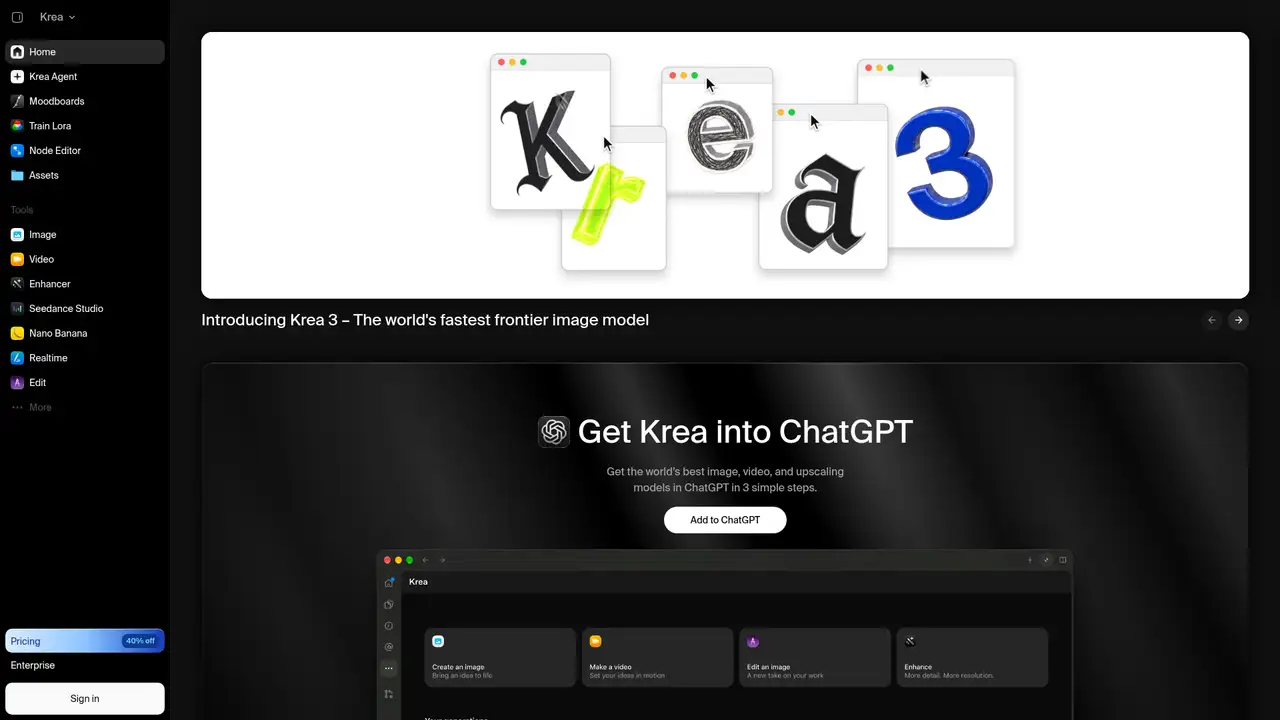
Krea is a San Francisco company founded by Victor Perez and Diego Rodriguez. The company reported more than 20 million users, 20 times revenue growth over 14 months, and $83 million raised by April 2025. TechCrunch reported a $500 million post-money valuation. Krea describes itself as a creative AI platform rather than a single image generator, combining hosted models with its own research and interface. The product targets designers, artists, marketers, and other visual creators. TechCrunch identified users at Perplexity, Loop Earplugs, Pixar, LEGO, and Samsung. Krea’s public product also includes developer access, but its consumer application remains the center of the offering. This positioning reduces the need to track separate creative tools, while preserving access to different model families through one workspace for visual work.
Krea’s typical workflow starts with a prompt, sketch, reference image, or moodboard. Realtime generates images as users type or draw, while Edit supports changes to existing images. Users can move stills into video generation, upscale results, train LoRAs, and connect operations in Krea Nodes. App Builder turns Node workflows into reusable applications. Krea Agent accepts a brief and can plan, generate, and iterate across models. The pricing page lists image, video, 3D, lipsync, enhancement, moodboard, and workflow tools. Basic limits some video models, while Pro and higher plans include all video models. API users call individual hosted endpoints rather than supplying external models to Krea. The workflow favors rapid experimentation, but broader capability also creates more choices to manage.
Krea combines proprietary models with hosted partner models. Its July 2025 FLUX.1 Krea [dev] release was a guidance-distilled checkpoint compatible with FLUX.1-dev, developed with Black Forest Labs and released with open weights. In October 2025, Krea released Realtime 14B, a 14-billion-parameter autoregressive video model distilled from Wan 2.1 14B using Self-Forcing. Krea reports 11 frames per second with four inference steps on one NVIDIA B200 GPU and first-frame latency as low as one second. The current application also promotes Krea 3 for image generation and editing, alongside Krea 2 API models and partner endpoints. This combination lets users move between research, hosted access, and practical interface features without maintaining model infrastructure themselves.
Pricing separates consumer subscriptions from API billing. Free costs $0 and provides 100 units per day, all image and video models, real-time models, limited 50-image LoRA training, basic 2K upscaling, Nodes, App Builder, and commercial use. Basic costs $9 monthly or $5.25 per month billed annually on the displayed pricing page, with 5,000 monthly units and selected video models. Pro costs $35 monthly or $21 annually, with 20,000 units and all video models. Max costs $105 monthly or $63 annually, with 40,000 units and 2,000-image LoRA training. Business costs $200 monthly or $160 annually, with 50 seats and custom terms. API charges separately per generation, including $0.015, $0.03, and $0.06 for Krea 2 image tiers. This structure supports different workloads, but requires checking plan, billing period, and endpoint before estimating cost.
Krea’s breadth is useful for creators who want one interface for realtime generation, editing, video, enhancement, training, and workflows. The tradeoff is accounting complexity: subscription units, API balance, model-specific prices, partner terms, and annual billing are separate. Midjourney is more focused on image creation, Runway emphasizes video, and Leonardo AI centers on image generation and personalization. Krea is hosted, so its application is not self-hosted, although FLUX.1 Krea [dev] can be run locally under its release terms. Pick Krea if rapid visual iteration across several media matters more than a single specialized model or a local deployment. The unified interface can reduce tool switching, while the wider feature set may be unnecessary for narrowly defined image-only work.
Who is Krea best for?
- Creators who iterate with prompts, sketches, and realtime previews.
- Teams combining image, video, workflows, and model access.
- Artists training LoRAs without managing model infrastructure.
- Developers calling several hosted visual models from one API.
Krea Pricing (2026)
Pricing model: Freemium. All prices in USD.
| Plan | Price | What you get |
|---|---|---|
| Free | $0/month | 100 units per day. Includes all image and video models, realtime models, Nodes, App Builder, limited 50-image LoRA training, basic 2K upscaling, and commercial use. |
| Basic | $9/month, or $5.25/month billed annually | 5,000 compute units per month. Includes selected video models, 50-image LoRA training, and upscaling up to 22K. |
| Pro | $35/month, or $21/month billed annually | 20,000 compute units per month. Includes all video models, 50-image LoRA training, and upscaling up to 22K. |
| Max | $105/month, or $63/month billed annually | 40,000 compute units per month. Includes all video models and LoRA training with up to 2,000 images. |
| Business | $200/month, or $160/month billed annually | Includes up to 50 seats, 2,000-image LoRA training, team controls, custom terms, and no-training commitments for Business content. |
| Enterprise | Custom | Custom seat counts, usage limits, terms, and enterprise controls. |
| API | From $0.015/image | Separate pay-as-you-go balance with no monthly minimum or seat fees. Video, image, and other model prices vary by endpoint and request parameters. |
Pros and Cons
Pros
- Realtime generation supports rapid prompt and sketch iteration.
- One workspace covers image, video, 3D, editing, and workflows.
- Free and paid plans include commercial-use language.
- The API exposes multiple hosted image and video models.
Cons
- Subscription units and API balances are billed separately.
- Partner endpoints can carry different terms and prices.
- The broad interface may be excessive for image-only work.
Who should look elsewhere?
- Buyers who want one fixed price per model.
- Organizations requiring the complete application on local hardware.
- Image-only users who do not need Krea’s wider toolset.
Technical Details
Frequently Asked Questions
How much does Krea cost?
Krea’s Free plan costs $0 and includes 100 units per day. Basic costs $9 monthly or $5.25 per month billed annually, Pro costs $35 or $21 annually, and Max costs $105 or $63 annually. Business costs $200 monthly or $160 annually. Enterprise pricing is custom. API billing is separate, with Krea 2 image prices starting at $0.015 per image.
Does Krea have a free plan?
Yes. Krea Free costs $0 and requires no credit card according to the pricing page. It provides 100 units per day, realtime generation, image and video models, Nodes, App Builder, limited 50-image LoRA training, basic 2K upscaling, and commercial use. Higher plans add monthly units, broader video access, concurrency, and training capacity.
Is Krea better than Midjourney?
Krea is the better fit for realtime sketching, image editing, video generation, upscaling, LoRA training, workflow graphs, and access to multiple model families. Midjourney is more focused on image generation. Krea’s wider scope can replace several tools, while its compute-unit system and separate API billing require closer cost tracking.
Does Krea train on user data?
Krea’s Business terms state that it will not use Business subscription inputs or outputs to train its AI models or algorithms. The terms allow limited service-related uses, including providing the service and enforcing security. The public Business terms provide the clearest no-training commitment, so organizations should review plan-specific terms before uploading sensitive material.
Can Krea outputs be used commercially?
Krea’s pricing page lists commercial use for Free, Basic, Pro, Max, and Business plans. Business terms grant unrestricted commercial rights to Business outputs, subject to lawful use and the terms. Krea also says partner-hosted models may have their own conditions. Users remain responsible for input rights, copyright, privacy, and other applicable restrictions.
Best Krea Alternatives in 2026
These tools do the same job as Krea, with different pricing, limits and trade-offs.
High-control image generation for visual development and concept work
Generative media tools for video, images, audio, and production workflows

Create images, video, and design assets with hosted generative models
A multi-model studio for generating and editing creative assets

One workspace for multiple visual models, stock assets, and AI editing