
Freepik AI Suite Review, Pricing & Alternatives (2026)
One workspace for multiple visual models, stock assets, and AI editing
Last updated: October 22, 2026
What is Freepik AI Suite?
Freepik AI Suite is Freepik’s browser-based service for generating and editing images, video, audio, and voice content, with stock assets alongside the AI tools. It targets freelancers, marketers, designers, and teams that need several visual workflows in one account. A free plan is available, while Essential starts at $10/month or $7.50/month billed annually.
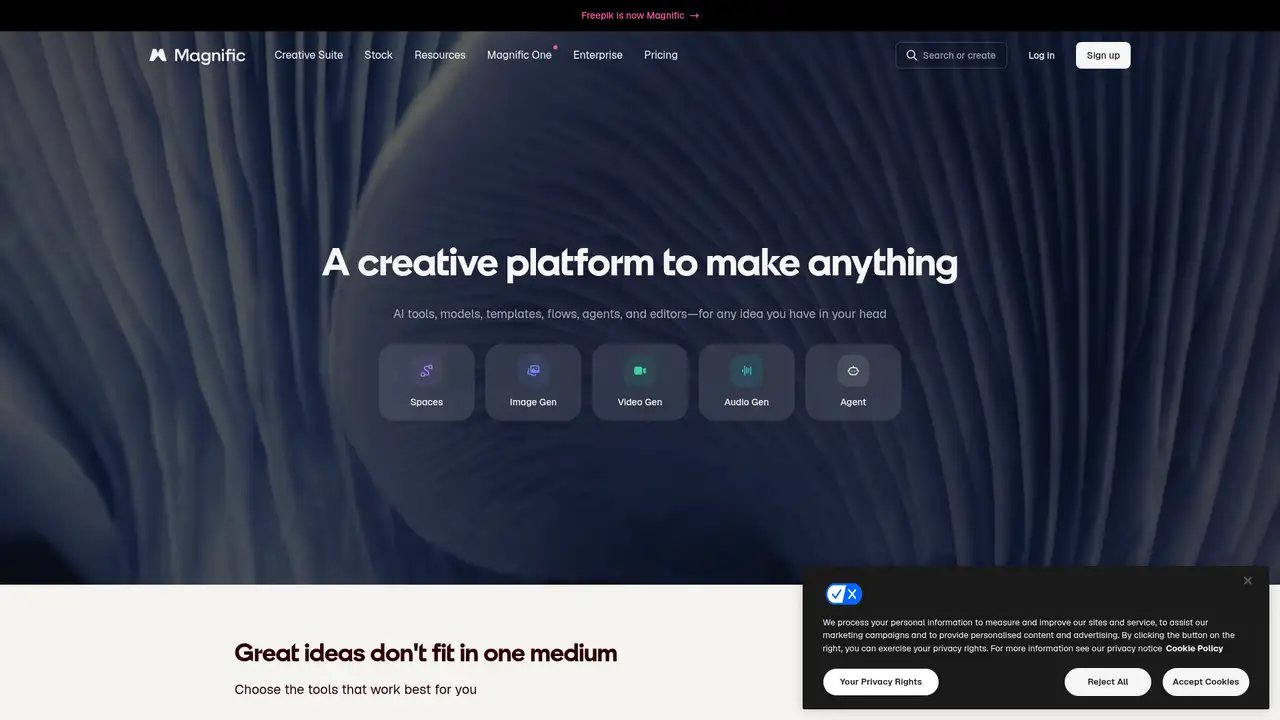
Freepik AI Suite is Freepik’s hosted creative service, formerly called Pikaso. It combines AI image, video, voice, audio, editing, upscaling, background removal, and stock-content tools in a browser workspace. Freepik says its image directory includes more than 30 models, while its API documentation describes a stock library exceeding 200 million assets. The company does not publish a single AI Suite launch year in the cited product documentation. Freepik does publish a reported customer figure of more than 700,000 creative teams, marketers, and designers. The product is active, web-first, and not self-hostable. Its API provides developer access to Freepik’s own stock and AI services, rather than access to external models. This makes the suite a consolidated service rather than a single model product for users comparing workflows, assets, and generation options.
A typical image workflow starts with a prompt, optional reference images, an aspect ratio, and a model selection. Users can choose Auto or search the model directory by provider and name, then generate, edit, upscale, animate, or place the result in a wider project. The suite also includes video generation from text or images, voice generation, background removal, retouching, expansion, and stock search. Credit consumption depends on the selected tool, model, resolution, and generation mode. Premium+ and higher plans offer unlimited generation on many image models, but unlimited mode can run at variable speed. Freepik says model availability and credit treatment may change. The tradeoff is breadth: users gain many routes through one interface, while predicting the cost of each finished asset requires checking the selected workflow and settings.
Freepik does not expose one underlying model architecture. It routes requests among hosted models including Mystic, Google Nano Banana and Imagen, Flux, GPT Image, Seedream, Ideogram, Recraft, Runway, Grok, Qwen, and Z-Image. Its current model documentation lists Nano Banana 2, Nano Banana Pro, Flux.2 variants, Seedream 5.0 Lite, Recraft V4, and other recent releases. Freepik’s Unlimited notice says Premium+ and Business subscribers will see several high-demand models move from unlimited generation to credit-based priority generation at renewal, including Nano Banana Pro, Nano Banana 2 at 2K, Flux.2 Flex, Flux.2 Max, GPT Image 1.0, and GPT Image 1.5. Pro remains exempt from that change. Therefore, model choice and plan selection are linked decisions, especially for production work where speed and predictable access matter.
Freepik’s free plan includes limited daily AI access, up to 20 in-house image generations per day, 10 stock downloads per day, personal use, and attribution. Essential costs $10/month on monthly billing or $7.50/month billed annually, with 8,000 monthly credits or 96,000 annual credits. Premium costs $20 monthly or $14.50 annually, with 20,000 monthly or 240,000 annual credits. Premium+ costs $45 monthly or $33.75 annually, with 45,000 monthly or 600,000 annual credits. Pro costs $280 monthly or $210 annually, with 300,000 monthly or 3.6 million annual credits. Business is $55/user/month billed annually in the comparison, while Enterprise is custom. Monthly credits expire each cycle. Annual plans deliver the yearly allocation upfront, so billing period affects both price and access to credits.
The main limitation is cost predictability: image, video, audio, editing, model, and resolution choices consume credits differently. Freepik is also a hosted service, so it does not offer open model weights or self-hosted deployment. Adobe Firefly is a closer choice for teams centered on Adobe applications and Adobe’s own generation tools. Leonardo AI offers a narrower product focused on image generation, with published individual plans from $12/month. Recraft targets design and typography workflows and publishes credit-based plans from $12/month. Pick Freepik if access to many hosted models, stock assets, and mixed-media tools matters more than a single fixed model or uniform per-image price. Its API extends the same approach into applications, with usage-based billing, budgets, rate limits, and programmatic access to stock and AI services.
Who is Freepik AI Suite best for?
- Freelancers needing commercial AI visuals and stock assets.
- Marketers comparing multiple hosted image models in one workspace.
- Teams sharing credits and managing creative production.
- Creators producing images, video, audio, and voice content.
Freepik AI Suite Pricing (2026)
Pricing model: Freemium. All prices in USD.
| Plan | Price | What you get |
|---|---|---|
| Free | $0/month | Limited daily AI access, up to 20 in-house image generations daily, and 10 stock downloads daily. Personal use and attribution are required; commercial use is excluded. |
| Essential | $10/month, or $7.50/month billed annually | 8,000 AI credits monthly, or 96,000 annually. Includes commercial use with attribution, premium templates, and 10 stock downloads daily. |
| Premium | $20/month, or $14.50/month billed annually | 20,000 AI credits monthly, or 240,000 annually. Includes premium stock, unlimited stock downloads, commercial use, and no attribution. |
| Premium+ | $45/month, or $33.75/month billed annually | 45,000 AI credits monthly, or 600,000 annually. Includes unlimited generation on most image models, extra credits, premium stock, and commercial use. |
| Pro | $280/month, or $210/month billed annually | 300,000 AI credits monthly, or 4,000,000 annually. Includes unlimited generation on most image models, extra credits, early access, and a merchandise license. |
| Business | Custom monthly, or $55/user/month billed annually | Team plan for 2 to 30 people with shared credits, team roles, centralized billing, premium content, and commercial use. |
| Enterprise | Custom | Unlimited seats, custom credit allocation, dedicated support, SSO, and negotiated licensing and security terms. |
| Freepik API | Usage-based | Developer access is billed separately per request. Budgets and rate limits are managed in the API dashboard. |
Pros and Cons
Pros
- It places more than 30 hosted image models in one interface.
- Paid plans combine AI tools with Freepik’s stock library.
- The API supports pay-per-use developer access and a free allowance.
- Pro includes a merchandise license for physical products.
Cons
- Credit costs vary by model, tool, resolution, and output type.
- Unlimited model access can change at plan renewal.
- The free plan is personal-use only and requires attribution.
Who should look elsewhere?
- Users seeking open model weights or self-hosted deployment.
- Teams requiring one fixed model and uniform per-image pricing.
- Free users needing commercial rights without attribution.
Technical Details
Frequently Asked Questions
How much does Freepik AI Suite cost?
Freepik has a $0 free plan. Essential costs $10/month, or $7.50/month billed annually. Premium costs $20 monthly, or $14.50 annually. Premium+ costs $45 monthly, or $33.75 annually. Pro costs $280 monthly, or $210 annually. Business and Enterprise pricing differs, and API usage is pay per request after the €5 free allowance.
Is Freepik AI Suite free?
Yes. The free plan offers limited daily AI access, up to 20 in-house image generations per day, and 10 stock downloads daily. It permits personal use and requires attribution. Commercial use starts with Essential. Paid plans differ in credits, stock access, attribution rules, and model availability.
How does Freepik compare with Adobe Firefly?
Freepik combines more than 30 hosted image models with stock content, video, audio, voice, editing tools, and an API. Adobe Firefly focuses on Adobe’s generative tools and integration with Creative Cloud applications. Freepik suits users comparing providers and mixing stock with generation. Firefly suits teams already working mainly in Adobe applications.
Does Freepik train on prompts or uploaded content?
Freepik’s enterprise legal documentation says it does not use customer input or output to train or fine-tune AI models. It also says generated content and uploaded input are private by default and accessible only to the organization. Those statements concern enterprise documentation, so users should review the current privacy and subscription terms before uploading confidential material.
Can I use Freepik AI output commercially?
The free plan permits personal use only and requires attribution. Essential and higher plans provide commercial use, with attribution required on Essential and removed on Premium and above. The Merchandise License is exclusive to Pro, covering physical products such as shirts, mugs, and posters. Users remain responsible for lawful prompts and third-party rights.
Best Freepik AI Suite Alternatives in 2026
These tools do the same job as Freepik AI Suite, with different pricing, limits and trade-offs.
A multi-model studio for generating and editing creative assets

Create images, video, and design assets with hosted generative models

Brand-aware raster and vector creation for professional design

A visual AI workspace for real-time image and video iteration
High-control image generation for visual development and concept work
Text-accurate image generation for creators and design teams