
JetBrains AI Review, Pricing & Alternatives (2026)
Model choice and coding agents inside professional IDEs
Last updated: October 22, 2026
What is JetBrains AI?
JetBrains AI is an in-IDE coding assistant from JetBrains, aimed at developers using IntelliJ IDEA, PyCharm, WebStorm, and related tools. It combines chat, completion, project-aware actions, Junie, local models, and supported external agents. AI Free costs $0, while individual AI Pro starts at $10 per month, with IDE licensing potentially separate.
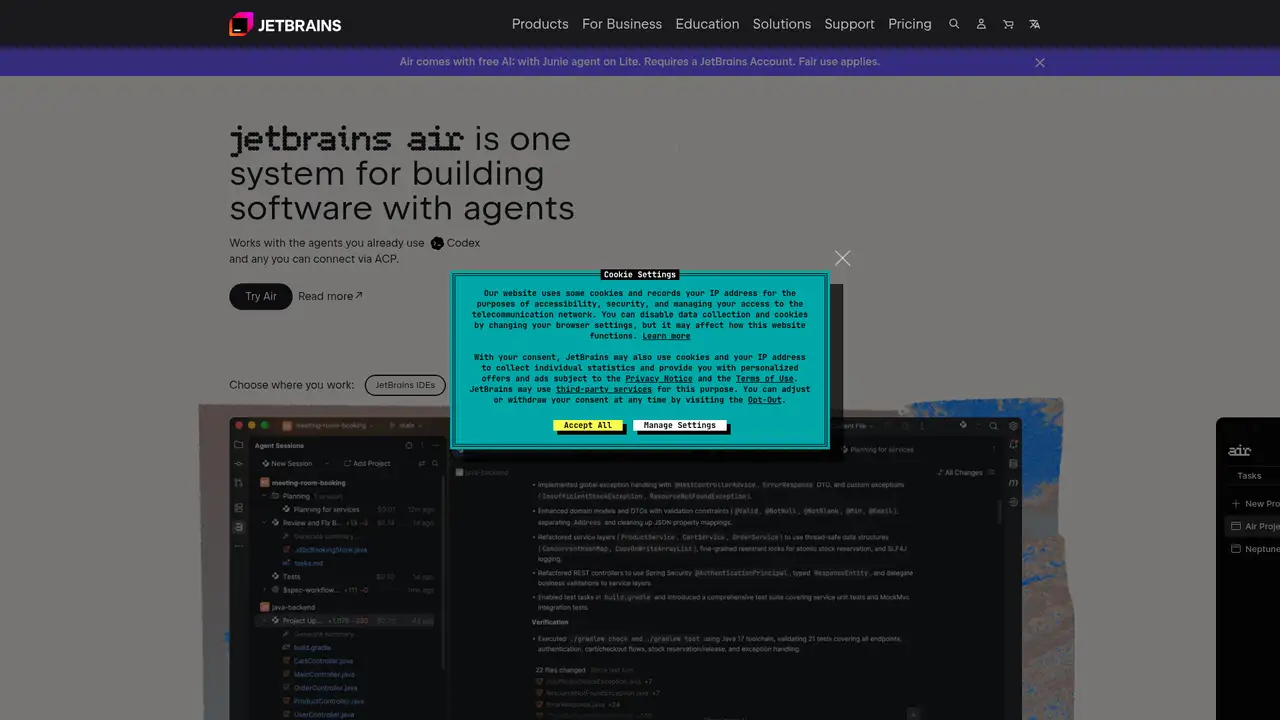
JetBrains AI is JetBrains’ in-IDE AI service, publicly launched in December 2023 with AI Assistant in the 2023.3 releases of its commercial IDEs, ReSharper, and Fleet. It now combines IDE assistance, Junie, external agents, local models, provider connections, and enterprise administration. JetBrains says its platform supports more than 25 agents through the Agent Client Protocol and can connect to OpenAI, Google, Anthropic, and xAI services. It does not publish a separate AI user count or funding figure. The product’s main advantage is context inside established IDEs, where project structure, code navigation, inspections, refactoring, tests, and version control already meet. This positioning keeps AI close to familiar developer workflows while preserving existing IDE features and review practices for changes suggested or applied by the assistant.
A typical workflow begins with inline completion or next-edit suggestions, then moves to AI Chat for explanations, generated tests, documentation, commit messages, or refactoring proposals. Junie can inspect a project, produce an execution plan, edit files, run inspections, and run tests. Users can also install supported external agents, including Claude Agent, Codex, and Gemini CLI, or connect compatible tools through ACP using those tools’ authentication. JetBrains AI therefore covers small editor suggestions and delegated repository tasks. Local models, provider API keys, and OAuth connections can reduce reliance on JetBrains-hosted inference, while JetBrains Central gives organisations shared credit pools and administrative controls. The tradeoff is that users must choose among authentication paths, providers, agents, and quotas rather than following one uniform route for every task.
JetBrains AI uses several model sources rather than one fixed model. JetBrains says Mellum supports code completion and next-edit suggestions, while cloud options include models from OpenAI, Google, Anthropic, and xAI. Junie is JetBrains’ own coding agent, and ACP supports external agents inside compatible IDE versions. Recent releases and product direction in 2025 and 2026 added broader agent interoperability, JetBrains Air, and JetBrains Central administration. Availability depends on IDE version, region, plan, and authentication method. JetBrains says customers retain ownership of code, prompts, and company data, and says shared data is used to improve its tools and train its own models, such as Mellum, rather than being shared with third parties. Connecting outside providers still requires reviewing their separate terms and handling choices.
Current individual AI plans are AI Free at $0 per month, AI Pro at $10 per month, and AI Ultimate at $30 per month. JetBrains documents 3, 10, and 35 AI credits per 30 days respectively. Annual billing is $100 per year for Pro and $300 per year for Ultimate. Credits are consumed dynamically by cloud features, with one credit corresponding to $1 of local-currency value; purchased credits last 12 months. Organisations can use AI Enterprise through IDE Services, listed at $60 per user per month in the documentation, with quota details subject to change. IDE subscriptions and external provider charges remain separate. This structure offers a free entry point and expandable usage, but budgeting depends on task volume, model selection, top-ups, and whether teams use shared organisational resources.
JetBrains AI suits teams standardised on JetBrains IDEs, but it is less suitable for users wanting a standalone editor or one predictable unlimited agent bill. GitHub Copilot covers more editors and has a separate coding-assistant workflow. Cursor is a standalone AI editor with agent features, while Claude Code focuses on terminal-based repository work. JetBrains offers stronger IDE integration and more provider choices, although separate AI credits, IDE licenses, and external accounts complicate budgeting. Pick JetBrains AI when project navigation, inspections, refactoring, local models, or existing JetBrains deployments matter more than a dedicated agent workspace. Its broad integration can reduce context switching, while its layered pricing and availability rules require teams to verify supported IDE versions, territories, providers, and data policies before standardising.
Who is JetBrains AI best for?
- JetBrains IDE users who want AI beside project navigation and refactoring.
- Developers who want hosted, local, and third-party model options.
- Teams needing centralised AI credits and administrative controls.
- Engineers using Junie for approved multi-step repository tasks.
JetBrains AI Pricing (2026)
Pricing model: Freemium. All prices in USD.
| Plan | Price | What you get |
|---|---|---|
| AI Free | $0/month | Includes unlimited local assistance and 3 cloud AI credits per 30 days. It is unavailable in some IDEs, including Android Studio and certain free Community configurations. |
| AI Pro | $10/month, $100/year | Includes 10 AI credits per 30 days for individuals. Annual billing costs $100, and additional credits can be purchased. |
| AI Ultimate | $30/month, $300/year | Includes 35 AI credits per 30 days for individuals. Annual billing costs $300, and additional credits can be purchased. |
| AI Enterprise | $60/month per user | Available to organisations through IDE Services. JetBrains says its quota is at least comparable to AI Ultimate, but does not publish a fixed credit number. |
Pros and Cons
Pros
- Project context connects to JetBrains navigation, inspections, and refactoring.
- Users can combine JetBrains models, providers, local models, and ACP agents.
- Junie supports repository plans, file edits, inspections, and tests.
- JetBrains Central supports shared credits and administrative policy.
Cons
- AI credits make monthly cloud usage difficult to predict.
- The AI subscription does not replace a paid JetBrains IDE license.
- Features and model access vary by IDE, region, version, and account.
Who should look elsewhere?
- Users seeking a standalone AI editor independent of JetBrains IDEs.
- Teams requiring one fixed unlimited price for agent work.
- Organisations unwilling to review hosted-model data terms.
Technical Details
Frequently Asked Questions
How much does JetBrains AI cost?
AI Free costs $0. AI Pro costs $10 per month or $100 per year, and AI Ultimate costs $30 per month or $300 per year. JetBrains lists AI Enterprise at $60 per user per month through IDE Services. A JetBrains IDE license and charges from connected providers can cost extra.
Is JetBrains AI free?
Yes. AI Free costs $0 and includes unlimited local assistance plus 3 cloud AI credits every 30 days. It is not available in every IDE or free edition. The free tier does not include unlimited cloud inference, and external provider accounts or local-model hardware can introduce separate costs.
JetBrains AI or GitHub Copilot?
JetBrains AI is the closer fit for developers already working in IntelliJ IDEA, PyCharm, WebStorm, or another supported JetBrains IDE. GitHub Copilot covers more editors and keeps its subscription separate from IDE licensing. Choose JetBrains for IDE context, Junie, local models, and provider choice; choose Copilot for broader editor coverage.
Does JetBrains AI train on my code?
JetBrains says customer code, prompts, and company data remain under customer control. It says data shared with JetBrains is used to improve its tools and train its own models, such as Mellum, and is not shared with third parties. Handling can differ when users connect external providers, so teams should review each provider’s terms.
Can I use JetBrains AI commercially?
Yes. JetBrains offers individual and organisational plans, and AI Enterprise is available through IDE Services. Commercial use still requires compliance with the project’s dependencies, repository policies, JetBrains terms, and any connected model provider’s terms. Teams should review generated code before shipping and define an internal policy for AI-assisted changes.
Best JetBrains AI Alternatives in 2026
These tools do the same job as JetBrains AI, with different pricing, limits and trade-offs.
AI coding assistance across editors, terminals, and GitHub
AI coding workspace with repository context and software agents
An agent-native code editor unified with Cognition's Devin platform
An agentic coding assistant for terminal, IDE, desktop, and web

AWS-integrated coding help for IDEs, terminals, and cloud operations