
SchoolAI Review, Pricing & Alternatives (2026)
Teacher-designed AI learning spaces with student insights and district controls
Last updated: October 26, 2026
What is SchoolAI?
SchoolAI is a K-12 classroom AI platform for teachers, students, schools, and districts. It combines teacher-built Spaces, student tutoring, classroom insights, standards alignment, and administrative controls. A Free Trial is available, while Pro and Scale pricing is quote-based, with no public dollar amount displayed on the pricing page.
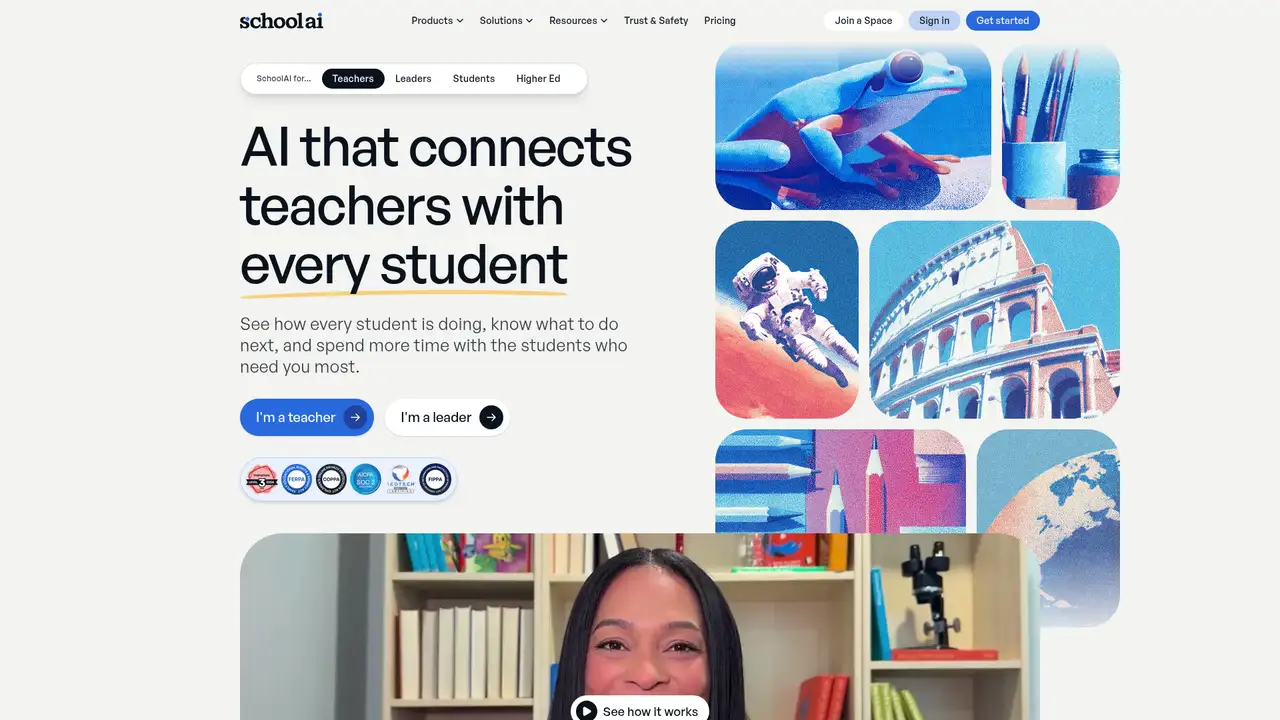
SchoolAI is a K-12 education platform centered on teacher-designed AI learning experiences called Spaces. It describes itself as a Classroom Experience Platform that connects teachers and students while showing student progress. A 2025 funding announcement identifies Caleb Hicks as founder and CEO and says the company was expanding globally after securing funding. At that time, SchoolAI reported more than 150,000 teacher-created Spaces and millions of conversations. The platform targets classroom educators, school leaders, and districts, not individual consumers seeking a general chatbot. SchoolAI says it is FERPA and COPPA compliant, SOC 2 Type 2 compliant, and 1EdTech certified. Its pricing page lists Free Trial, Pro, and Scale, with quote-based purchasing rather than published USD prices. With an index of 4, SchoolAI is best suited to schools and districts needing governed AI learning tools.
SchoolAI's central workflow starts with a teacher creating or selecting a Space, then defining the learning experience students will use. Students interact with Dot, the platform's AI tutor, while teachers review activity through Mission Control. The service supports lesson experiences, standards alignment, live translation in more than 60 languages, document references, PowerUps, Tools, and Assistants. Teachers can use PowerUps such as Video Explorer, a graphing calculator, flashcards, mind maps, and a presentation creator. Mission Control provides in-session visibility, session insights, Smart Groups, outcomes, and recommended Next Steps on eligible plans. The Browser Extension brings teacher tools into browser workflows, while Canvas integration lets users access Spaces through Canvas assignments and modules. That structure makes SchoolAI more directed than an open chat window, although the quality of each learning experience still depends on teacher setup and district configuration.
SchoolAI relies on third-party AI providers, including Anthropic, Google, and OpenAI, under what the company calls zero-data-retention agreements. SchoolAI says those providers do not retain conversations or use them to train models, while SchoolAI itself retains district-generated platform data to provide personalized learning and supports deletion on request. Its 2026 releases added or expanded Canvas LTI integration, Student Sidekick, Spaces Library, Student Uploads, Smart Groups, Session Insights, Class Mastery Score, Video Explorer, Notetaker, district guardrails, district context, and Critical Alert Routing. SchoolAI also reports ESSA Level III validated research, including a 28% rise in observed critical thinking in a two-year study involving 82 teachers and nearly 14,000 student-AI conversations. Those figures are company-reported research claims, not a guarantee for every classroom. The product's direction is clear: managed student tutoring paired with teacher and district oversight.
Pricing is difficult to evaluate from the public page because SchoolAI displays plan features without dollar amounts. The Free Trial includes five Space launches per year, limited Browser Extension access, more than 200,000 premade Spaces and resources, and access to PowerUps, Tools, and Assistants. It also includes individual Space alerts and limited document reference capacity. Pro adds unlimited launches and sessions, SIS rostering, LMS integration, browser access, standards alignment, Mission Control features, Smart Groups, usage reports, and professional development. Scale adds Student Portals, AI Sidekick, Student Uploads, Canvas-embedded Sidekick, student-level insights, custom standards mapping, district instructions, and learning frameworks. Because the public page does not publish prices, buyers must request a quote for paid plans. The five-launch ceiling makes the Free Trial suitable for evaluation, not sustained multi-class use.
SchoolAI's main limitation is its district-oriented pricing and plan structure: important functions such as unlimited sessions, rostering, LMS integration, and deeper observability sit above the Free Trial. Google Classroom, Canvas, and other workflow requirements therefore matter before adoption. Compared with Khan Academy's Khanmigo, SchoolAI emphasizes teacher-authored learning spaces and district monitoring rather than a broad tutoring assistant. Compared with MagicSchool, it puts more weight on student-facing Spaces and conversation visibility, while MagicSchool centers teacher AI tools. Compared with Quizizz, SchoolAI is less focused on quiz delivery and more focused on guided AI learning. The public documentation also does not describe an open-source edition, self-hosting option, or public developer API. SchoolAI is best suited to schools wanting managed, teacher-directed AI tutoring with district controls, while independent learners and buyers demanding transparent self-serve pricing should pick another tool.
Who is SchoolAI best for?
- K-12 teachers creating guided AI learning experiences for students.
- Districts needing rostering, alerts, usage reports, and policy controls.
- Schools using Canvas and wanting embedded access to Spaces.
- Educators who want student conversations connected to instructional insights.
SchoolAI Pricing (2026)
Pricing model: Freemium. All prices in USD.
| Plan | Price | What you get |
|---|---|---|
| Free Trial | $0 | Five Space launches per year, limited Browser Extension access, and access to more than 200,000 premade Spaces and resources. |
| Pro | Custom | Unlimited Space launches and sessions, SIS rostering, LMS integration, standards alignment, Mission Control features, Smart Groups, and professional development. |
| Scale | Custom | Everything in Pro plus Student Portals, AI Sidekick, Student Uploads, Canvas-embedded Sidekick, student insights, and district-level customization. |
Pros and Cons
Pros
- Teacher-designed Spaces keep student AI interactions tied to classroom goals.
- Mission Control connects student conversations with grouping and instructional follow-up.
- Scale adds student portals, uploads, Sidekick access, and Canvas embedding.
- SchoolAI says AI providers cannot retain or train on student conversations.
Cons
- Paid plan prices are not displayed publicly.
- The Free Trial limits users to five Space launches per year.
- Advanced district controls and student features require higher plans.
Who should look elsewhere?
- Individual learners seeking a low-cost personal chatbot.
- Schools requiring published paid-plan prices before contacting sales.
- Teams seeking documented open-source or self-hosted deployment.
Technical Details
Frequently Asked Questions
How much does SchoolAI cost?
SchoolAI does not publish dollar prices on its public pricing page. It lists Free Trial, Pro, and Scale plans, with Pro and Scale presented as quote-based options. The Free Trial includes five Space launches per year. Buyers seeking unlimited sessions, rostering, LMS integration, or district controls need to contact SchoolAI for paid-plan pricing.
Does SchoolAI have a free plan?
SchoolAI offers a Free Trial rather than a publicly priced consumer-free tier. It includes five Space launches per year, limited Browser Extension access, more than 200,000 premade Spaces and resources, and access to PowerUps, Tools, and Assistants. The launch limit means it is better for evaluation than regular use across several classes.
How does SchoolAI compare with Khanmigo?
SchoolAI focuses on teacher-created Spaces, student conversations, Mission Control, standards alignment, and district administration. Khanmigo is a broader AI tutoring and teaching assistant product from Khan Academy. Schools choosing between them should prioritize SchoolAI when teacher-authored experiences and district visibility matter most, and Khanmigo when a general tutoring assistant fits the core need.
Does SchoolAI train AI models on student data?
SchoolAI says it never trains AI models on district data and that its AI providers, including Anthropic, Google, and OpenAI, are contractually prohibited from doing so. It also says providers operate under zero-data-retention agreements. SchoolAI itself retains platform data for personalized learning and says districts can request deletion.
Can schools use SchoolAI commercially and who owns the content?
SchoolAI's public pricing and trust pages describe school and district use, Spaces, uploaded documents, and data handling, but they do not state a general commercial-use license or a detailed ownership rule for every teacher-created resource. Schools should review the applicable terms and district agreement before using SchoolAI content or uploads in a commercial setting.
Sources
Best SchoolAI Alternatives in 2026
These tools do the same job as SchoolAI, with different pricing, limits and trade-offs.

A guided AI tutor and teacher assistant built into Khan Academy

K-12 planning, assessment, differentiation, and supervised student AI tools

AI-assisted lessons, assessments, and differentiation for classroom teaching

Teacher-led interactive lessons with structured AI feedback