
Comet Review, Pricing & Alternatives (2026)
Perplexity search and an AI assistant inside a web browser
Last updated: October 26, 2026
What is Comet?
Comet is Perplexity's browser for web research and assistant-guided tasks. It combines search with page and tab context instead of requiring repeated copying into a chatbot. Browser access and Perplexity subscription entitlements are separate considerations. Free access is available, while Perplexity Pro costs $20 monthly or $200 annually and Max costs $200 monthly.
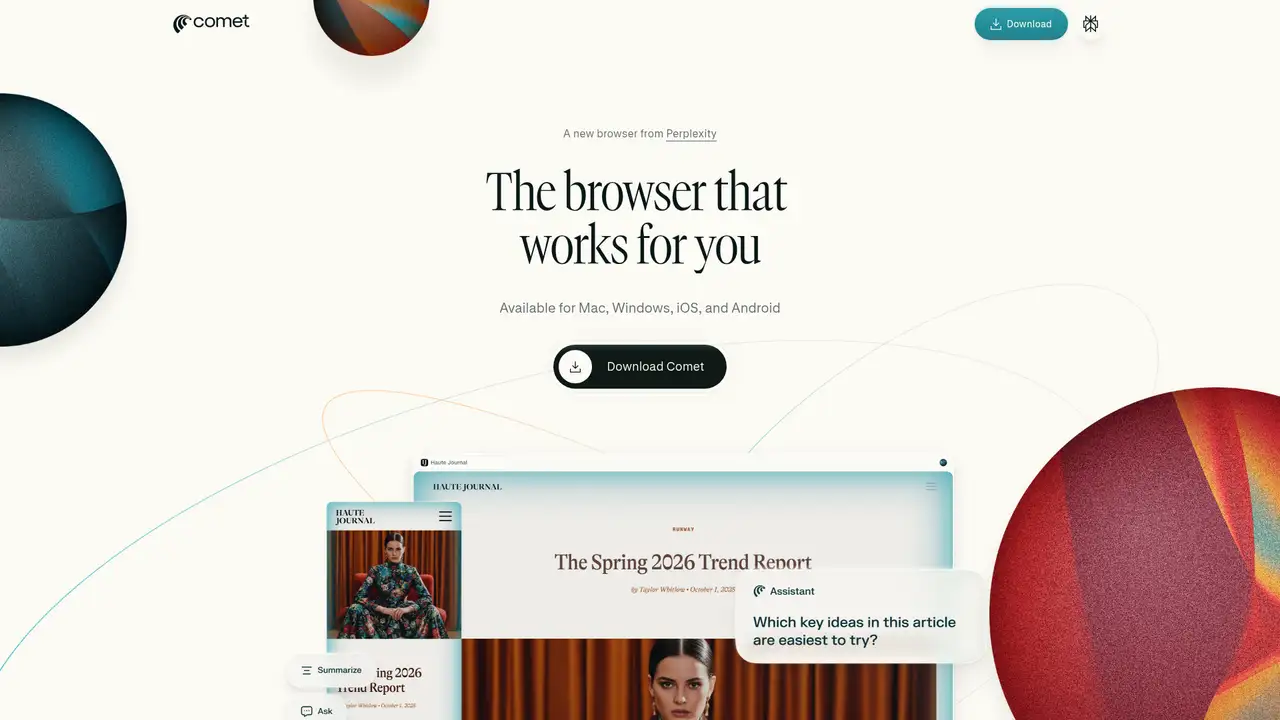
Perplexity launched Comet on July 9, 2025, initially for Max subscribers and invited users. It combines the company's search service with an AI browser assistant. The initial launch restriction should not be confused with its later access model or treated as a permanent $200 browser license.
A typical workflow moves from search results to source pages, then uses the assistant to summarize or work with the material being viewed. The assistant can use contextual information when asked to perform a task. Permissions determine where it can read pages or control browser activity.
Comet is a product layer over Perplexity's AI service, rather than a guarantee that every browser request uses one fixed model. Model access varies with the account and subscription. Enterprise controls include Browser Control, Read Only, and No Access permissions at domain level.
Free browser access should be distinguished from paid Perplexity usage entitlements. Pro costs $20 monthly or $200 annually. Max costs $200 monthly. Enterprise terms are separate. Buyers should assess model and assistant limits on their account rather than assume that installing Comet grants unlimited access to premium models.
Comet competes with Dia for AI-first browsing and with Chrome with Gemini or Edge with Copilot for assistance inside an established browser. Its task features require scrutiny of permissions and cloud context sharing. Pick Comet when Perplexity research and tab-aware assistance are central enough to justify a browser change.
Who is Comet best for?
- Perplexity users can keep research inside the browser.
- Researchers can ask about page context.
- Enterprise administrators can restrict assistant permissions by domain.
- Users can evaluate browser access before buying Pro.
Comet Pricing (2026)
Pricing model: Freemium. All prices in USD.
| Plan | Price | What you get |
|---|---|---|
| Free | $0 | Browser access with account-dependent service limits. |
| Pro | $20/month | Perplexity service subscription; $200 with annual billing. Model and assistant usage remain subject to plan limits. |
| Max | $200/month | Higher Perplexity service tier. This is not a separate browser license. |
| Enterprise | Custom | Organizational controls and contractual terms are handled separately. |
Pros and Cons
Pros
- Search and browsing share one interface.
- Assistant context reduces manual copying.
- Enterprise permissions distinguish reading from control.
- Pro has published monthly and annual prices.
Cons
- Model availability depends on account entitlements.
- Some assistant tasks send relevant context to Perplexity.
- Automation adds permission and security decisions.
Who should look elsewhere?
- A browser subscription is not a general model API.
- Sensitive workflows need a permissions review.
- Users should not assume unlimited premium model access.
Technical Details
Frequently Asked Questions
How much does Comet cost?
Distinguish browser access from a Perplexity subscription. Free access is available, while Pro costs $20 monthly or $200 annually and Max costs $200 monthly. Those subscriptions determine service entitlements rather than purchasing a separate browser license. Enterprise access and organizational controls have separate commercial terms.
Is Comet only for Max subscribers?
No. Max was the initial launch gate in July 2025, not a permanent description of all access. Comet's later access broadened. A user's subscription still matters for model and assistant entitlements, so free browser access should not be interpreted as unlimited use of every paid Perplexity feature.
How does Comet compare with Dia?
Comet centers on Perplexity search and browser assistance. Dia emphasizes contextual chat, writing, and reusable Skills. Both ask users to evaluate an AI-first browser rather than only an extension. Compare research habits, task permissions, subscription limits, and data controls before choosing which browser should hold everyday signed-in sessions.
Does Comet send my browsing data to Perplexity?
Perplexity says browsing data is stored locally by default. When a user requests a personal search or assistant task, relevant context can be sent for processing. That distinction matters: local storage by default is not a promise that every AI task runs entirely on the device.
Can a company restrict Comet Assistant?
Enterprise administrators can control assistant permissions, including domain-level Browser Control, Read Only, and No Access settings. These controls distinguish understanding a page from acting on it. Organizations should configure them around approved workflows rather than treating an employee's browser installation as permission for unrestricted automation across business systems.
Best Comet Alternatives in 2026
These tools do the same job as Comet, with different pricing, limits and trade-offs.